How Levo works
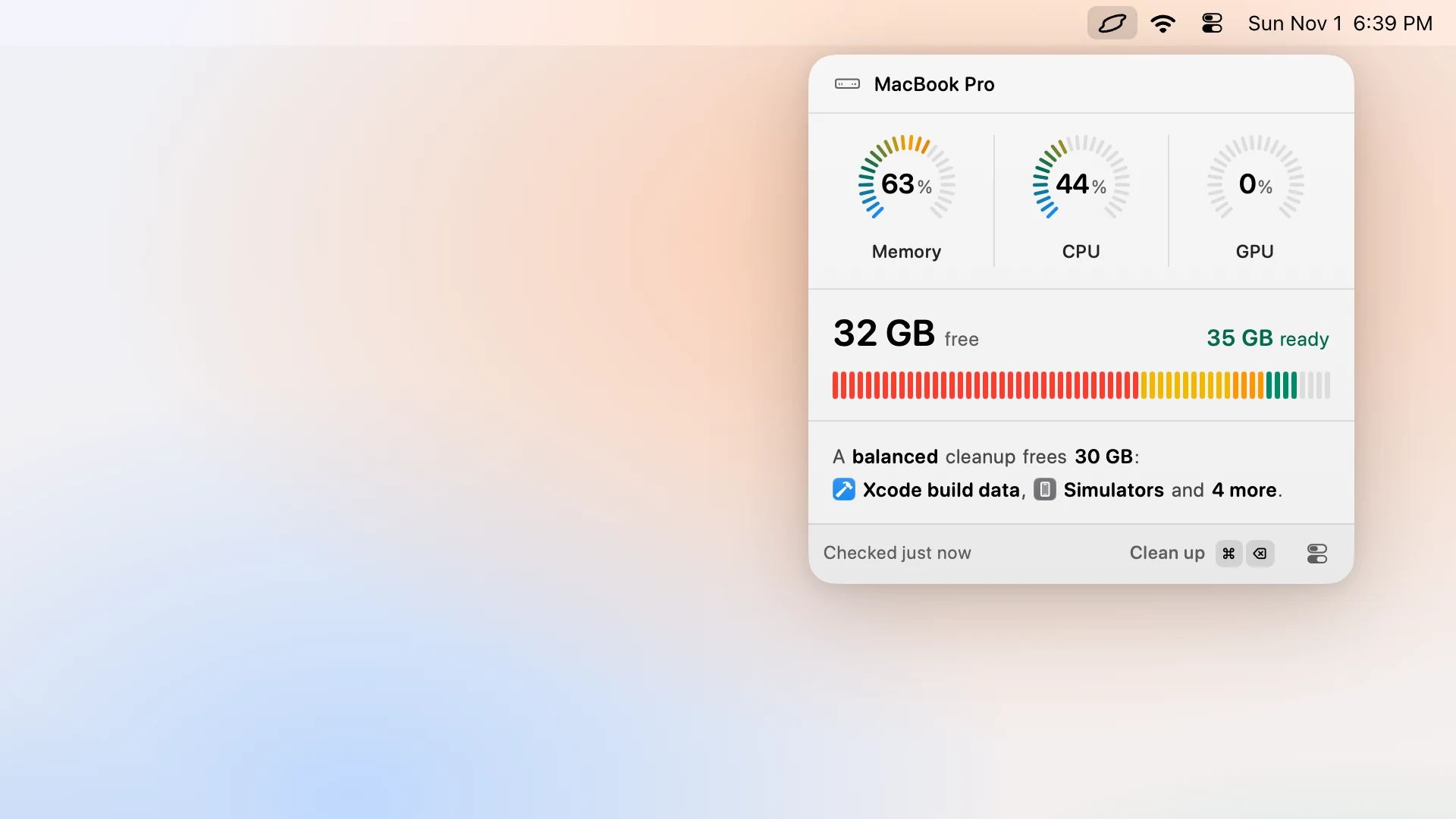
Levo is a Mac menubar app that watches your disk, memory, CPU and GPU. Your own AI agent finds what is safe to delete or quit, and Levo cleans it when you say so.
What Levo does
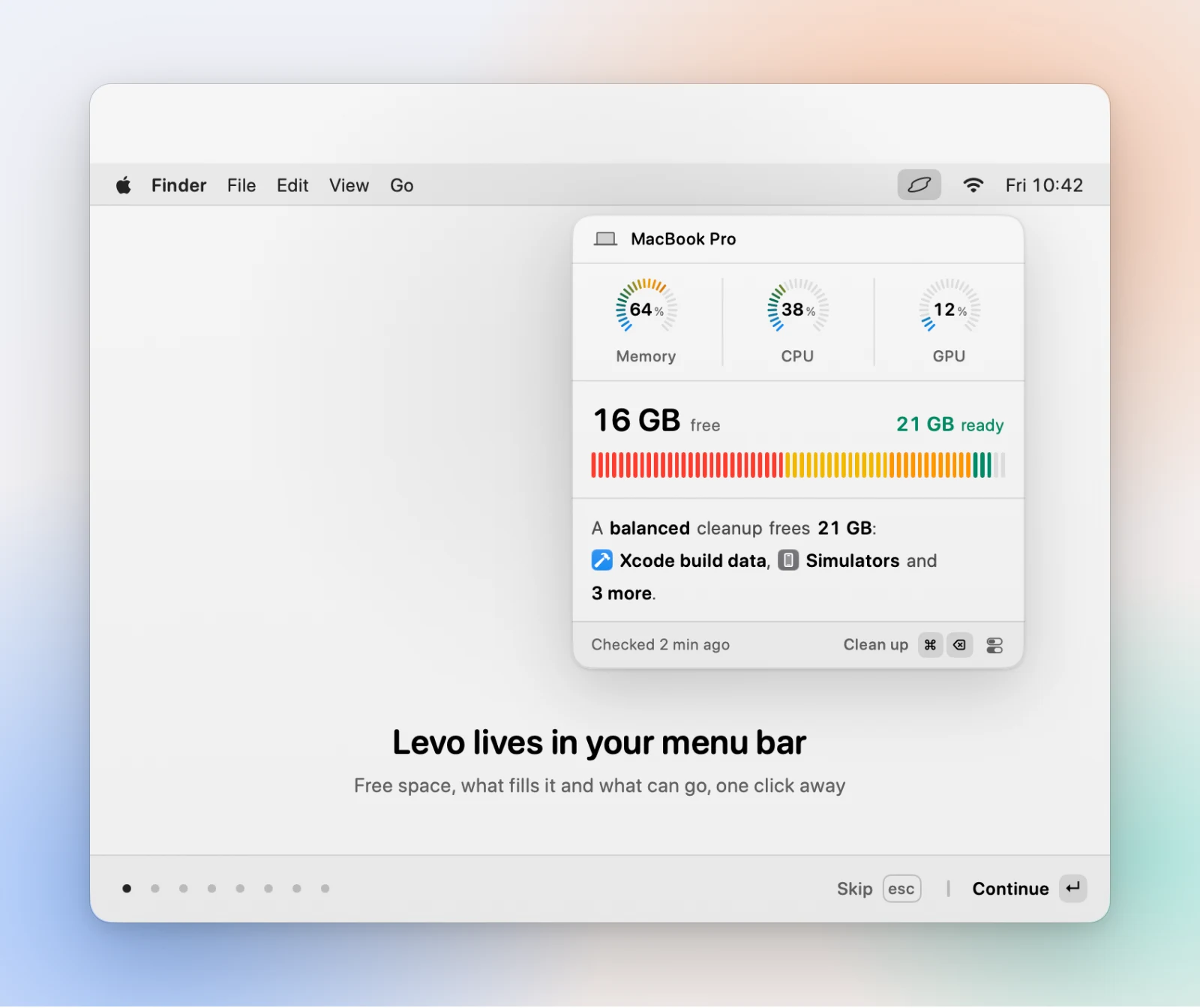
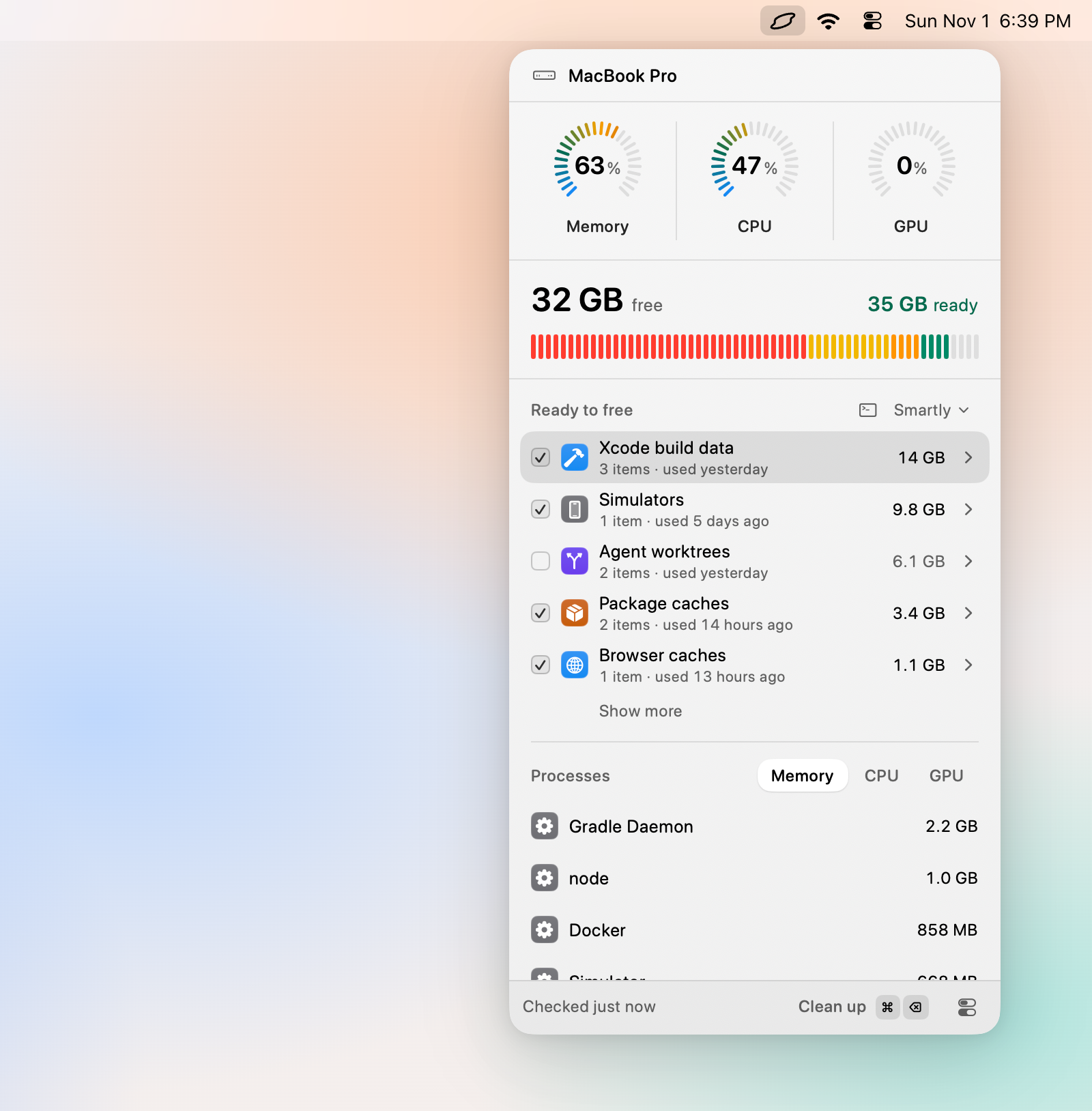
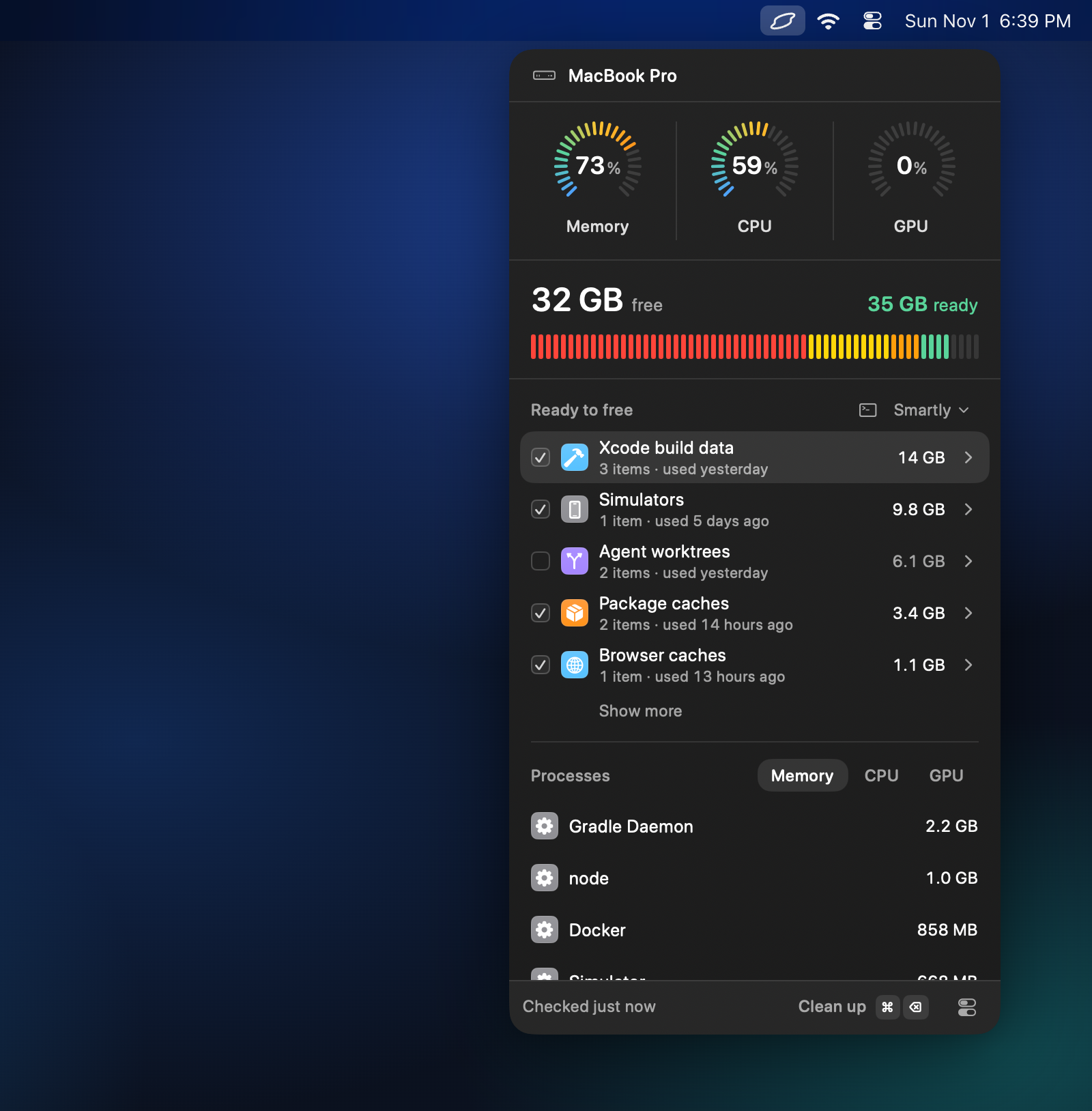
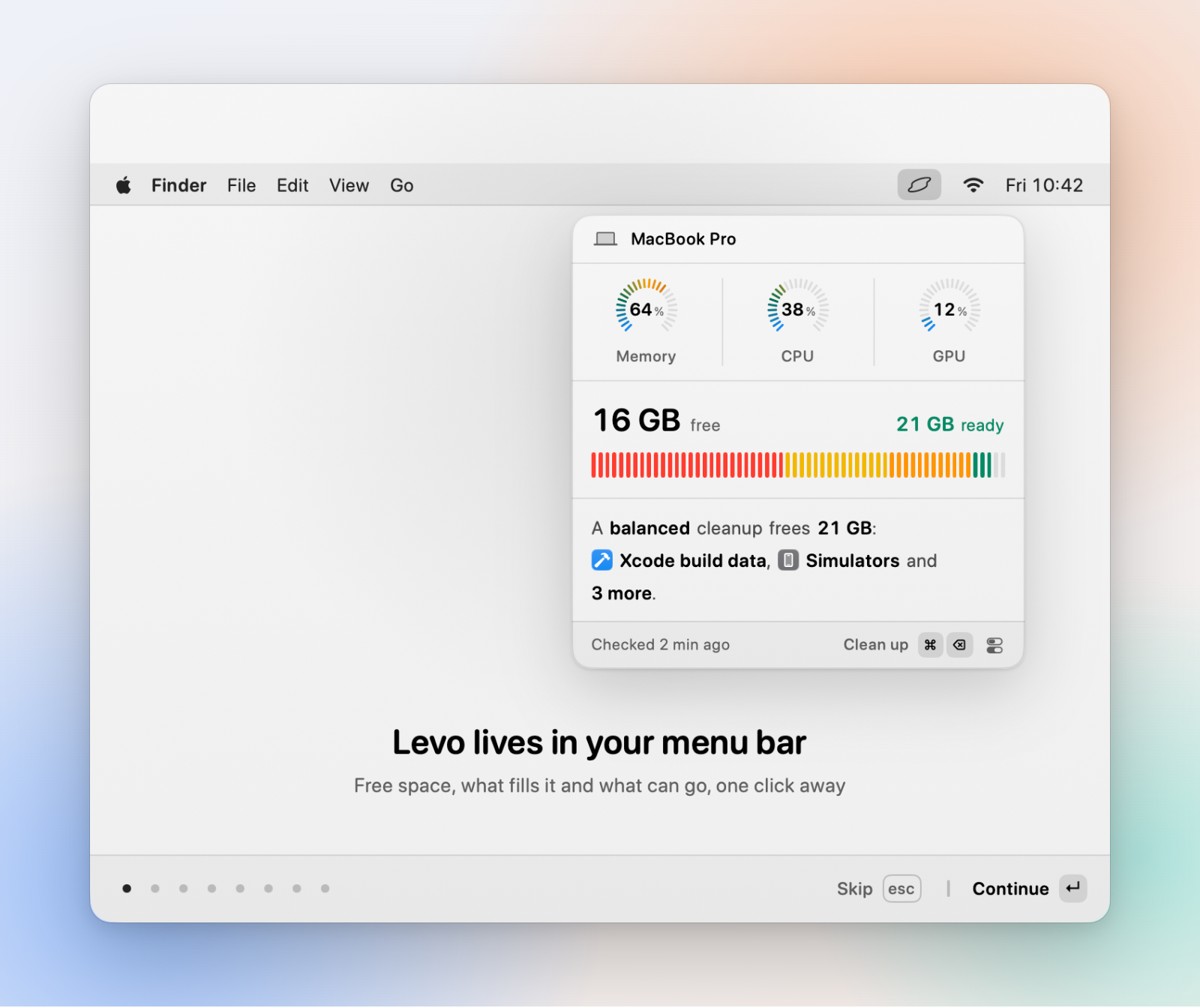
Levo sits in your menubar and keeps a live picture of what fills your disk and what keeps your Mac busy. Xcode builds, simulators, caches, old installers and leftovers pile up out of sight. Levo lists them with their sizes, grouped by what each thing is. It frees disk space, quits idle or runaway processes to free memory, CPU and GPU, uninstalls apps together with their leftovers, and runs every action from the keyboard with ⌘K.
The menubar
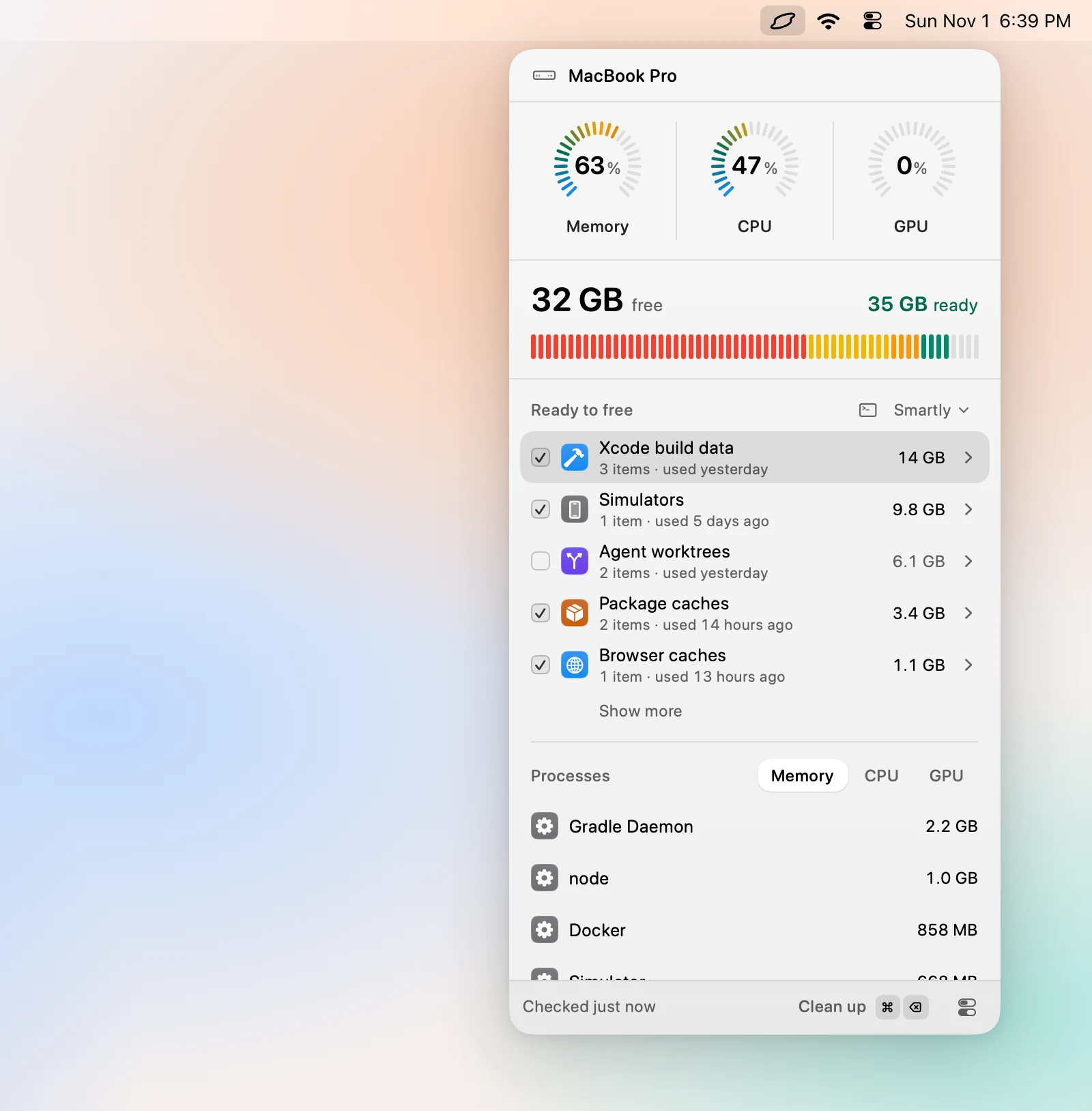
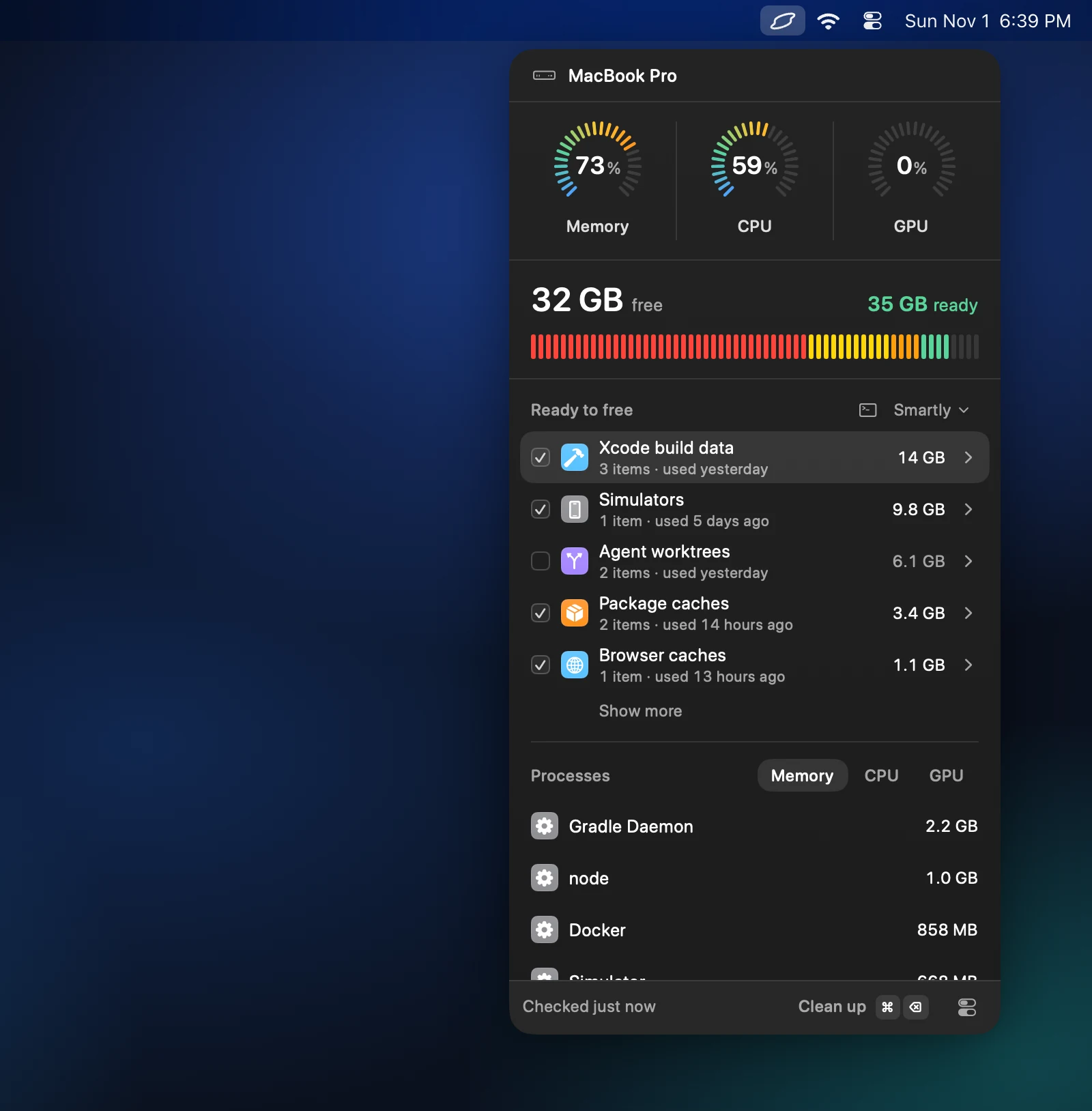
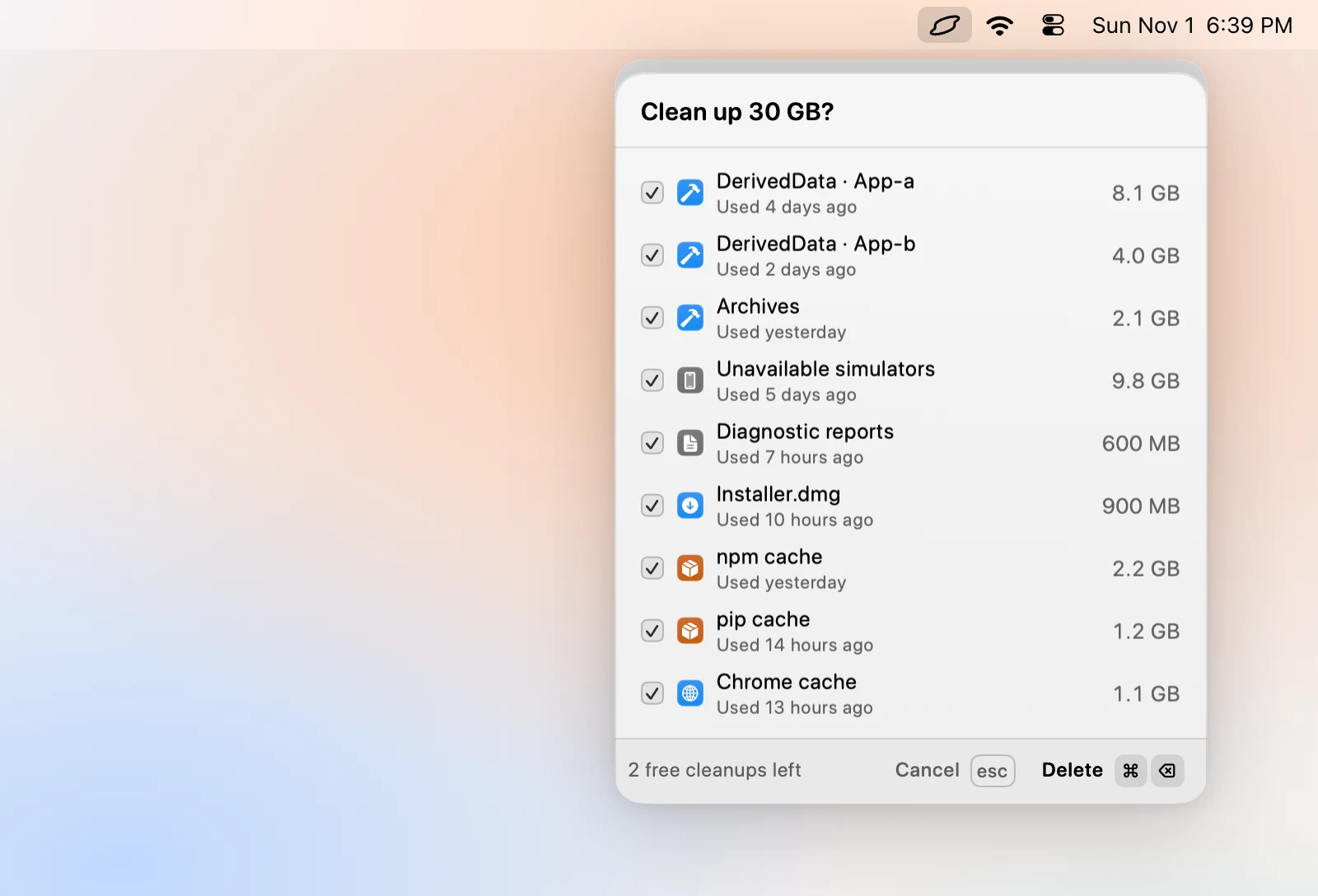
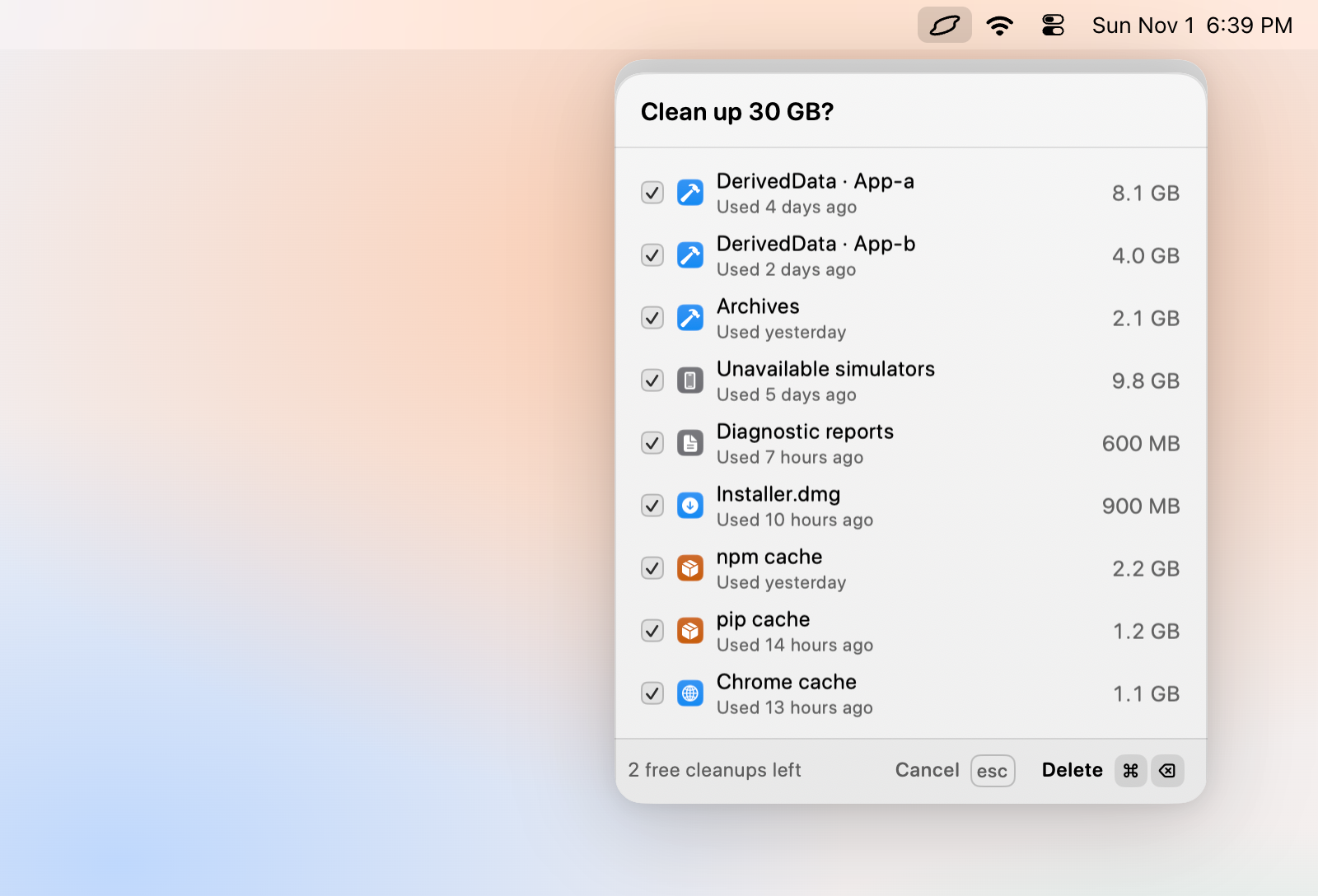
A small icon in the menubar opens the popover: disk, memory, CPU and GPU at a glance, and a list called Ready to free. When free space drops below the limit you set, a notification arrives with the answer already in it, for example "12 GB left. 34 GB safe to clean." Its Clean up button cleans what Smartly ticked.
Your agent judges, Levo deletes
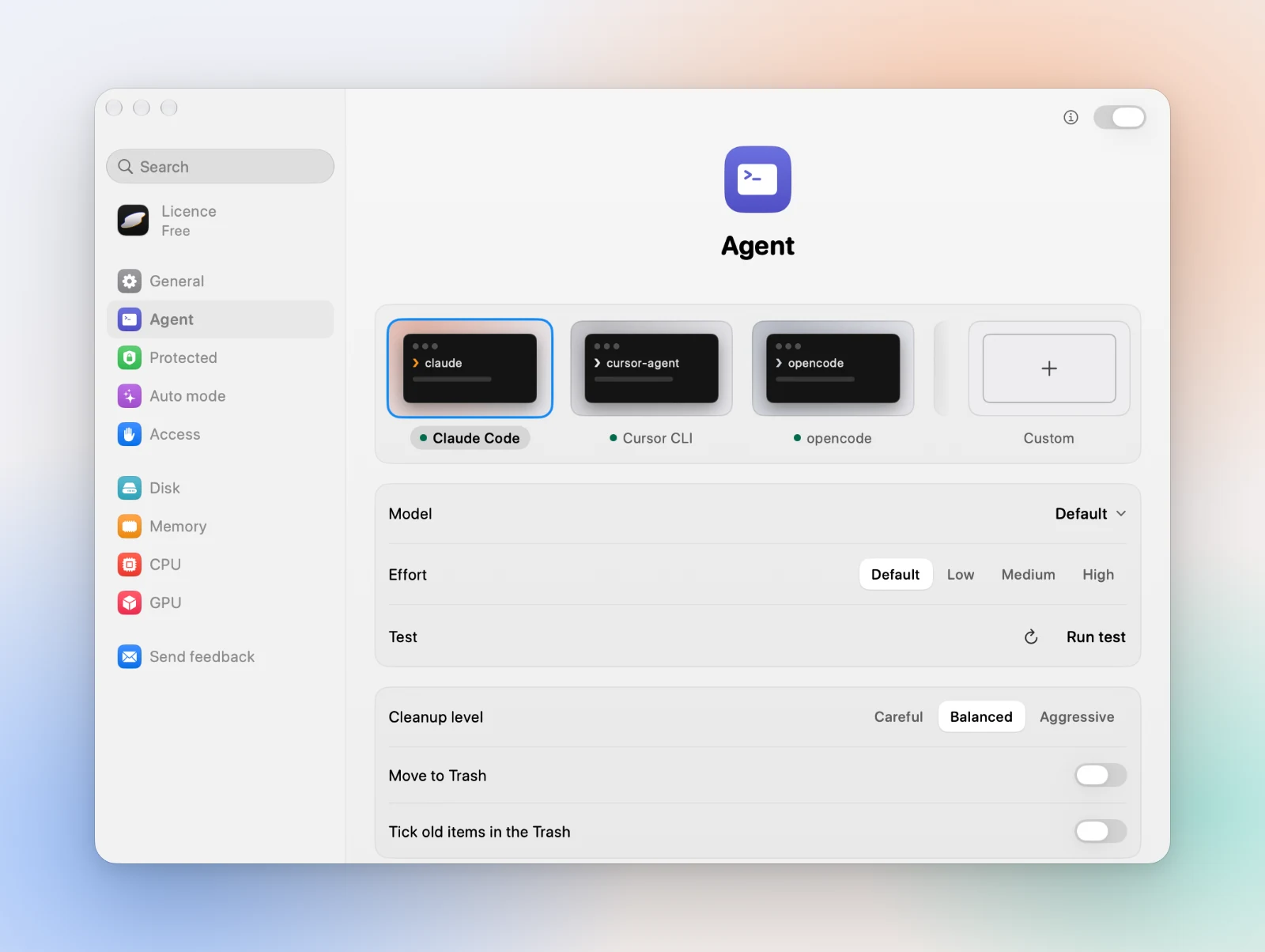
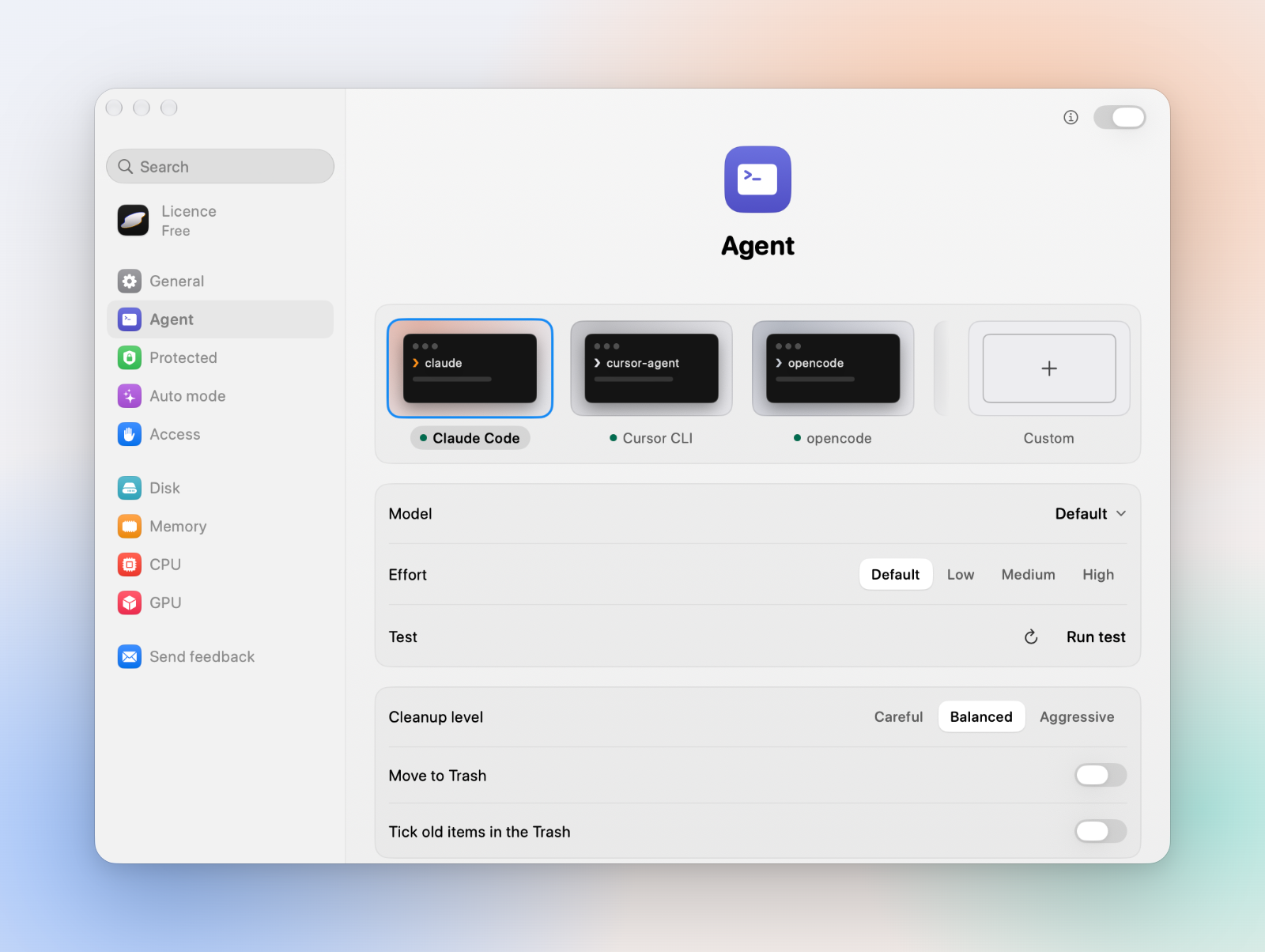
Levo has no brain of its own. It hands what it found to an AI agent you already use, such as Claude Code or Codex, running on your own plan. The agent reads folder names, sizes and similar details through read-only tools, and answers with findings: what each thing is, whether it comes back on its own, how long it has sat idle, and whether it can go.
The agent can only read. It runs inside a macOS sandbox and has no tool to delete a file, quit an app or change a setting. What it writes is treated as data, never as instructions. Levo checks every finding again, and only Levo deletes, after you confirm. Without an agent, Levo still monitors, notifies and lists what it knows from its own rules.
Levels and Smartly
Your cleanup level sets how far Levo goes. Careful takes only what comes back on its own, once it has sat for about a week. Balanced adds what is slow to get back but downloads again. Aggressive adds costly things, such as runtimes, SDKs and models, once they have sat unused for a while. Everything, in the Select menu, ticks every item the safety checks allow.
Smartly is the default way to select. It ticks only what is allowed, removable and has sat long enough for your level, so one click on Clean up does the sensible thing. You can tick or untick anything before you confirm.
The guard: a safety check before every delete
The guard is a safety check that runs when Levo analyses and again right before it acts. These are always held back:
- Never-touch locations: Photos, Mail, Messages, iCloud Drive, keychains, SSH keys, credential files, system files, app bundles and any folder you protect.
- Anything in use: an open file, a process working inside it, or the app that owns it, if it is running.
- Git repositories with uncommitted changes, unmerged commits or a lock file.
- Anything that changed in the last five minutes, or within the time window you set.
No level overrides this check. Nothing is deleted until you confirm, except in Auto mode, which you turn on yourself with its own acknowledgement. Every action goes into a journal.
Privacy
Levo runs on your Mac. There is no Levo account and no analytics, and no file or folder names go to Cntxt Labs. Only a few things leave your Mac: the licence check, the current price, the count of free cleanups (under a salted hash, never the hardware id) and the list of updates. Your agent sends what it reads to its own provider, under your account with them; if you would rather not, don't connect an agent. Protected folders are never indexed, and the agent cannot read them.
Who it's for
Anyone whose Mac fills up faster than they can see why: developers with Xcode, simulators, package caches and agent worktrees, web developers, video editors, and everyday Mac users alike. It suits people who already use a coding agent and want it to do the judging while they keep the final say. Levo needs macOS 26 or later. Your first two cleanups are free; after that, a lifetime licence for 2 Macs unlocks cleaning.
PDFEnglishEspañolDeutschItalianoFrançais