
Levo compared · Alternatives
iStat Menus alternatives: Mac menu bar monitors
iStat Menus shows nearly everything about your Mac in the menu bar. People look for alternatives when they want something free, when they only need a few readouts, or when they want a monitor that also does something about what it sees. This page compares the options.
Quick verdict
- Best for the widest range of readouts: iStat Menus.
- Best free menu bar monitor: Stats.
- Best when you want the monitor to explain and act on disk, memory, CPU and GPU: Levo.
- Best built-in view: Activity Monitor.
- Best terminal dashboard: Mole’s
mo status.
What iStat Menus does well
By Bjango. iStat Menus puts CPU, GPU, memory, disks, network, sensors, battery and weather into your menu bar, with detailed menus behind each item. Version 7.5 needs macOS 13.5 or later. It’s a monitor: it doesn’t clean anything.
- Price: a paid app with single and family licences, and also available in Setapp at about US$9.99 a month (Nov 2026). The current licence price is on its site.
- Good at: the widest range of readouts, and customising exactly what shows.
Details from iStat Menus, checked 1 November 2026.
It measures and displays. It leaves the question “what do I do about it?” to you.
Comparison table
“Not stated” means the maker’s page doesn’t mention it, not that it’s missing.
| App | Price | Watches | Where you use it | Cleans disk space |
|---|---|---|---|---|
| iStat Menus | Paid; see its site | Yes: CPU, GPU, memory, disks, network, sensors, battery, weather | Menu bar items | No |
| Levo | Two cleanups free, then a lifetime licence for 2 Macs | Yes: disk, memory, CPU and GPU against your limits | Menubar app plus a Settings window | Yes, from ⌘K, to the Trash |
| Stats | Free | Yes: a system monitor in your menu bar | Menu bar items | No |
| Activity Monitor | Free, built in | When it’s open | An app in Utilities | No |
| Mole | Free | On demand (mo status) | Command line (mo); its page also mentions native Mac and Windows apps | Yes (mo uninstall) |
1. Levo: limits you set, with the cause and a Quit button
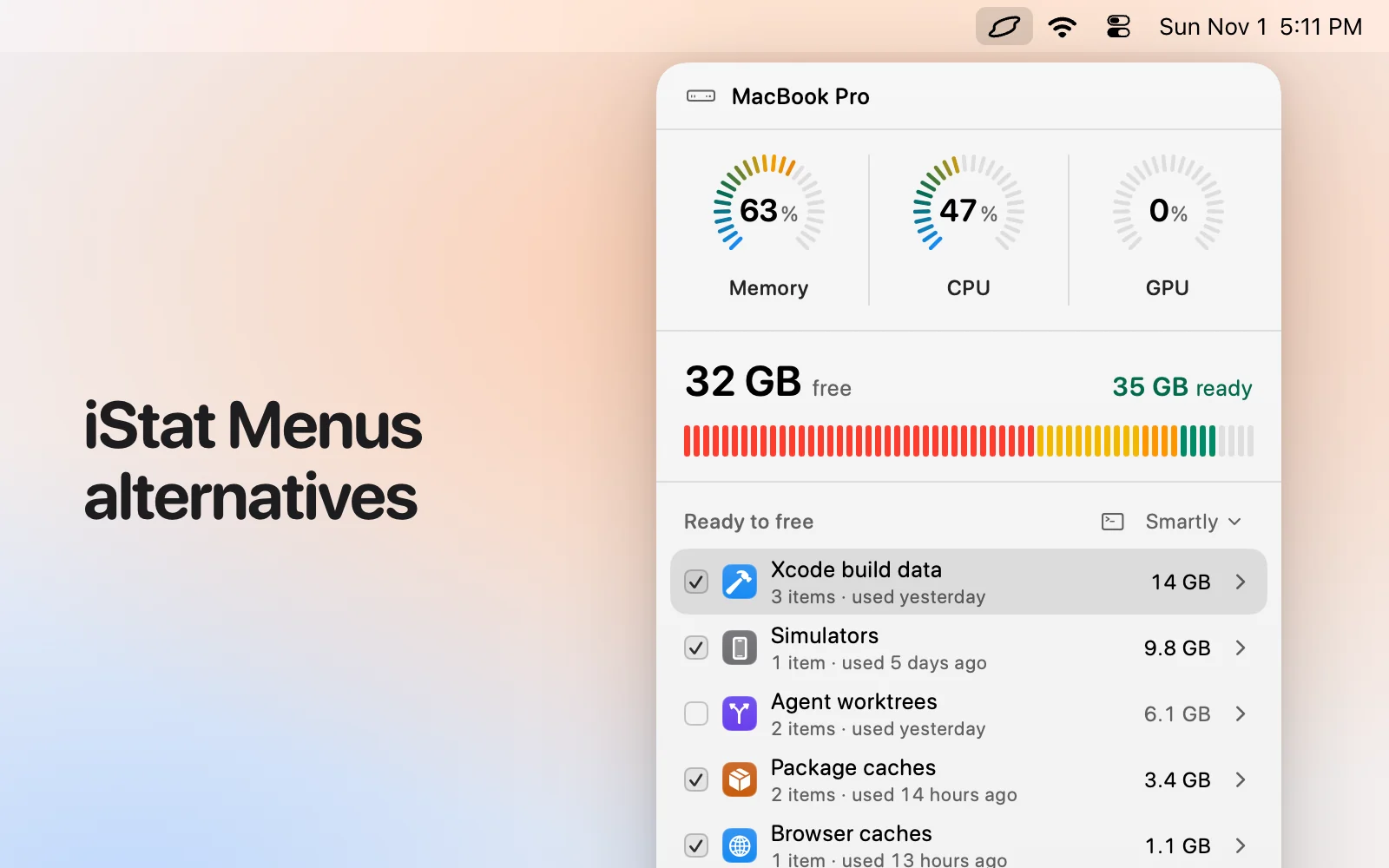
Levo is a menubar app that watches disk, memory, CPU and GPU against limits you set, and notifies you only when one is crossed, with the answer ready: your own AI agent has already looked at what’s using it. It shows the top processes by CPU, GPU and memory, says which are idle and safe to quit, and quits them on your click. It doesn’t cover network speeds, sensors, battery or weather.
- Price: free to watch, ask and quit; cleaning disk space needs a licence after two free cleanups (lifetime, 2 Macs).
- Light: about 0.2% CPU and 0.1% memory averaged over 30 minutes on a Mac mini.
Skip it if you’re on a Mac older than macOS 26, or you want a ready-made list with no agent involved.
2. Stats
By Serhiy Mytrovtsiy. Stats is a free, open-source system monitor for your menu bar (MIT licence), installed from a download or Homebrew. It monitors; it doesn’t clean.
Details from Stats, checked 1 November 2026.
- Price: free.
- Good at: a lightweight, free alternative for CPU, memory, disk and network readouts.
Pick it if: You want a free monitor and don’t need cleaning.
3. Activity Monitor
Apple. Activity Monitor is built in and shows CPU, memory, energy, disk and network use by process, and lets you quit one.
- Price: free, built in.
- Good at: an exact, trustworthy view of what’s running right now.
Pick it if: You want exact numbers on demand and can judge each process yourself.
4. Mole
By tw93 and contributors. Mole is a free, open-source tool you run in Terminal as mo: mo clean, mo uninstall, mo optimize, mo analyze (a disk explorer in the terminal), mo status (a live health view), mo purge (build artefacts) and mo installer. Most commands take --dry-run. Its page also mentions native Mac and Windows apps.
Details from Mole, checked 1 November 2026.
- Price: free.
- Good at: speed, scripting, and doing the lot from one command line, with a preview before anything is removed.
Pick it if: You live in a terminal, want it free and open source, and are happy to read a dry run as text.
How we chose
- Starting point: the tools people most often name when they look for this kind of Mac app, plus what macOS and an AI agent can do on their own.
- Kept: tools that are still maintained and differ on price, where you use them, or who decides what is safe.
- Sources: each maker’s own website, checked 1 November 2026, and for Levo the app itself. No paid placements, and none of these makers reviewed this page.
Which one should you pick?
- iStat Menus: You want every readout, always visible.
- Stats: You want a free monitor.
- Levo: You want alerts at your limits with the cause, and a way to free memory or disk.
- Activity Monitor: You want exact numbers on demand.
- Mole: You want a terminal dashboard.
Questions
Is there a free alternative to iStat Menus?
Stats is free and open source (MIT). Activity Monitor is built in.
Does Levo show network or temperature?
No. Levo covers disk, memory, CPU and GPU. If you want network, sensors, battery or weather, use iStat Menus or Stats beside it.
Can I run Levo and iStat Menus together?
Yes. Levo stays quiet until a limit is crossed.
Will Levo slow my Mac down?
About 0.2% CPU and 0.1% memory on a Mac mini, averaged over 30 minutes.
Compared on 1 November 2026, from each app's own website. We make Levo.