
Levo compared · Alternatives
MacKeeper alternatives: honest options without the upsells
MacKeeper bundles a cleaner with other tools such as antivirus and a VPN, on a subscription. People usually look for alternatives because they want one job done plainly: freeing space, removing an app, or seeing what’s slowing the Mac.
Quick verdict
- Best when you want the list to say what’s safe: Levo.
- Best polished all-in-one: CleanMyMac.
- Best free toolbox: OnyX.
- Best free uninstaller: AppCleaner.
- Best built-in start: macOS Storage settings.
Comparison table
| App | Price | Cleans junk | Uninstalls apps | Extras you may not want |
|---|---|---|---|---|
| Levo | Two free cleanups, then a lifetime licence | Yes, with a reason for each item | Yes, with leftovers | None: no antivirus or VPN |
| CleanMyMac | Subscription, from about US$3.33 a month | Yes | Yes | Some |
| OnyX | Free | Yes | No | None |
| AppCleaner | Free | No | Yes | None |
| macOS Storage settings | Free, built in | A few kinds of file | Lists apps to delete | None |
| MacKeeper | Subscription | Yes | Yes | Several bundled tools |
1. Levo
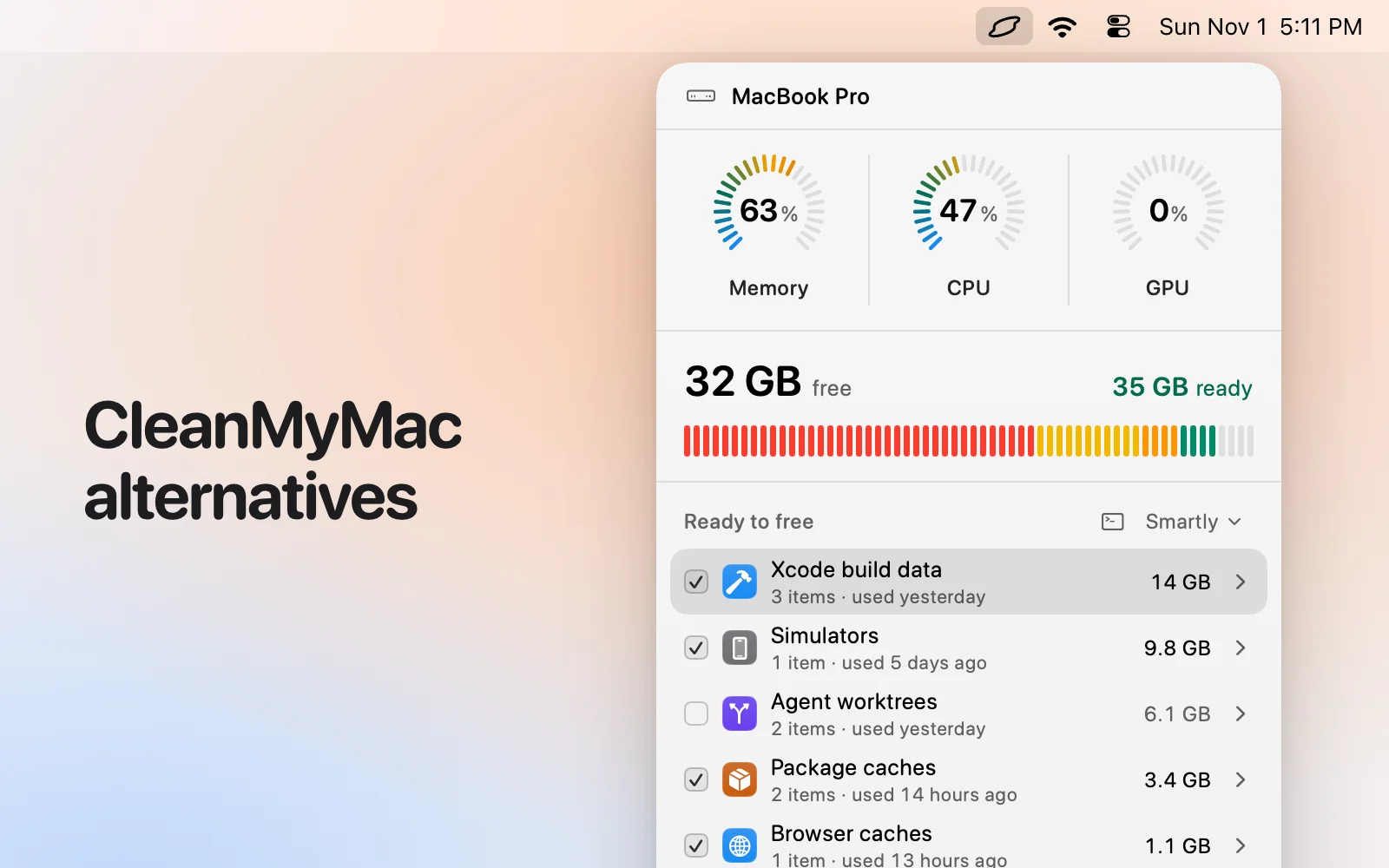
A menubar app for macOS 26 or later that watches disk, memory, CPU and GPU against limits you set and notifies you with the answer ready: a Ready to free list with a size and a reason for each item. Your own AI agent judges what’s safe, read-only; Levo does the deletion and checks again first. It doesn’t bundle antivirus, a VPN or other products.
- Good at: Freeing space with an explanation for each item.
Pick it if: you want a cleaner that stays a cleaner.
2. CleanMyMac
By MacPaw. One scan, one list, one button, plus an uninstaller and maintenance tasks. A subscription, but a focused product.
- Price: A subscription, from about US$3.33 a month (Nov 2026).
- Good at: An easy interface and everyday tidying.
Pick it if: you want a polished all-in-one.
3. OnyX
By Titanium Software. A free maintenance toolbox that clears caches and rebuilds databases. It assumes you know what each option does.
- Price: Free.
- Good at: Maintenance tasks without paying.
Pick it if: you read before you click.
4. AppCleaner
By FreeMacSoft. Removes an app and its leftovers by drag and drop.
- Price: Free.
- Good at: Uninstalling apps simply.
Pick it if: you only want to remove apps.
5. macOS Storage settings
Apple’s own tool in System Settings › General › Storage. It shows what uses your disk and offers a few safe recommendations.
- Price: Free, built in.
- Good at: Safe, simple wins with nothing to install.
Pick it if: you want to start with no installs.
If you already have MacKeeper
To remove it, see how to remove MacKeeper from a Mac.
What you actually need
Most people who install a bundle want one of four things: free disk space, an app removed cleanly, a faster-feeling Mac, or reassurance about security. The first three are covered by the tools above. For the fourth, macOS’s built-in protections, kept up to date, plus careful downloading cover most people’s needs.
Avoiding the same trap
Be wary of any cleaner that finds many “problems” on a fresh Mac, asks for payment before it shows detail, or bundles several unrelated products. A good cleaner shows you each item and the reason before you pay or delete. Levo, for instance, gives each item a size and a reason, and only ticks what’s safe at the cleanup level you choose.
When to use more than one
A free uninstaller plus a free toolbox such as OnyX covers a lot. Levo can sit alongside them if you want your disk watched and your processes explained.
How we chose
- Starting point: the tools people most often name for this job, plus what macOS can do on its own.
- Kept: tools that are still maintained and that differ in approach, price or who decides what is safe.
- Sources: each maker’s own description and, for Levo, the app itself. Prices are rounded. No paid placements, and none of these makers reviewed this page.
Which one should you pick?
- Levo: You want a cleaner that explains each item and warns you in time.
- CleanMyMac: You want a polished suite.
- OnyX: You want a free toolbox.
- AppCleaner: You only need an uninstaller.
- macOS Storage settings: You want a quick built-in look first.
Questions
Is MacKeeper safe?
It’s a commercial product and not malware, but many people find its upsells and bundled tools more than they need. If you want a cleaner only, a focused app is simpler.
Do I need antivirus on a Mac?
macOS has built-in protections such as Gatekeeper and XProtect. Many people rely on them with careful downloading, and a separate antivirus is a personal choice.
How do I remove MacKeeper?
Quit it, then uninstall it with its own uninstaller or an app uninstaller that clears its leftovers.
What’s the best free alternative?
OnyX for maintenance and AppCleaner for uninstalling, plus macOS Storage settings for a first look.
Is it worth paying for a Mac cleaner?
Only if it saves you time you’d otherwise spend. For many people macOS Storage settings and a free uninstaller are enough.
Will switching delete my files?
No. Quit the old app and remove it first; the alternatives only act when you tell them to.
Compared on 3 November 2026. Prices of other apps are rounded and can change; check the maker’s site.