
Levo guides · Disk space
How to delete junk files on a Mac
Junk on a Mac is anything that takes space and that you or macOS can recreate or no longer need: caches, logs, leftovers of deleted apps, old installers and the Trash. Delete those. What many cleaners also label junk, such as language files, mail attachments and “system junk” in protected folders, is not worth deleting, and some of it is harmful.
| Junk | Where | Delete? |
|---|---|---|
| The Trash | Trash in the Dock | Yes |
| Caches | ~/Library/Caches | Yes, they come back |
| Logs and crash reports | ~/Library/Logs | Yes, new ones are written |
| Leftovers of deleted apps | ~/Library/Application Support, Preferences, Containers | Yes, if the app is gone for good |
| Old installers | Downloads | Yes, once installed |
| Language files in apps | Inside the app bundle | No. It saves little and breaks the signature |
| Mail attachments | Mail’s library | Through Mail, not by hand |
The real junk, one kind at a time
The Trash and Downloads
Empty the Trash first. Then open Downloads in Finder, switch to list view and sort by Size. Disk images (.dmg), installers (.pkg) and zip files of things you already unpacked are junk. See How to delete old installers.
Caches
Caches are copies an app keeps to be faster. Deleting them is safe, with the app closed, and they build up again. See How to clear cache on a Mac for the folders and the ones to leave.
Logs and crash reports
Logs sit in ~/Library/Logs and /Library/Logs, and crash reports in ~/Library/Logs/DiagnosticReports. They’re mostly small, but a misbehaving app can write gigabytes. Check:
du -sh ~/Library/Logs ~/Library/Logs/DiagnosticReportsDelete the files, not the folders. Can you delete log files on a Mac? goes through which ones to keep.
Leftovers of deleted apps
Dragging an app to the Trash leaves its data behind: Application Support, preferences, caches and containers. Search ~/Library for the app’s name or bundle id, and delete what matches an app you no longer use. Use this with care, because a name that is shared with another app can be a false match. See What’s in ~/Library/Application Support.
What cleaners call junk that isn’t
- Language files and universal binaries. Stripping them saves a few hundred megabytes at best and breaks the app’s code signature, so it may refuse to open or update. See Should you remove language files and universal binaries?
- System caches and the “system junk” in
/System. They’re protected, and macOS rebuilds them on the next start with no space gained for long. - Mail attachments and Messages files. They’re your data. Remove them from inside the app.
- “Old” files in Documents. Age is no proof of junk. A cleaner can’t know a tax return from a screenshot.
- Browser history and saved passwords. These are not junk, and clearing them logs you out of everything.
A cleaner that can’t show you the list before it deletes is guessing. Don’t trust a scan that finds “14 GB of junk” without saying where it is.
How Levo does it
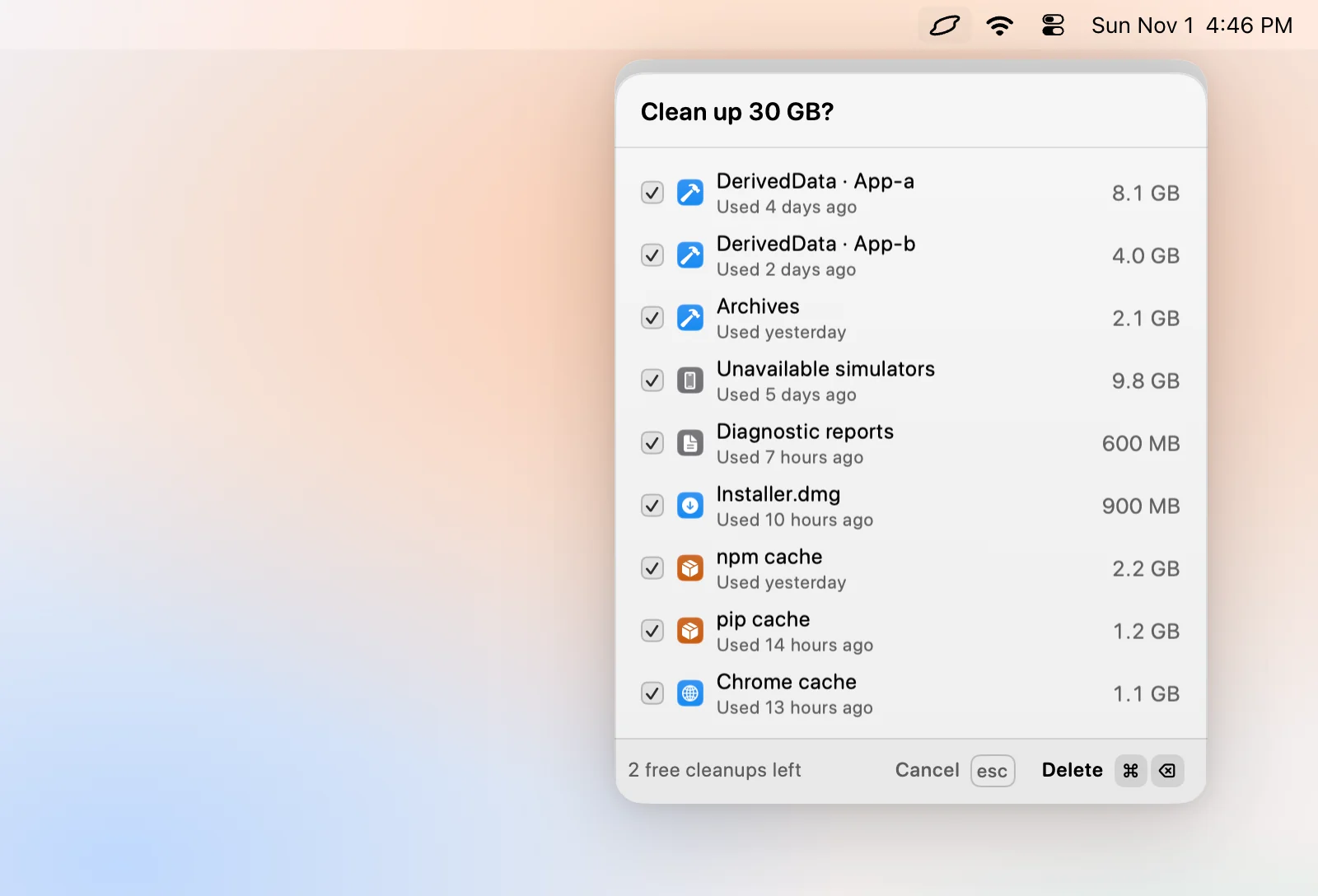
Levo lists what is junk in your actual Mac, not a generic list. Ready to free in the popover groups it by kind: browser caches, package caches, Xcode build data, Docker images, agent worktrees, leftovers and more, each with a size, when it was last used and why it can go.
Your own AI agent, such as Claude Code, Codex or Gemini, judges every item. It can only read, and Levo does the deleting. Select › Smartly ticks only what is safe at your cleanup level, you untick what you want to keep, then Clean up. Right before deleting, Levo checks each item again, and it never touches the Photos, Mail or Messages libraries, iCloud Drive, keychains or anything in use.
Backups, virtual machines, AI models and large files are listed but never ticked for you. Move to Trash, if you turn it on, lets you put back anything you regret.
FAQ
What counts as junk files on a Mac?
Caches, logs and crash reports, leftovers of apps you deleted, old installers and whatever is in the Trash. All of them can be recreated or are no longer used.
Is it safe to delete junk files?
Yes for caches, logs, installers and the Trash. Be careful with leftovers of apps that you might reinstall, and don’t touch system folders.
Do I need a cleaner app to delete junk?
No. Everything above can be done in Finder and Terminal. A cleaner is only a faster way to find it, so choose one that shows the full list first.
How often should I delete junk files?
When free space gets tight, or every few months. Caches refill, so deleting them weekly gains nothing.