
Compare · Without an app
Your AI agent alone vs Levo
You can ask Claude Code, Codex or any coding agent to "free up some space", and it will often do a reasonable job. Levo exists because "often" isn't enough when the next command deletes something.
Quick verdict
- Ask your agent alone for a one-off in a project you know well, like deleting that project's build folder.
- Use Levo for the rest of your Mac and for the times you aren't watching: you see everything, your agent judges, and Levo deletes behind a guard.
your AI agent alone at a glance
- The smarts: a coding agent can read your disk, run
duandfind, reason about what a folder is and write the command to remove it. - What it needs from you: you have to remember to ask, and to read what it plans before it runs.
- What it costs: the tokens of each scan, on your own plan or API key.
- What it doesn't have: a live index of the disk, alerts when a limit is crossed, a list you tick, or a check at the moment of deleting.
Levo at a glance
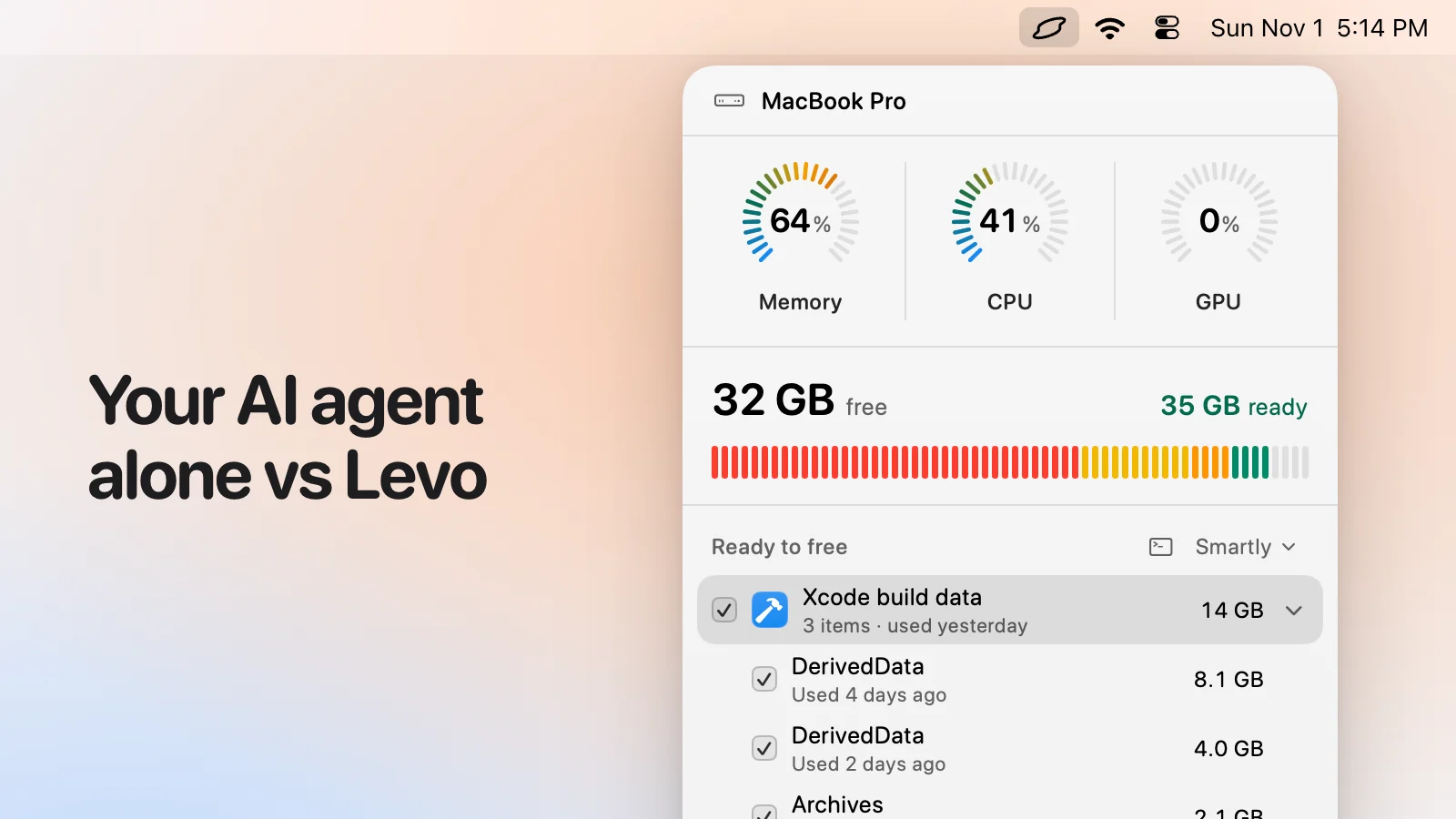
- What it is: a menubar app that watches disk, memory, CPU and GPU against limits you set. Needs macOS 26 or later.
- Who judges: your own AI agent (Claude Code, Codex and others) looks at what Levo found and says what's safe, read-only and in a sandbox. Without an agent, Levo uses its own rules for known tools.
- What you see: every item with its size and the reason it's safe, grouped, with the safe ones ticked at the cleanup level you chose (Careful, Balanced or Aggressive). You tick and untick before anything goes.
- Who deletes: Levo does, never the agent, and a guard checks every item again right before it goes: open files, running apps, unsaved git work, live agent sessions, recent changes, your protected folders.
- Beyond disk: shows the processes behind memory, CPU and GPU and quits what your agent says is idle, uninstalls apps with their leftovers, and can clean on its own with Auto mode.
- Account and price: no account. Watching, suggestions and the first two cleanups are free, then a lifetime licence for 2 Macs. The price is on the Levo page.
Side-by-side
| your AI agent alone | Levo | |
|---|---|---|
| Knows what a folder is | Yes, it reasons about it | Yes, your agent does, with Levo's list of known tools as a start |
| Finding the big things | Scans on every ask | A live index, updated as files change |
| Tells you when the disk is low | No, you have to ask | Yes, with the answer ready |
| What you see first | A message describing the plan | Rows with sizes and reasons; you tick and untick |
| Who deletes | The agent, with a command | Levo, never the agent |
| Check at the moment of deleting | Whatever it did earlier | A guard rechecks every item right before it goes |
| Never-touch locations | Only what you tell it | Photos, Mail, Messages, keys and credentials, and your own folders, always |
| Protects work in progress | If it notices | Locks anything open, in use, dirty in git or used by a live agent session |
| Memory, CPU and GPU | If you ask | The processes behind them, with your agent's advice |
| Cost | Your tokens, each time | Your tokens, less often thanks to a cache; Levo has a free tier and a licence |
Pricing
Your agent runs on your own plan or API key, and each scan spends some of it. Levo caps runs per day, time per run and steps per run in Settings, and remembers its verdicts so it asks less over time.
Levo's watching, suggestions and first two cleanups are free, then a lifetime licence for 2 Macs. See the Levo page.
Who should pick which
your AI agent alone is a good fit if
- You want to remove one thing you know well.
- You're watching it work, in a project you control.
- You don't want another app.
Levo is a good fit if
- You want the whole Mac covered, and the check done for you each time.
- You want the agent to read and never delete, so a misread instruction or a poisoned file name can't remove the wrong thing.
- You want Levo to tell you when the disk or memory runs high.
Questions
Do I still need my agent?
Yes. Levo runs it in the background, in a sandbox, through read-only tools, and uses the answer.
Can I ask my agent about my disk in Terminal?
Yes. Settings › Agent can add Levo's read-only tools to your agent, so you can ask what's eating your disk and get an instant answer from the live index. Those tools can read and can't delete.
Why not let the agent delete?
Because an agent's check is its judgement at one moment. A build that starts a minute later, or a file name that tells it to delete something, shouldn't change what gets removed.
Compared on 1 November 2026, from each app's own website. We make Levo.