
Compare · Mac cleaners
DevCleaner for Xcode vs Levo
DevCleaner for Xcode is a free, focused tool for clearing Xcode's biggest caches. Levo covers Xcode too, and also Android, web, containers, models and agent leftovers, judged by your own agent.
Quick verdict
- Pick DevCleaner if Xcode is the whole problem and you want a free tool built for it.
- Pick Levo if your Mac holds more than Xcode's files, and you want a guard that skips what a running tool is using.
DevCleaner for Xcode at a glance
- What it is: a free tool, per its page, that finds and removes large Xcode caches.
- What it cleans: Device Support symbols (about 2 to 5 GB per OS version), Archives, DerivedData, the documentation cache, old simulator and device logs and old offline documentation.
- Licence: GPL-3.0 open source. Get it from the Mac App Store or build it from source.
- Caveat from its page: it relies on internal folder structures and undocumented features, so it may break with newer Xcode versions. Back up first.
Levo at a glance
- What it is: a menubar app that watches disk, memory, CPU and GPU against limits you set. Needs macOS 26 or later.
- Who judges: your own AI agent (Claude Code, Codex and others) looks at what Levo found and says what's safe, read-only and in a sandbox. Without an agent, Levo uses its own rules for known tools.
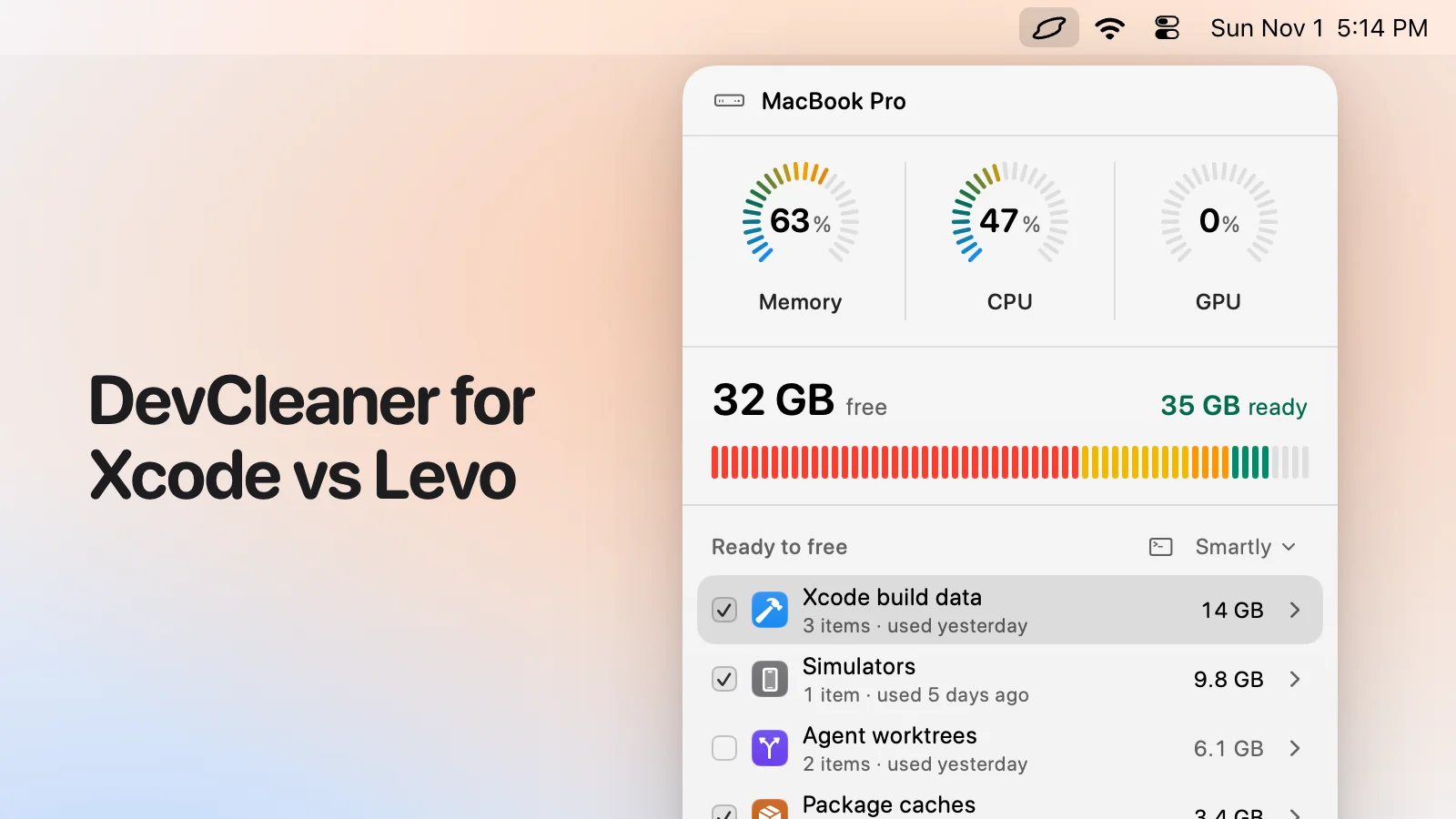
- What you see: every item with its size and the reason it's safe, grouped, with the safe ones ticked at the cleanup level you chose (Careful, Balanced or Aggressive). You tick and untick before anything goes.
- Who deletes: Levo does, never the agent, and a guard checks every item again right before it goes: open files, running apps, unsaved git work, live agent sessions, recent changes, your protected folders.
- Beyond disk: shows the processes behind memory, CPU and GPU and quits what your agent says is idle, uninstalls apps with their leftovers, and can clean on its own with Auto mode.
- Account and price: no account. Watching, suggestions and the first two cleanups are free, then a lifetime licence for 2 Macs. The price is on the Levo page.
Side-by-side
| DevCleaner for Xcode | Levo | |
|---|---|---|
| Scope | Xcode's caches | Disk, memory, CPU and GPU across your whole Mac |
| Xcode build data, Device Support, archives | Yes | Yes |
| Simulators | Logs, per its page | Yes, removed with Xcode's own command, simctl |
| Android, Gradle, node_modules, Docker, models | No | Yes |
| Who judges | Its own list of Xcode folders | Known tools, then your agent, including for things nobody listed |
| Running Xcode | Quit Xcode first is the usual advice | A guard holds what Xcode or a simulator is using, and says so on the row |
| Watches and alerts | No | Yes |
| Open source | Yes (GPL-3.0) | No |
| Price | Free | Two free cleanups, then a lifetime licence |
Pricing
DevCleaner is free and open source; its author invites tips (Nov 2026).
Levo's watching, suggestions and first two cleanups are free, then a lifetime licence for 2 Macs. See the Levo page.
Who should pick which
DevCleaner for Xcode is a good fit if
- You only use Xcode and want a free, simple tool for it.
- You like open source you can build yourself.
Levo is a good fit if
- You also build for Android or the web, run Docker or simulators, or keep local models.
- You want a tool that knows when Xcode is using something and leaves it.
- You want to be told when the disk runs low.
Questions
Does Levo know Xcode?
Yes. It lists Xcode build data, Device Support, simulators and old toolchains, and your agent judges each by how long it's sat unused and whether anything is using it. See the Xcode guide.
Will it break with a new Xcode?
Levo relies on your agent's reading of what's on disk and on official commands where there are any, so a new Xcode doesn't need a new Levo to be understood. We can't promise it never misjudges, so read the list before cleaning.
Compared on 1 November 2026, from each app's own website. We make Levo.