
Compare · Disk maps and monitors
iStat Menus vs Levo
iStat Menus is the long-standing way to watch a Mac from the menubar. Levo watches fewer things, but it also tells you what to do about them, and does it.
Quick verdict
- Pick iStat Menus if you want a detailed, customisable monitor: sensors, network, weather, fan control and clocks.
- Pick Levo if what you want is to act on a full disk or a busy Mac: what's using it, what's safe to remove or quit, and the quitting and cleaning done for you.
iStat Menus at a glance
- What it is: a menubar system monitor from Bjango. Its page lists monitoring of CPU, GPU, memory, disks, network, sensors, battery and weather, with forecasts, notification rules for events like high CPU, sensor readings with fan speed control, clocks and world clocks, and a combined mode.
- Needs: macOS 13.5 or later (iStat Menus 7.5).
- Trial: 14 days, per its page. It is also included in Setapp.
- What it doesn't do: it shows and alerts. It isn't a cleaner.
Levo at a glance
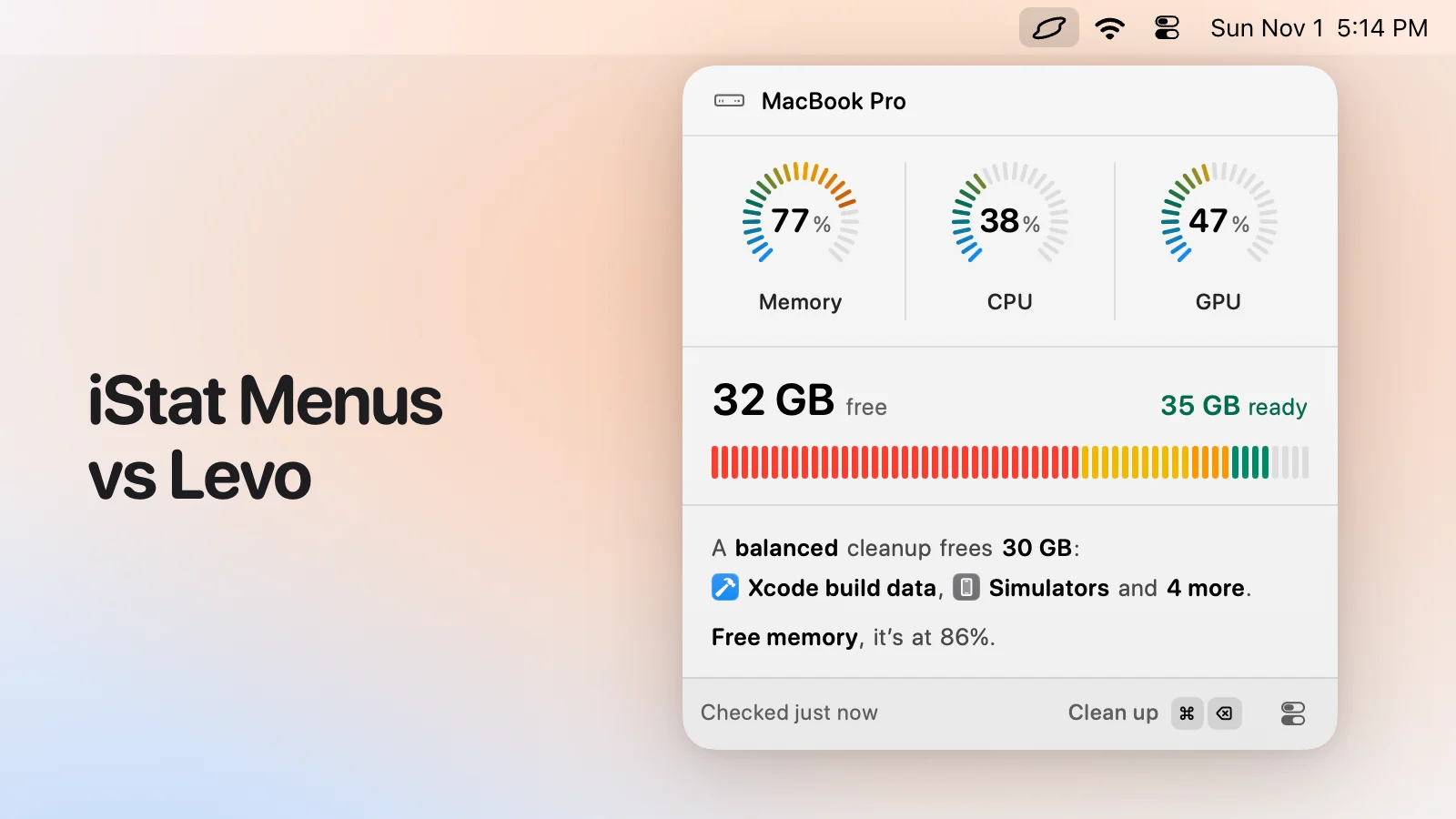
- What it is: a menubar app that watches disk, memory, CPU and GPU against limits you set. Needs macOS 26 or later.
- Who judges: your own AI agent (Claude Code, Codex and others) looks at what Levo found and says what's safe, read-only and in a sandbox. Without an agent, Levo uses its own rules for known tools.
- What you see: every item with its size and the reason it's safe, grouped, with the safe ones ticked at the cleanup level you chose (Careful, Balanced or Aggressive). You tick and untick before anything goes.
- Who deletes: Levo does, never the agent, and a guard checks every item again right before it goes: open files, running apps, unsaved git work, live agent sessions, recent changes, your protected folders.
- Beyond disk: shows the processes behind memory, CPU and GPU and quits what your agent says is idle, uninstalls apps with their leftovers, and can clean on its own with Auto mode.
- Account and price: no account. Watching, suggestions and the first two cleanups are free, then a lifetime licence for 2 Macs. The price is on the Levo page.
Side-by-side
| iStat Menus | Levo | |
|---|---|---|
| What it's for | Watching your Mac in detail | Watching disk, memory, CPU and GPU, and fixing what's high |
| What it measures | CPU, GPU, memory, disks, network, sensors, battery, weather | Disk, memory, CPU and GPU |
| Alerts | Rules you define, for many events | Limits for disk, memory, CPU and GPU, with the answer ready |
| Says what to do | No | Yes: your agent says which process to quit and what to clean |
| Quits processes | Not its job | Yes, on your click; never system processes |
| Frees disk space | No | Yes |
| Fan control, temperatures | Yes | No |
| Weather and clocks | Yes | No |
| Minimum macOS | macOS 13.5 | macOS 26 |
Pricing
iStat Menus is a paid app with a 14-day trial. Its page didn't show a price when we looked, so check bjango.com for the current one (Nov 2026). It's also in Setapp, which was about US$9.99 a month on its page (Nov 2026).
Levo's watching, suggestions and first two cleanups are free, then a lifetime licence for 2 Macs. See the Levo page.
Who should pick which
iStat Menus is a good fit if
- You want temperatures, fan speeds, network and battery in your menubar.
- You like to customise exactly what's shown.
- You want weather and clocks beside your stats.
Levo is a good fit if
- You want the monitor to also do something: clean the disk, quit what's idle.
- You'd like the notification to include the answer.
- You want a lifetime licence and no subscription.
Questions
Can I run both?
Yes. iStat Menus for the detailed readouts, Levo for acting on disk, memory, CPU and GPU. They use separate menubar items.
Does Levo show network or temperatures?
No. Levo watches disk, memory, CPU and GPU, and nothing beyond that.
Compared on 1 November 2026, from each app's own website. We make Levo.