
Compare · Disk maps and monitors
Stats vs Levo
Stats is a free, open-source monitor that puts your Mac's numbers in the menubar. Levo watches fewer numbers, and acts on them with your agent's judgement.
Quick verdict
- Pick Stats if you want a free, open-source monitor with many modules.
- Pick Levo if you want help acting on what you see: what's safe to clean or quit, and a guard when it does.
Stats at a glance
- What it is: an open-source system monitor in the menubar, MIT licensed.
- Modules: CPU, GPU, memory, disk, network, battery, sensors (temperature, voltage, power), Bluetooth devices and a multi-time-zone clock. Fan control is included but no longer maintained, per its page.
- Needs: macOS 12 or newer, stable releases only.
- Install: download the disk image, or
brew install stats.
Levo at a glance
- What it is: a menubar app that watches disk, memory, CPU and GPU against limits you set. Needs macOS 26 or later.
- Who judges: your own AI agent (Claude Code, Codex and others) looks at what Levo found and says what's safe, read-only and in a sandbox. Without an agent, Levo uses its own rules for known tools.
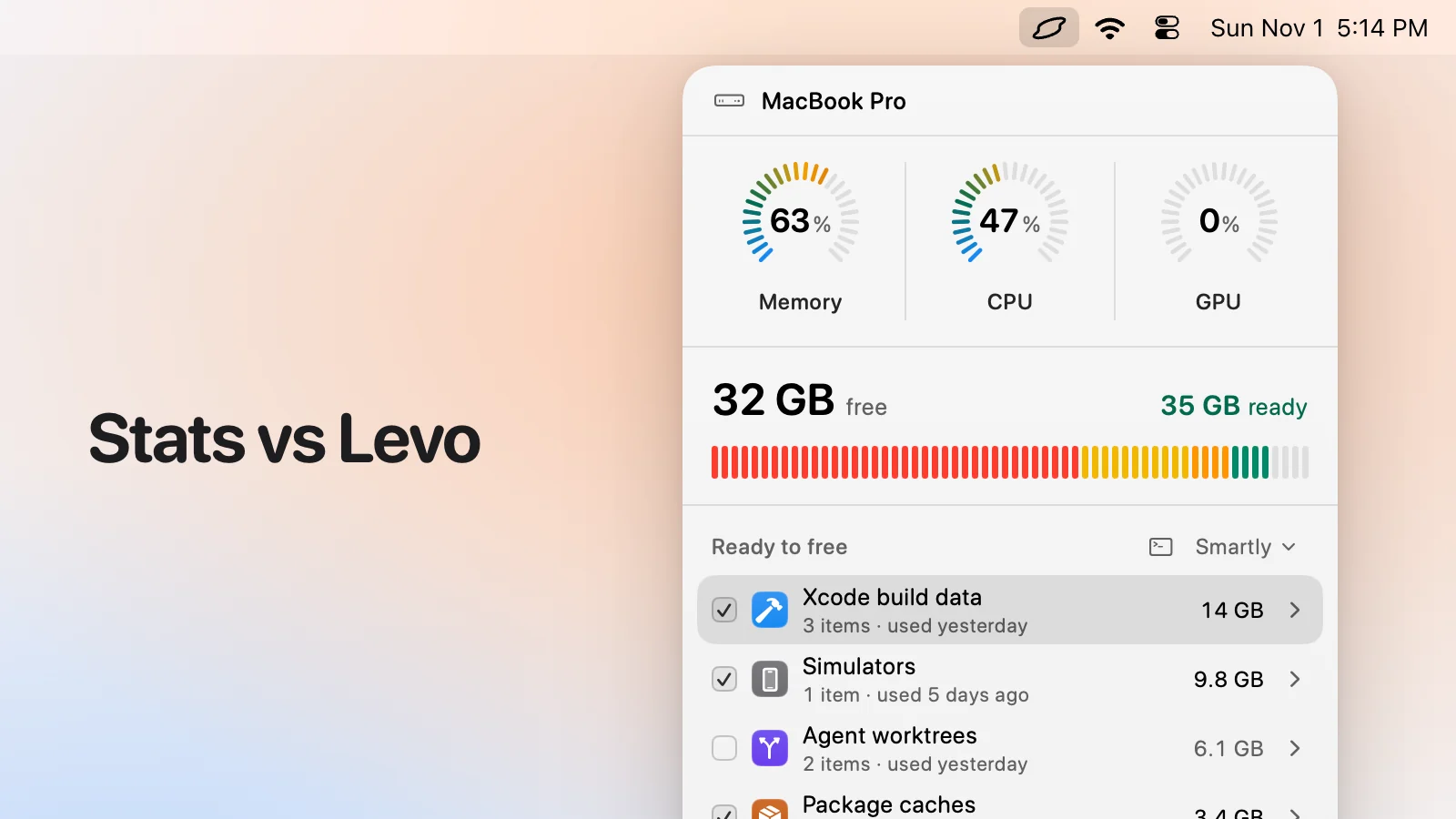
- What you see: every item with its size and the reason it's safe, grouped, with the safe ones ticked at the cleanup level you chose (Careful, Balanced or Aggressive). You tick and untick before anything goes.
- Who deletes: Levo does, never the agent, and a guard checks every item again right before it goes: open files, running apps, unsaved git work, live agent sessions, recent changes, your protected folders.
- Beyond disk: shows the processes behind memory, CPU and GPU and quits what your agent says is idle, uninstalls apps with their leftovers, and can clean on its own with Auto mode.
- Account and price: no account. Watching, suggestions and the first two cleanups are free, then a lifetime licence for 2 Macs. The price is on the Levo page.
Side-by-side
| Stats | Levo | |
|---|---|---|
| What it's for | Showing your Mac's numbers | Watching disk, memory, CPU and GPU, and fixing what's high |
| What it measures | CPU, GPU, memory, disk, network, battery, sensors, Bluetooth, clocks | Disk, memory, CPU and GPU |
| Says what to do | No | Yes: your agent's verdict on each process and item |
| Quits processes | Not its job | Yes, on your click |
| Frees disk space | No | Yes |
| Alerts | Not a headline feature on its page | Limits you set, with the answer ready |
| Open source | Yes (MIT) | No |
| Minimum macOS | macOS 12 | macOS 26 |
Pricing
Stats is free and open source (Nov 2026).
Levo's watching, suggestions and first two cleanups are free, then a lifetime licence for 2 Macs. See the Levo page.
Who should pick which
Stats is a good fit if
- You want a free monitor, open source, with network, sensors and battery.
- You like to pick the modules you see.
Levo is a good fit if
- You want the monitor to clean and quit for you, with checks.
- You want notifications that arrive with the answer.
Questions
Do they work together?
Yes. Stats for the broad readout, Levo for acting on disk, memory, CPU and GPU.
Is Levo a monitor?
Partly. It watches disk, memory, CPU and GPU against your limits, but its point is what happens next.
Compared on 1 November 2026, from each app's own website. We make Levo.