
Levo guides · What's that process?
VTDecoderXPCService high CPU on a Mac
VTDecoderXPCService decodes video on behalf of other apps, using the Mac's video hardware. It's high when some app is playing or receiving video, often one you aren't looking at: a hidden tab, an autoplay ad, a call with a lot of faces.
What it is
VideoToolbox is macOS's video decoding framework. Instead of each app running its own decoder, the work goes to VTDecoderXPCService, a small helper that Safari, Chrome, Zoom, FaceTime, Photos and QuickTime all call. The helper shows the CPU, but the app that asked is the cause. A few percent is normal while you watch a video. Tens of percent on something you aren't watching is the clue.
| Source | Why it keeps decoding | Fix |
|---|---|---|
| A browser tab with autoplay video | It plays muted, in a background tab | Close the tab, or stop autoplay |
| A video call | It decodes every participant's video | Turn on speaker view, hide tiles, or turn off incoming video |
| Picture in Picture or a live stream left open | Plays while you work | Close it |
| Photos or a video editor | Previews or thumbnails for big clips | Let it finish |
| Streams of unusual codecs (some 4K HDR, AV1) | Software decoding when hardware doesn't support it | Lower the quality |
How to find it yourself
- In Activity Monitor, note
VTDecoderXPCService, then quit the likely app: your browser, a call app, a player. See if it drops. That's the app. - In Safari, a tab playing audio has a speaker icon. Muted tabs that still play video don't, so check the tab list carefully, or open View › Show Tab Overview.
- In Chrome, use Window › Task Manager to see which tab uses the most GPU and CPU. Then close that tab.
- Stop autoplay: in Safari, Settings › Websites › Auto-Play set to Never Auto-Play or Stop Media with Sound. In Chrome, pick the same under site settings.
- In calls, switch off Video for people you aren't watching, and switch to speaker view.
- Update the browser or app. Decoder bugs in particular versions are common and get fixed.
Hardware decoding is meant to be cheap. If VTDecoderXPCService is high and the fan runs, your video is probably in a format your Mac decodes in software. Lower the stream's quality.
Why it also hits battery
Decoding video is real work even with hardware help, so a forgotten tab can cut battery life by an hour or more. Check a laptop that's warm on battery with nothing open: a muted video in a background window is a common cause. Closing the tab brings the Mac back to idle and the fan stops within a minute.
Should you quit it?
No. It restarts the moment an app needs it. Quit the app, or the tab, that keeps it working.
Terminal checks for VTDecoderXPCService
Find out which apps are decoding, and how hard. The first command shows the helper, the second shows which processes are using the video engine through the GPU.
top -o cpu -l 2 -stats pid,command,cpu | grep -E 'VTDecoder|Safari|Chrome|zoom|FaceTime'sudo powermetrics --samplers gpu_power -i 1000 -n 1The second command needs sudo and prints the GPU's use. Heavy use with nothing on screen means something is still drawing or decoding. Match it against the apps in the first command. If Safari or Chrome is on top, use their tab views as above. If it is a call app, it is the call. Quitting the app that tops the list is the fastest test. If the Mac is also warm, check the same apps in top -o cpu every half minute for a few rounds: decoding load that follows one window around, such as a call you moved to another Space, is easy to miss by eye but obvious in the numbers.
How Levo does it
Levo never quits system processes, and VTDecoderXPCService is one of macOS's own, so it leaves it alone.
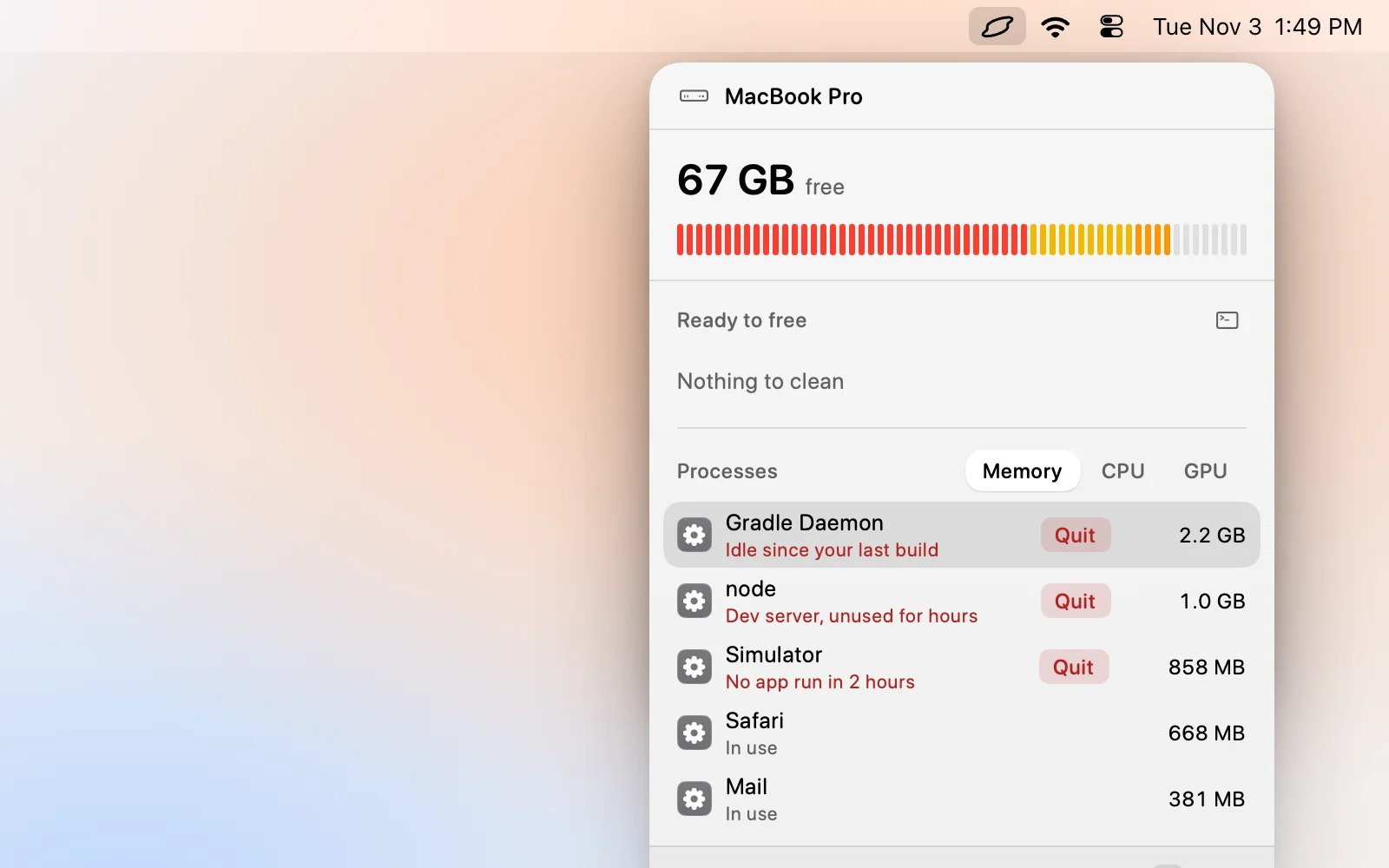
Levo shows the browser and call apps beside it, with CPU and GPU, and your agent says which look idle: a call window nobody is in, a browser with a muted video playing in a background tab. You quit those from the list or ⌘K. If the GPU meter is high too, click the gauge to see the processes behind it.
For the GPU side see How to see what is using the GPU on a Mac.
FAQ
What is VTDecoderXPCService?
A system helper that decodes video for apps like browsers, FaceTime, Zoom and Photos, using the Mac's video hardware.
Why is it high when I'm not watching anything?
A background tab, a muted autoplay video or a call with video is still being decoded.
Is it safe to kill VTDecoderXPCService?
It restarts by itself, but the app that was playing will glitch. Close the tab or app that is using it.
Does it use the GPU?
Mostly the video engine on the chip, which is cheaper than the CPU. It shows in CPU too, though.
Why does a muted tab still use VTDecoderXPCService?
Muting only silences the sound. The video keeps playing and being decoded.
Does lowering video quality help?
Yes. Lower resolution means less decoding. It also helps when a format has no hardware support.