
Levo guides · What's that process?
Google Chrome Helper using CPU and memory
Google Chrome Helper is not one process. It's every tab, extension and the GPU process, each running separately. To fix high CPU or memory, find the heavy one in Chrome's own Task Manager, because Activity Monitor can't tell them apart.
Why there are so many
Chrome runs each tab, each extension and the GPU in its own process, so one crash doesn't take the rest down. Activity Monitor shows them as Google Chrome Helper (Renderer), (GPU) and similar, many times over. A busy Chrome with 30 tabs can have 50 of them.
| Name in Activity Monitor | What it is | Typical cause of load |
|---|---|---|
Google Chrome Helper (Renderer) | A tab or an extension page | A heavy web app, a video, a runaway script |
Google Chrome Helper (GPU) | Drawing and video for all tabs | Video, WebGL, many animated pages |
Google Chrome Helper | Utility: network, audio, extensions | A noisy extension |
Google Chrome Helper (Plugin) | Older plug-in content | Rare now |
How to find the heavy one
- In Chrome, open Window › Task Manager. It lists every tab and extension with CPU and memory. Sort by CPU, then by Memory.
- Click the heaviest entry and choose End process. The tab shows an error page until you reload it.
- If the culprit is an extension, go to
chrome://extensionsand turn it off. Try them one by one to find it. - Turn on Memory Saver in Settings › Performance, so inactive tabs are suspended and their memory comes back.
- Open
chrome://discardsto see tabs that are loaded but unused, and discard them. - Look at sites that hold pages open: mail, chat, dashboards, Google Docs. A few of these are heavier than 20 ordinary tabs.
- If a profile misbehaves, clear the site data, or the cache as described in the guide linked below. Corrupt data sometimes causes loops.
Closing a helper in Activity Monitor closes the tab. Unsaved text in a web form is lost.
Extensions are the quiet cause
Ad blockers, password managers, coupon finders and AI assistants all inject code into every page. A few are fine, ten are not. If Chrome's Task Manager shows an extension near the top, or CPU is high even with only a few tabs, disable extensions one by one. A fresh profile with no extensions is a quick test: if the problem disappears, one of them was the cause.
Should you quit it?
Yes, the right one: the tab or extension that is using the CPU. That's a normal Chrome action. Quitting Chrome entirely also works, and its tabs reload when you reopen it.
Terminal checks for Chrome
If Chrome's Task Manager is not enough, count the helpers and find the heaviest, then check memory in total.
ps -axo pid,%cpu,rss,command | grep 'Google Chrome Helper' | grep -v grep | sort -k2 -rn | head -5pgrep -fc 'Google Chrome Helper'The first command lists the five heaviest helpers by CPU. Each command line includes a --type=renderer, gpu-process or utility flag, which tells you what kind it is, and --extension-process marks an extension. The second command counts them. Fifty or more with a few open tabs is a sign of too many extensions. A PID from the first command can be matched to Chrome's Task Manager, where the PID column can be switched on, so you can tell which tab or extension a hot helper is. If one extension helper is on top every time you check, remove it and run the command again to confirm the number fell.
How Levo does it
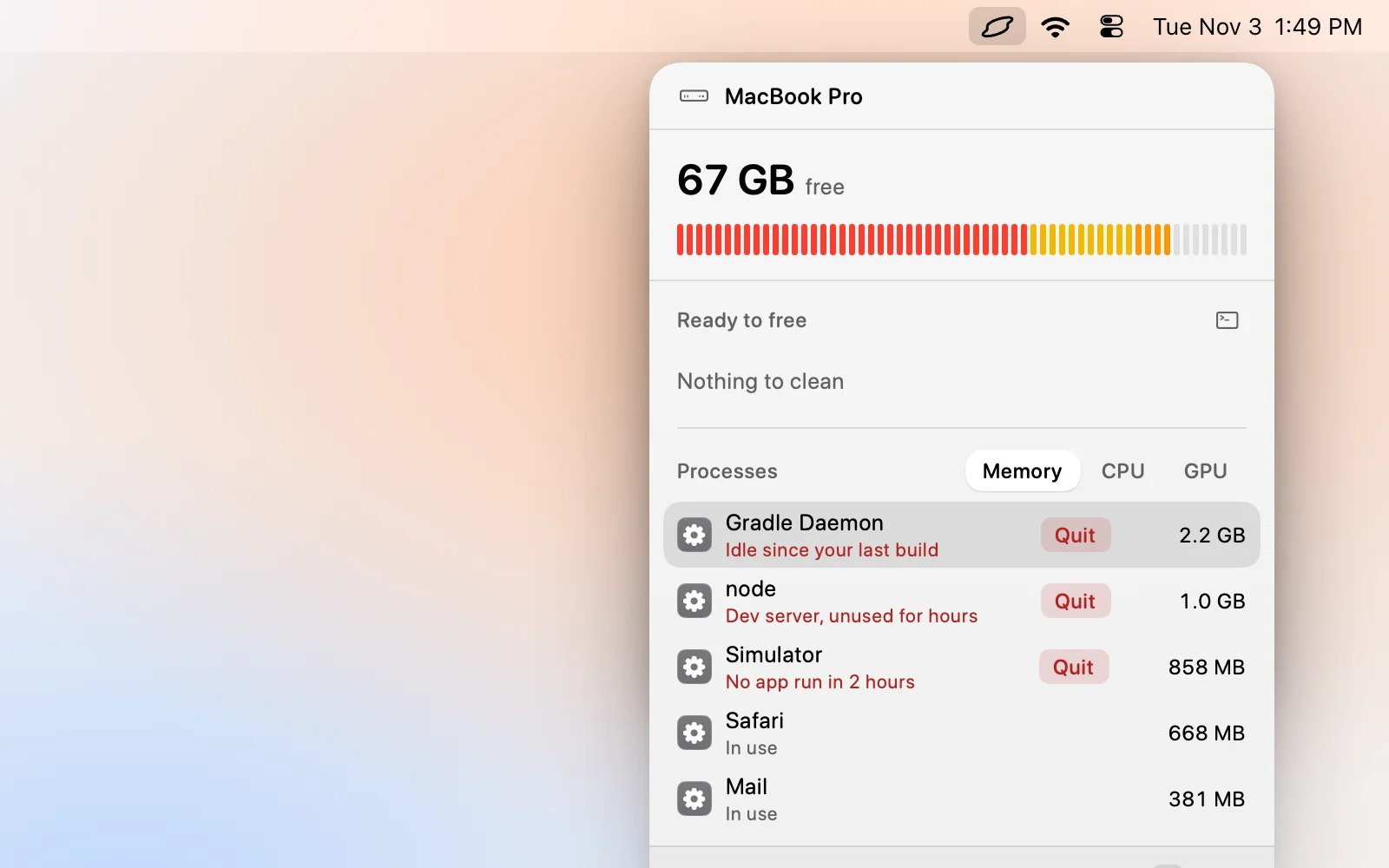
Chrome Helpers are your own processes, not system ones, so Levo can offer to quit them. Each shows in Processes with the agent's note and verdict, such as a tab left on a video for hours, and a Quit button. Apps are asked to quit politely first.
The catch is that all helpers look alike in any list, so use Chrome's Task Manager to name the tab, and Levo to see whether Chrome as a whole is idle. If it is, one click on Quit frees all its helpers and their memory. Press ⌘D on a process you never want offered again.
Chrome's cache is part of what Levo lists in Ready to free. More on that in How to clear the browser cache on a Mac.
FAQ
Why are there so many Google Chrome Helper processes?
Chrome runs each tab, extension and the GPU in its own process. That's by design, for stability.
How do I find which Chrome Helper is using the CPU?
Open Window › Task Manager in Chrome. It shows tabs and extensions with their CPU and memory.
Is it safe to quit Google Chrome Helper?
Yes. The tab it belongs to shows an error page, and unsaved web form text is lost.
Does Memory Saver help?
Yes. It suspends tabs you aren't using and frees their memory. Reloading them is instant on most pages.
Why does Chrome use so much memory?
Each tab and extension is its own process with its own memory, and modern pages are heavy. Memory Saver and fewer extensions help.
Can I limit Chrome's processes?
Not directly. Fewer tabs and extensions mean fewer processes, and Memory Saver discards the inactive ones.