
Levo help · Start here
Connect your AI agent
Levo doesn't have a brain of its own. It hands what it found to the agent CLI you already use, which judges what's safe to clean or quit. Connecting one takes a minute.
Which agents work
Claude Code, Codex, Gemini CLI, Antigravity CLI, Cursor CLI, GitHub Copilot CLI, opencode, Qwen Code, Kimi CLI and Grok CLI. Or any other command, typed in yourself. The agent doesn't need to be open: Levo starts it in the background when needed, and it runs on your own plan or API key.
Connect one
- Install your agent and sign in to it once in Terminal, as you normally would.
- Open Levo's Settings › Agent. Levo lists the agents it found. Pick yours.
- Optionally choose a Model and an Effort. Default keeps the agent's own choice.
- Click Test. Levo gives the agent a tiny task to check it works with Levo.
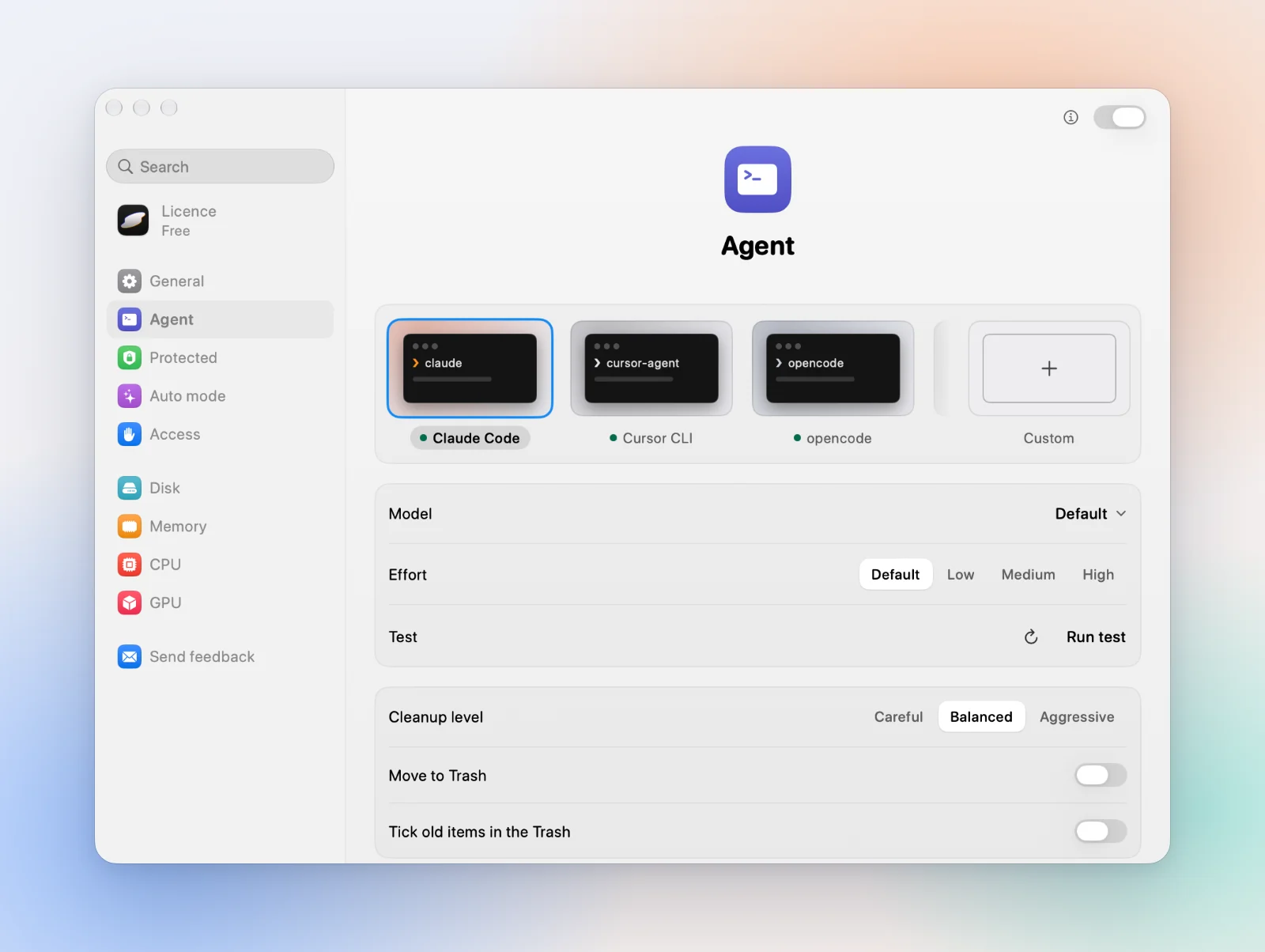
If your agent isn't in the list, click the arrow beside Test to look again. For one that isn't a preset, choose Custom… and type its command, with {prompt_file} where the task goes and {mcp_config} where Levo's read-only tools go.
Keep a run in bounds
| Time per run | The longest one run may take. Levo stops the agent after this. |
|---|---|
| Steps per run | How many steps the agent may take in one run. |
| Runs per day | The most times Levo starts your agent in a day. Once reached, it waits until tomorrow. |
| Pause on battery | Holds runs while the Mac is on battery below this level. |
What the agent can and can't do
It can only read. Every run happens inside a macOS sandbox that blocks writes, your protected folders are out of its reach, and it talks to Levo only through read-only tools. Its answer is treated as data, never as instructions. What the agent reads goes to its own provider, under your account with them. See Privacy.
Something went wrong
Test shows why in a few words. Not signed in: open the agent in Terminal and sign in. Out of usage: wait for it to reset or add credits. Timed out: raise Time per run. If it still fails, see The agent test fails.