
Levo compared · Uninstallers
Pearcleaner vs Levo
Both remove an app together with the files it scatters around your Mac. Pearcleaner is a free, open-source uninstaller built for that job. Levo’s Uninstall is one part of a menubar app that also watches disk, memory, CPU and GPU.
Quick verdict
- Pick Pearcleaner: you want a free, focused uninstaller and like open source..
- Pick Levo: you want uninstalling next to cleaning and monitoring, with everything going to the Trash and a Put back if you change your mind..
Pearcleaner at a glance
- What it is: an open-source app uninstaller that finds an app’s leftover files.
- Also: it can sweep files left behind by apps you’d already deleted, and does a few other cleanup jobs.
- Good at: doing the uninstall job well, for free.
Levo at a glance
- What it is: a menubar app that watches disk, memory, CPU and GPU against limits you set. Needs macOS 26 or later.
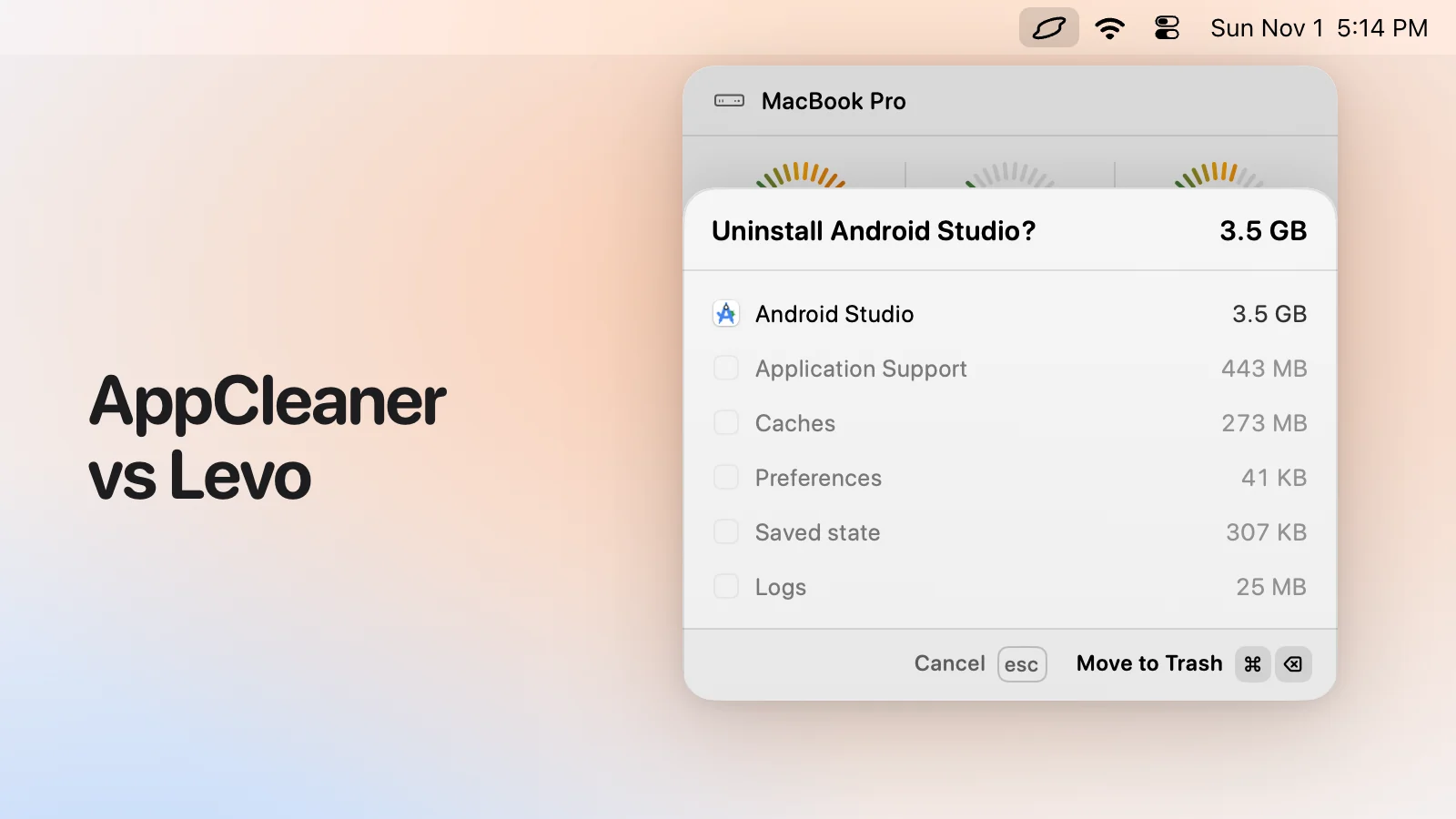
- Uninstall: pick an app or press ⌘K and type Uninstall. Levo shows the app with its leftovers in Application Support, caches and preferences, and sends it all to the Trash. Put back restores it.
- Beyond uninstalling: a Ready to free list of what safely fills the disk, judged by your own AI agent, and Processes with a Quit button.
Side by side
| Levo | Pearcleaner | |
|---|---|---|
| What it’s for | Keeping the Mac in shape: space, memory, processes and apps | Uninstalling apps |
| Finds leftovers | Yes | Yes |
| Undo | Trash, with Put back | Check its settings for what it does |
| Cleans caches and developer clutter | Yes, with a reason for each item | Some |
| Watches in the background | Yes: disk, memory, CPU and GPU | No |
| Open source | No | Yes |
| Price | Two free cleanups, then a lifetime licence | Free |
| Minimum macOS | macOS 26 | Older versions too |
How each works day to day
With Pearcleaner you open the app, choose an application, and it shows the files it found for it; you review and remove. It also searches for orphans, files left by apps that were deleted earlier. It’s a tidy, focused workflow, and its open-source code means anyone can inspect it.
What each does not do
Pearcleaner doesn’t watch your Mac or warn you when space runs short. Levo isn’t open source, needs macOS 26 or later, and won’t uninstall what macOS owns. Levo also never quits system processes, and never cleans what’s open or in use.
When to use both
Plenty of people keep a small uninstaller around out of habit and want a broader tool next to it. Using both is harmless: Pearcleaner when you’re on an older Mac or want its extras, Levo when you want the disk and processes looked after in the same app as uninstalling.
Who should pick which
- Pearcleaner: You only need an uninstaller, you want it free, or you’re on a Mac older than macOS 26.
- Levo: You want warnings before the disk fills, an answer for what’s big, and uninstalling in the same place.
- Both: Nothing stops you using both.
Questions
Is Pearcleaner safe?
It’s widely used and open source, so you can read the code. As with any uninstaller, read the list of files before you confirm.
Does Levo remove leftovers when I uninstall?
Yes: Application Support, caches and preferences, to the Trash, with Put back.
Can Levo uninstall any app?
Apps that came with macOS are part of the system and can’t be removed this way.
Do I need an AI agent to uninstall in Levo?
No. Uninstall works without one.
Does Levo’s Uninstall use an AI agent?
No, uninstalling works without one.
Can I undo an uninstall in Levo?
Yes. Everything goes to the Trash, and Put back restores it, as long as Move to Trash is on.
Compared on 3 November 2026. Prices of other apps are rounded and can change; check the maker’s site.