
Levo compared · Lists
Best uninstallers for Mac in 2026
Dragging an app to the Trash leaves its files behind: preferences, caches and support folders. A good uninstaller finds those leftovers too. Here are five, from free and simple to full suites.
Quick verdict
- Best when you also want your disk and processes watched: Levo.
- Best simple free uninstaller: AppCleaner.
- Best free with more options: Pearcleaner.
- Best as part of a suite: CleanMyMac.
- Best for managing extensions too: App Cleaner & Uninstaller.
Comparison table
| App | Price | Finds leftovers | Also does |
|---|---|---|---|
| Levo | Two free cleanups, then a lifetime licence | Yes: Application Support, caches, preferences, to the Trash with Put back | Watches disk, memory, CPU and GPU; cleans; Processes |
| AppCleaner | Free | Yes | Nothing else |
| Pearcleaner | Free, open source | Yes | Some cache cleaning |
| CleanMyMac | Subscription, from about US$3.33 a month | Yes | A full cleaning suite |
| App Cleaner & Uninstaller | Free to try, Pro paid (Nov 2026) | Yes | Extension and login item management |
1. Levo
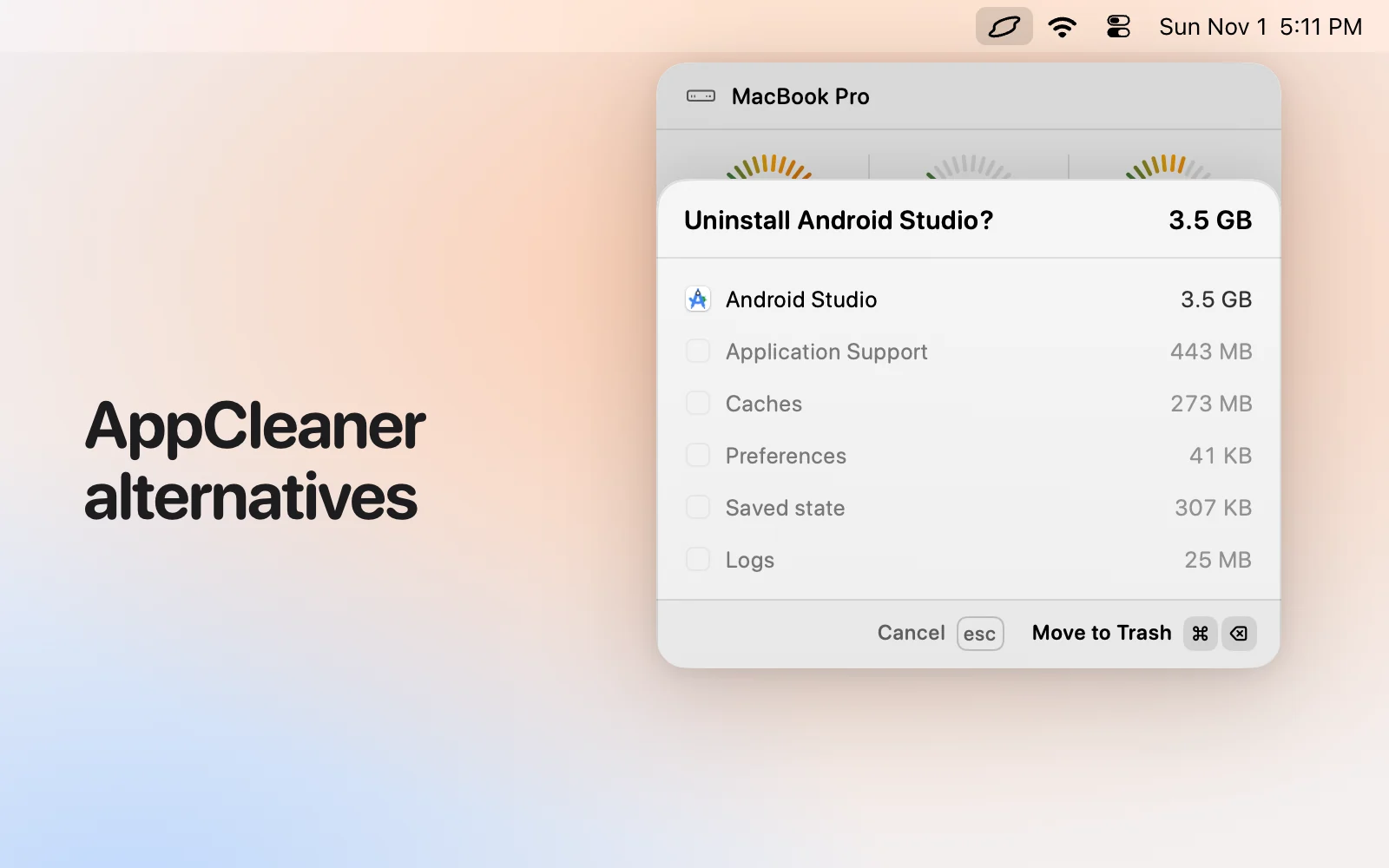
Uninstall is one part of a menubar app for macOS 26 or later. Pick an app (or press ⌘K and type Uninstall) and Levo shows the app with its leftovers: Application Support, caches and preferences. Everything goes to the Trash, and Put back restores it if you change your mind. Levo also lists apps you haven’t opened in months as Unused apps in Ready to free, and Clean up removes them the same way. The rest of the app watches disk, memory, CPU and GPU against your limits.
- Good at: Uninstalling as part of keeping the Mac in shape, with a safety net.
Pick it if: you want uninstalling and cleaning in one place.
2. AppCleaner
By FreeMacSoft. Drag an app onto it, review the files it found, and delete. Tiny, free, and has stood the test of time.
- Price: Free.
- Good at: Doing one job simply.
Pick it if: you just want to uninstall apps.
3. Pearcleaner
An open-source uninstaller that finds an app’s leftovers and can also sweep files left by apps you’d already deleted. It’s modern and actively developed.
- Price: Free, open source.
- Good at: A free uninstaller with extras.
Pick it if: you want AppCleaner with more reach.
4. CleanMyMac
By MacPaw. Its uninstaller is one module of an all-in-one cleaner, next to junk cleaning and maintenance.
- Price: A subscription, from about US$3.33 a month (Nov 2026).
- Good at: Uninstalling inside a polished suite.
Pick it if: you’re already using it.
5. App Cleaner & Uninstaller
By Nektony. Removes apps with their leftovers and also lists extensions and launch agents so you can disable them.
- Price: Free to try, with a paid Pro version (Nov 2026).
- Good at: Managing what apps leave running as well as what they leave behind.
Pick it if: you want to tame login items and extensions too.
What an uninstaller actually removes
Most apps keep files in your user Library: Application Support for data, Caches for temporary files, Preferences for settings, and sometimes Containers, launch agents or logs. A good uninstaller searches those places by the app’s name and bundle identifier and lists what it found, so you can review it. None of them can be perfect, because apps are free to store files wherever they like.
Undo matters
The biggest practical difference is what happens after you confirm. Some tools delete straight away. Levo sends the app and its leftovers to the Trash and can Put back what it removed, so a wrong guess costs you a click rather than a reinstall.
Apps that take more than a drag
Large developer and creative apps, such as Xcode, Android Studio, Docker, Anaconda or Creative Cloud, spread data far beyond the app itself, sometimes tens of gigabytes. For those, look at the leftovers list carefully, and expect a dedicated guide to the tool to give a better result than a generic scan.
How we chose
- Starting point: the tools people most often name for this job, plus what macOS can do on its own.
- Kept: tools that are still maintained and that differ in approach, price or who decides what is safe.
- Sources: each maker’s own description and, for Levo, the app itself. Prices are rounded. No paid placements, and none of these makers reviewed this page.
Which one should you pick?
- Levo: You want uninstalling alongside cleaning and monitoring.
- AppCleaner: You want the simplest free tool.
- Pearcleaner: You want free with more options.
- CleanMyMac: You want a suite.
- App Cleaner & Uninstaller: You want to manage extensions and login items.
Questions
Is dragging an app to the Trash enough?
It removes the app but not its preferences, caches or support folders, which can stay for years. An uninstaller finds them.
Are leftovers safe to delete?
Usually, once the app is gone. A good uninstaller shows the list first, and a Trash step lets you put things back.
Can I uninstall apps that came with macOS?
No. Those are part of the system and can’t be removed this way.
Where do leftovers live?
Mostly in your Library folder: Application Support, Caches and Preferences.
Which uninstaller is best for big apps?
One that shows the full leftovers list with sizes, so you can see the big items. Levo, CleanMyMac and Pearcleaner do.
Can I reinstall after using an uninstaller?
Yes, but your settings and data in the leftovers are gone unless you restore them. A Trash step with a way to put things back helps.
Compared on 3 November 2026. Prices of other apps are rounded and can change; check the maker’s site.