
Levo guides · Memory, CPU and GPU
Is 8 GB of RAM enough for a Mac in 2026?
For browsing, email, documents and streaming, 8 GB is still enough on Apple silicon. For development, photo or video work, many browser tabs plus chat apps, or local AI models, it is tight, and 16 GB is the sensible minimum. Developers running containers or agents should look at 24 GB or more.
| RAM | Comfortable for | Struggles with |
|---|---|---|
| 8 GB | Browsing, mail, office, streaming, light photo editing | Many tabs plus Slack, VMs, Docker, Xcode, 4K video |
| 16 GB | Most people. Dev work with an IDE, a browser and one simulator or container | Several containers, big builds, local models above a few GB |
| 24 GB | Heavy dev, multiple simulators, light local AI | Large models, many VMs |
| 32 GB and up | Local AI, video, virtual machines, big monorepos | Little, for most work |
Why 8 GB goes further than it used to, and where it stops
Apple silicon uses memory efficiently: unified memory, fast compression and fast SSD swap make an 8 GB Mac feel better than an old 8 GB Intel one. You can work with swap in the low gigabytes and barely notice. The limit shows when the working set of what you do is simply bigger than 8 GB, and then every app switch reads from the SSD and the Mac slows in a way no setting fixes.
Memory is soldered to the chip, so you cannot add more later. If you are buying, think about the heaviest thing you will do in the next three or four years, not today's average day.
What fits in each size
- Browser: a modern browser with 20 or more tabs can take 3 to 6 GB alone.
- Chat and Electron apps: Slack, Discord, Teams and a code editor each hold hundreds of megabytes to over a gigabyte.
- Developers: an IDE, a simulator, a couple of dev servers and a browser can fill 16 GB. Docker and Android emulators add several gigabytes each.
- Local AI: a model needs roughly its file size in memory. A 4 GB model is fine on 16 GB; a 20 GB model needs 32 GB or more.
- Video and photos: 8 GB works for 1080p edits and light photo work, but 4K timelines and big RAW batches want 16 GB.
How to tell if your Mac needs more
- Do your usual heavy day, then open Activity Monitor › Memory.
- If the Memory Pressure graph stays green, you have enough. Ignore how much is "used".
- If it is often yellow or red, and Swap Used sits in several gigabytes, you do not.
- Before you decide, quit what is idle. Many "my Mac is too small" problems are one forgotten daemon.
memory_pressure
sysctl hw.memsize
sysctl vm.swapusage
Memory shortage and a full disk feel alike but are different problems. On a small Mac a full SSD also hurts swap. See memory vs storage.
Check it on your own Mac
These commands show how much memory you have and how hard it is working. Run them after a normal heavy day, not on a quiet morning:
sysctl hw.memsize
memory_pressure
sysctl vm.swapusage
vm_stat | grep -E "Pageouts|Swapouts"
top -o mem -l 2 -n 8 | tail -n 12
If swap is under a gigabyte or two and pressure stays green all day, 8 GB is serving you well. If swap is several gigabytes after every session and Pageouts climbs fast, you are paying for it in speed, even if you have stopped noticing.
Ways to get by on 8 GB
- Use one browser and keep tabs under control. A tab suspender helps.
- Run chat apps in the browser instead of the Electron app if you rarely use them.
- Quit simulators, Docker and dev servers when a task ends.
- Keep 10 to 15% of the disk free so swap has room.
- Restart weekly.
Buying advice in one line: if you are unsure between 8 and 16 GB, take 16. The difference in price is small next to replacing the Mac early.
How Levo does it
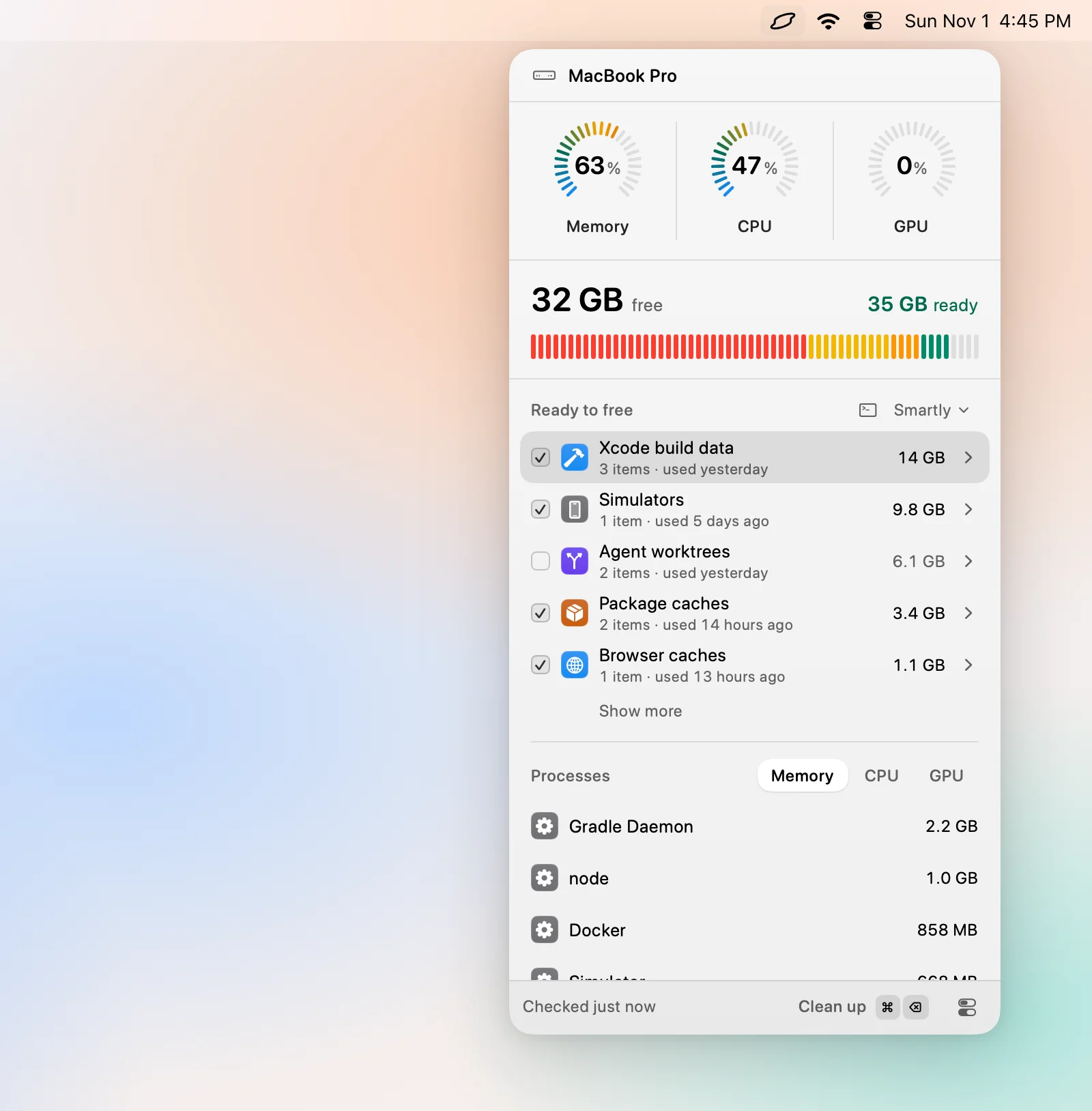
On a Mac with limited RAM, the cheapest upgrade is to stop spending it on idle things. Levo watches memory pressure, and when it stays high the popover lists the processes holding the memory, each with your own AI agent's verdict and a Quit button. A forgotten dev server or build daemon is often the difference between yellow and green.
Levo never quits system processes such as WindowServer, Finder or Dock, and it never quits anything you mark to keep. It will not make 8 GB into 16, but it keeps what you have free of idle weight. See the help article.
FAQ
Is 8 GB of RAM enough for a MacBook Air?
For web, mail, documents and video calls, yes. For development, heavy multitasking or creative work, 16 GB is a much better choice.
Is 8 GB of RAM enough for programming?
For small projects and a light editor, it works. With an IDE, a simulator or containers and a browser, you will swap constantly. Choose 16 GB or more.
Can I upgrade the RAM later?
No. On Apple silicon the memory is part of the chip package, so you choose it when you buy.
Is 16 GB or 24 GB better for local AI models?
Models need roughly their file size in free memory, plus room for the system. Small models of a few GB run on 16 GB, and anything larger wants 32 GB or more.
Does 8 GB of RAM slow down a Mac over time?
Not by itself, but software grows. The same 8 GB serves a lighter workload each year, so a Mac that is fine today may swap in three years.
Is swap on an 8 GB Mac a problem?
Some swap is normal and invisible on Apple silicon. It becomes a problem when it is large, growing and paired with a yellow or red pressure graph.