
Levo guides · AI models and coding agents
Where Claude Code keeps sessions, and how much space they take
Claude Code writes a transcript for every session to ~/.claude/projects, and nothing prunes it quickly. Over months it reaches gigabytes. Old sessions are safe to delete if you don’t plan to resume them. Keep settings.json, CLAUDE.md, your skills and the memory folders.
| What | Where | Safe to delete? |
|---|---|---|
| Session transcripts | ~/.claude/projects/<project-path>/<id>.jsonl | Old ones, yes. You can’t resume a deleted one |
| Subagent and tool output | The folder beside each transcript | Yes, you can still resume the conversation |
| File history | ~/.claude/file-history | Old ones, yes |
| Shell snapshots | ~/.claude/shell-snapshots | Yes |
| Memory | ~/.claude/projects/<project-path>/memory | No, keep it |
| Settings, CLAUDE.md, skills, agents, plugins | ~/.claude/settings.json, CLAUDE.md, skills | No |
| Old CLI versions | ~/.local/share/claude/versions | Yes, except the current one |
| Worktrees | .claude/worktrees in a repo | Once merged and clean |
| Global config and login | ~/.claude.json | No |
How to do it yourself
Each project gets a folder under projects named after its path with the slashes turned into dashes. Size them and look for the heavy ones:
du -sh ~/.claude/* | sort -h
du -sh ~/.claude/projects/* | sort -h | tail -10- Delete the whole folder of a project you have finished with, if you won’t resume anything in it.
- For active projects, delete only old transcripts. This lists sessions untouched for 60 days:
find ~/.claude/projects -name '*.jsonl' -mtime +60- When the list looks right, add
-deleteto the command. Claude Code also deletes sessions older thancleanupPeriodDays(30 by default) from its own settings, so you can shorten that instead of cleaning by hand. - Remove old CLI versions if you installed the native build: the folders in
~/.local/share/claude/versionsother than the oneclaude --versionreports.
Don’t delete a session that is running, and never touch ~/.claude.json, settings.json or your memory folders. Without them Claude Code forgets your preferences. If you remove a session, claude --resume no longer lists it.
Worktrees that Claude Code made for tasks sit in each repo’s .claude/worktrees and each is a full checkout. Remove them with git, not rm: see how to remove old git worktrees. If you are removing Claude Code itself, see how to uninstall it. Codex and Gemini keep sessions the same way.
What a big session folder means
Transcripts are plain JSON lines, one event per line, and they include everything a tool printed. A session where Claude Code read big files, ran test suites or fetched web pages carries all of that output, which is why a handful of sessions can be a few hundred megabytes.
Sidecar folders next to a transcript hold the output of subagents and large tool results. Removing only those is the gentle option: the conversation text stays, so claude --resume still works, and you get back most of the space.
Check ~/.claude/projects for folders named after paths that no longer exist, such as deleted worktrees. Nobody can resume those where they ran, so they are the safest to remove first. The folder names look like -Users-you-code-app--claude-worktrees-fix-login, so the worktree name is readable.
If you use more than one account or config folder, each has its own projects directory. Run the size command against each one.
How Levo does it
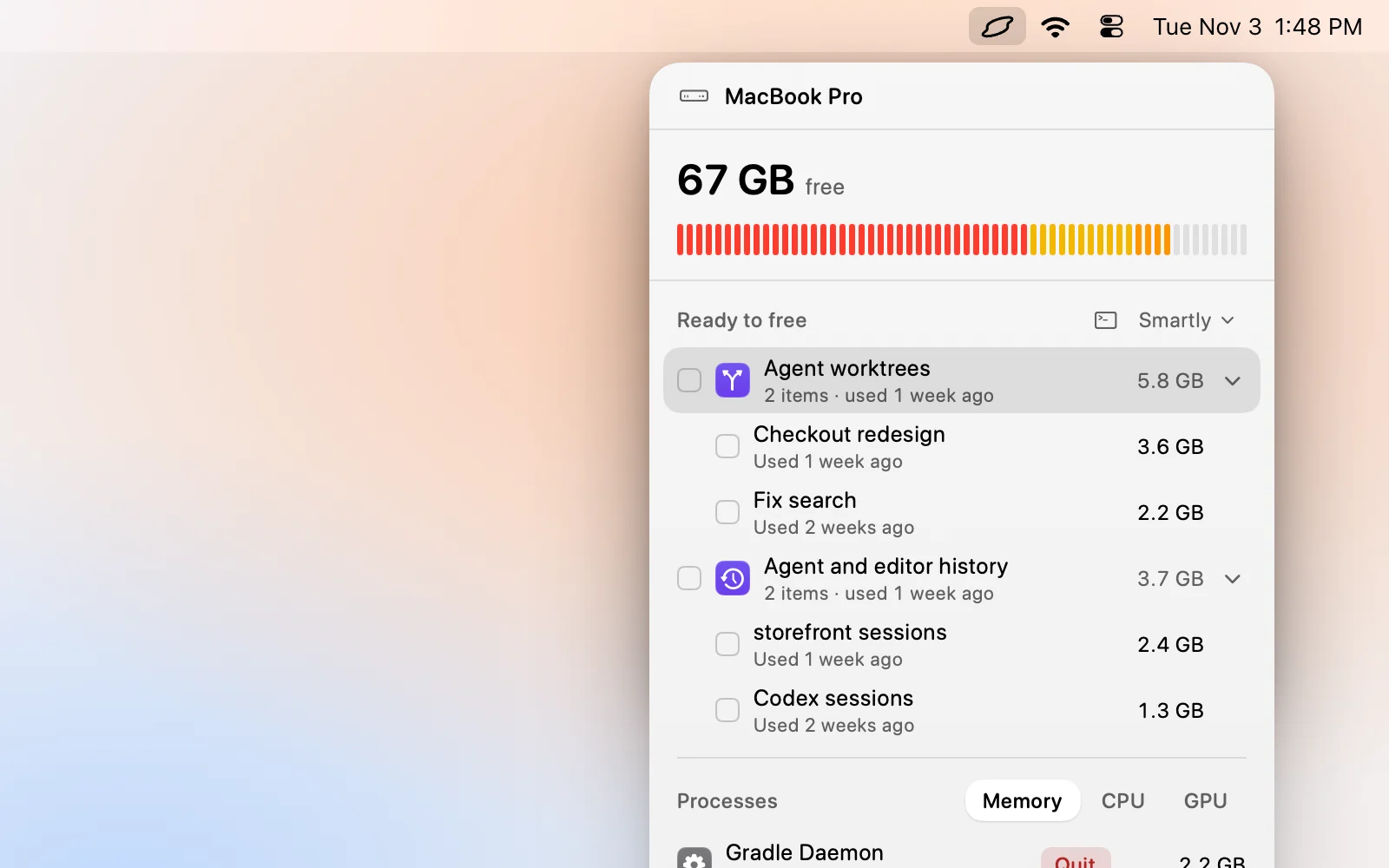
Levo lists Agent and editor history with one row per project folder, which stands for the sessions inside it. Open the row to tick sessions one by one. At Careful it takes a whole session once it has been idle for 7 days, or only its subagent and tool output after 3 days, which still lets you resume the conversation.
A session that is running now, the agent’s memory, anything open and anything changed in the last five minutes are never removed. Levo checks each part again before it deletes. See Agent sessions and Coding agents leave a mess.
Claude Code and other AI apps that support MCP, such as Claude, ChatGPT or Cursor, can use Levo. You ask in plain words what’s filling the disk, or to clean up or free memory, and Levo answers and acts, right on your Mac.
FAQ
Where does Claude Code store sessions?
In ~/.claude/projects, one folder per project path, holding a .jsonl transcript for each session and a folder of subagent and tool output.
Is it safe to delete ~/.claude/projects?
Old sessions, yes: you just can’t resume them. Keep the memory folders, and don’t delete anything for a session that is running.
Which Claude Code files should I never delete?
settings.json, CLAUDE.md, your skills, agents and plugins, the memory folders and ~/.claude.json. They hold your configuration and login.
How long does Claude Code keep sessions?
It removes sessions older than 30 days by default. Change cleanupPeriodDays in settings.json to shorten or lengthen that.