
Levo guides · AI models and coding agents
Codex CLI sessions and logs: where they are and when they can go
Codex CLI keeps each session as a rollout file under ~/.codex/sessions, and Gemini CLI keeps chats under ~/.gemini/tmp. Old sessions and logs are safe to delete once you no longer need to resume them. Keep the login and config files in the same folders.
| What | Where | Safe to delete? |
|---|---|---|
| Codex sessions | ~/.codex/sessions/YYYY/MM/DD/rollout-*.jsonl | Old ones, yes |
| Archived sessions | ~/.codex/archived_sessions | Yes |
| Codex logs | ~/.codex/log | Yes |
| Prompt history | ~/.codex/history.jsonl | Yes, you lose the up-arrow history |
| Codex config and login | ~/.codex/config.toml, auth.json | No |
| Codex instructions and skills | ~/.codex/AGENTS.md, skills | No |
| Gemini chats and logs | ~/.gemini/tmp/<hash> | Old ones, yes |
| Gemini settings and login | ~/.gemini/settings.json, oauth_creds.json, GEMINI.md | No |
How to do it yourself
- Size both folders:
du -sh ~/.codex/* ~/.gemini/* 2>/dev/null | sort -h- Codex stores one file per session in dated folders, so age is easy to see. List those older than 30 days:
find ~/.codex/sessions -name 'rollout-*.jsonl' -mtime +30- When the list looks right, run the same command with
-delete, then remove the empty dated folders withfind ~/.codex/sessions -type d -empty -delete. - For logs, empty
~/.codex/log. They are only diagnostics. - For Gemini, open
~/.gemini/tmp. It has one hashed folder per project, with chats, logs and checkpoints inside. Delete the folders for projects you have finished.
Don’t delete auth.json, oauth_creds.json or the config and instructions files. They are your sign-in and your settings, and removing them logs you out. Don’t delete a session an agent is running right now.
Deleting a rollout means you can’t resume that session with codex resume. If you only want the space back, old ones are rarely missed. Codex can also work in its own worktrees: see how to remove old git worktrees. Claude Code does the same in its own folder, and AI clutter on a Mac lists the rest.
Resuming, and what you lose
Each rollout file records one conversation with the agent: the messages, the commands it ran and their output. It is what codex resume reads to continue a session, and nothing else needs it. If you delete one, the only loss is that history.
The dated folder layout is handy: everything from last month sits in one folder, so you can delete a month at once with rm -rf ~/.codex/sessions/2026/09. Check the size first with du -sh, and keep anything you might want to search later. Some people save rollouts of important work, as they read like a log of what was done.
Codex can also write temporary worktrees and caches elsewhere under ~/.codex, and its desktop app adds its own folders under ~/Library/Application Support. Gemini CLI’s tmp folder is named for a temporary store but holds the real chat history, so treat it like sessions, not like a cache. Neither tool deletes old data on its own.
How Levo does it
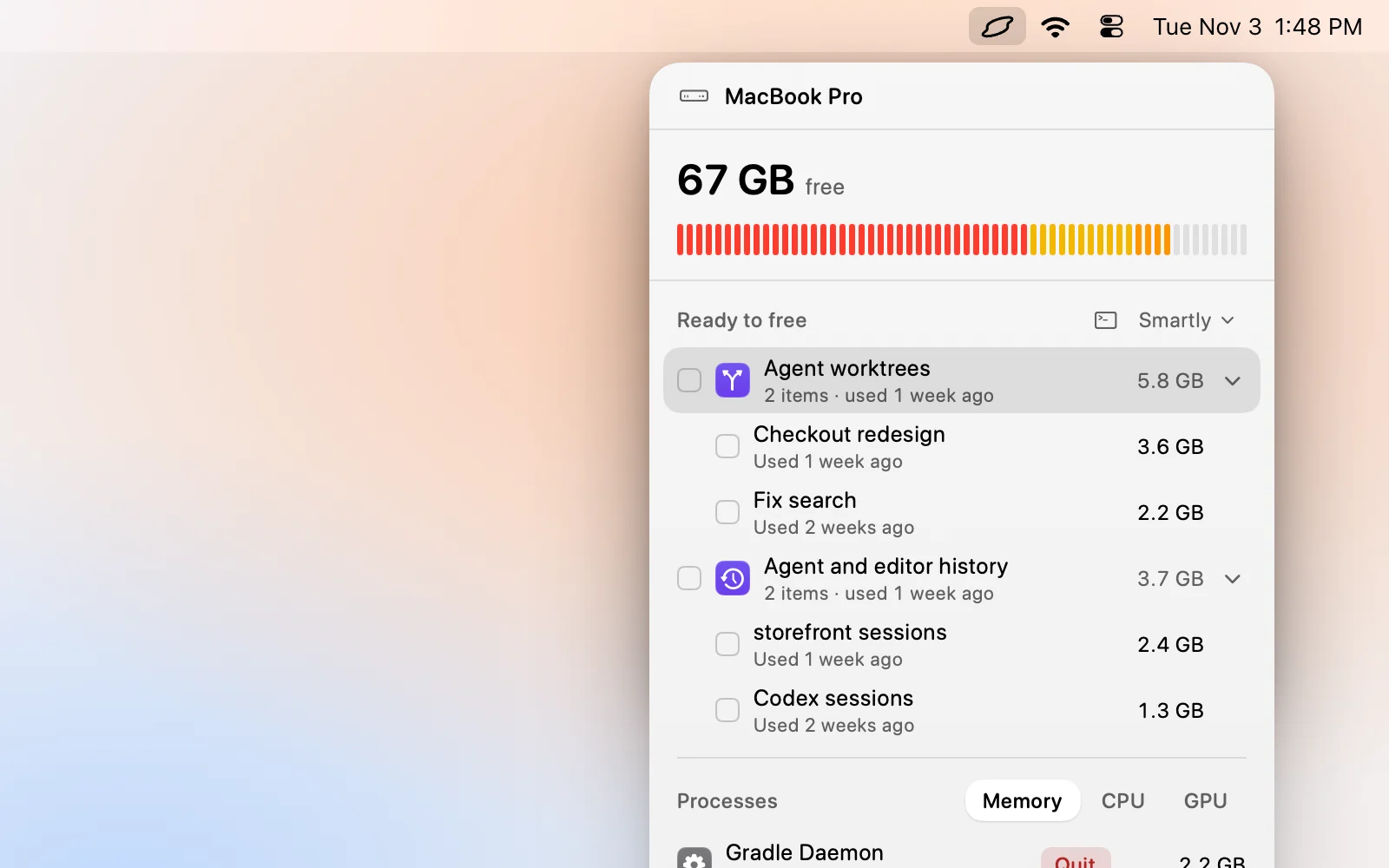
Levo lists Codex rollouts and the other agents’ history as Agent and editor history, one row per project with a size, and you open a row to tick single sessions. At Careful it takes a Codex rollout after 7 days idle; Balanced after 2 days.
Running sessions, agent memory and anything changed in the last five minutes are never removed. Your own agent can adjust the idle times per project once it has looked. See Agent sessions.
Codex and other AI apps that support MCP, such as Claude, ChatGPT or Cursor, can use Levo. You ask in plain words what’s filling the disk, or to clean up or free memory, and Levo answers and acts, right on your Mac.
FAQ
Where does Codex CLI store sessions?
In ~/.codex/sessions, in folders by year, month and day, one rollout .jsonl file per session. Logs are in ~/.codex/log.
Is it safe to delete ~/.codex?
Not the whole folder: auth.json and config.toml hold your login and settings. Old sessions, archived sessions and logs inside it are safe to delete.
Where does Gemini CLI keep its history?
Under ~/.gemini/tmp, in one hashed folder per project. Settings and login are in ~/.gemini itself and should be kept.
Will deleting sessions affect Codex?
You can’t resume a deleted session. New sessions and your settings are not affected.