
Levo guides · Developers: everything else
How to clear pip, uv, Poetry and conda caches
Each Python tool has a cache command: pip cache purge, uv cache clean, poetry cache clear --all and conda clean --all. They’re safe, and the cost is a re-download the next time you install.
| Tool | Where the cache is | Command |
|---|---|---|
| pip | ~/Library/Caches/pip | pip cache purge |
| uv | ~/.cache/uv | uv cache clean (or uv cache prune) |
| Poetry | ~/Library/Caches/pypoetry | poetry cache clear --all . |
| conda or mamba | pkgs inside ~/miniconda3, ~/anaconda3 or ~/miniforge3 | conda clean --all |
| pipx | ~/.local/pipx (installed tools, not a cache) | pipx uninstall <name> |
What each cache holds
pip saves the wheels it downloads or builds, so a second install of the same version doesn’t need the network. uv does the same and also keeps unpacked copies it links into environments. Poetry caches downloads and its resolver’s metadata. These only hold what the package index can give you again.
conda is the one that looks different. Its pkgs folder holds every package it has ever downloaded, in both tarball and extracted form, and conda links the extracted files into your environments. After a year of installs it often passes 10 GB, and the machine learning stack alone (PyTorch, TensorFlow, CUDA builds on other platforms) fills a lot of it.
How to do it yourself
pip
pip cache dir
pip cache info
pip cache purge
info shows the size and number of files. If you have several Pythons, run it as python3 -m pip cache purge with the interpreter you mean, though they share one cache folder on macOS.
uv
uv cache dir
uv cache prune
uv cache clean
prune removes only entries that aren’t reachable any more, so it’s the polite one. clean removes everything. uv links packages from its cache into virtual environments, so after a clean, existing environments still work: files are hard-linked or copied, and what they use stays.
Poetry
poetry cache list
poetry cache clear --all pypi
Replace pypi with a repository name from the list, or use --all on each. Poetry also keeps its virtual environments in ~/Library/Caches/pypoetry/virtualenvs by default. That folder isn’t the cache, and it’s often bigger. Clear a project’s environment with poetry env remove, and read how to find and delete old Python virtual environments first.
conda
conda clean --all --dry-run
conda clean --all
conda env list
--dry-run shows what would go. conda clean --all removes unused tarballs, unused packages and the index cache. It does not remove packages that your environments still link to, so it never breaks one. If you want more space, delete environments you don’t use:
conda env remove -n old-envDo not delete the pkgs folder by hand. Environments are linked to files in it, and you’d break them. If you used mamba or micromamba, the same applies to their pkgs folder, and the cleaning command is mamba clean --all.
Other caches in the same family
- Hugging Face models are in
~/.cache/huggingfaceand are not a package cache. They’re large, and not always easy to download again. See the Hugging Face cache guide. - pre-commit keeps hook environments in
~/.cache/pre-commit.pre-commit cleanclears it. - pyenv keeps each Python in
~/.pyenv/versions.pyenv uninstall 3.9.18removes one. - Jupyter and matplotlib keep small caches in
~/Library/Jupyterand~/.matplotlib. They’re minor.
If a tool has run an install lately and you purge in the middle of another, the second install fails once and works on a retry.
How Levo does it
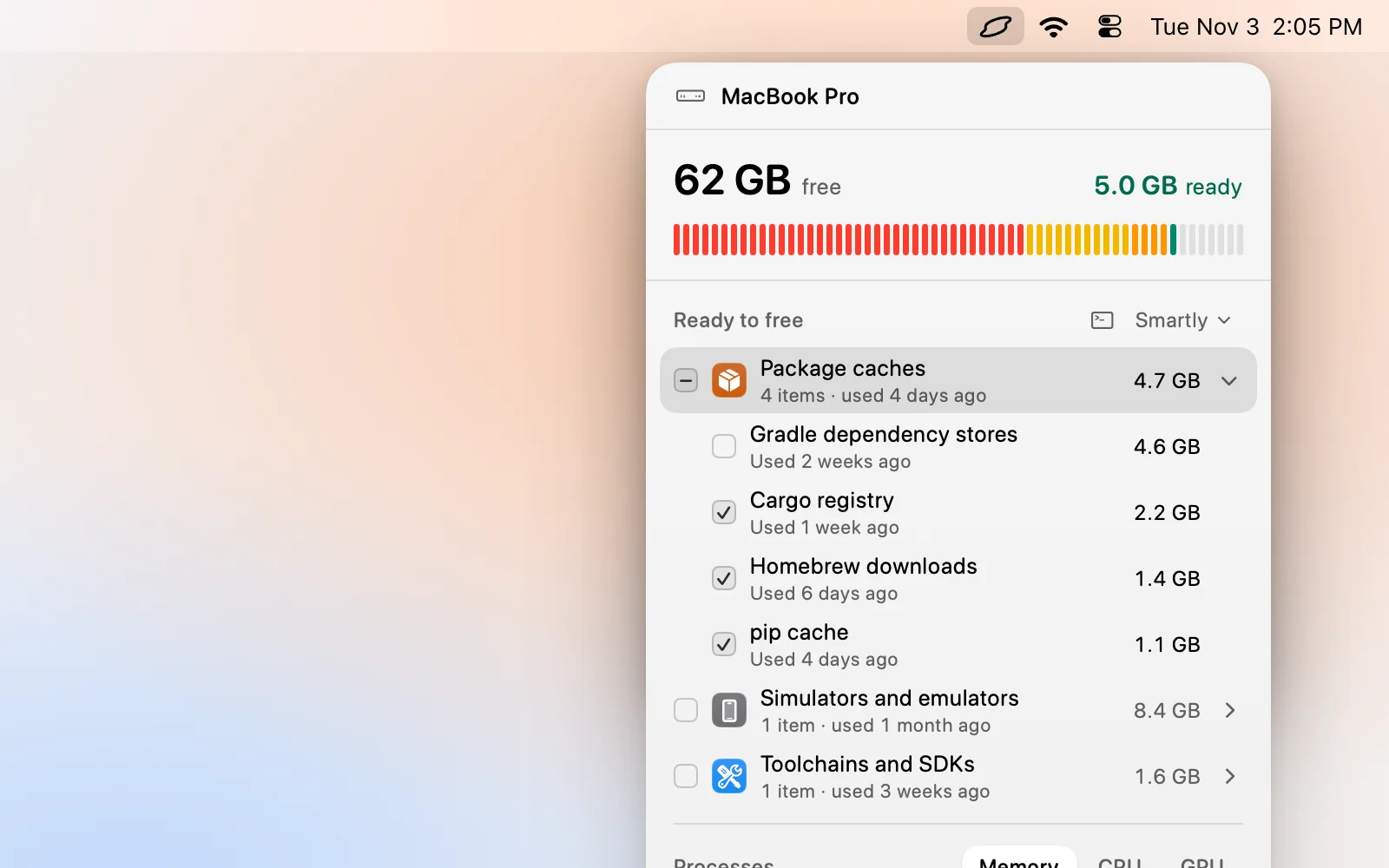
Levo shows package caches as their own kind in Ready to free, with a size and a reason, and your agent adds judgement for the Python ones: a pip or uv cache only costs a re-download, while a conda environment is a project’s.
Environments are different from caches. Levo lists them with the project they belong to, and your agent judges whether the project is idle. Levo doesn’t tick one while something is running inside it, and AI models are listed but never ticked for you. The agent only reads, and Levo does the deleting after checking again.
Tick what goes, press Clean up, and with Move to Trash on you can put it back. Levo for web developers covers Python, Ruby, Rust and Go projects too. Two cleanups are free, then there’s a lifetime licence.
FAQ
Is it safe to clear the pip cache?
Yes. The cache holds downloaded and built wheels. The next install fetches or rebuilds them, so it is slower once. Your installed packages and environments are not touched.
Will conda clean --all break my environments?
No. It removes only tarballs, packages that no environment uses, and the index cache. Packages your environments are linked to stay.
How big is the conda package cache?
Often 5 to 30 GB after a year of data science work. Run conda clean --all --dry-run to see how much it would free.
Does uv cache clean affect my virtual environments?
Not the ones that already exist. uv copies or hard-links files into an environment when it creates it, so they keep working. New installs will download again.
Why is my Python folder still huge after clearing caches?
The big items are usually environments, not caches: conda envs, Poetry’s virtualenvs, .venv folders inside projects, and pyenv versions. Delete the ones you don’t use.