
Levo guides · Developers: everything else
How to clear npm, pnpm, Yarn and Bun caches
Each package manager has its own cache command: npm cache clean --force, pnpm store prune, yarn cache clean and bun pm cache rm. They free space without touching any project, and the only cost is that the next install downloads packages again.
| Tool | Where the cache is | Command |
|---|---|---|
| npm | ~/.npm (_cacache and _npx) | npm cache clean --force |
| pnpm | The store, ~/Library/pnpm/store by default | pnpm store prune |
| Yarn Classic (1.x) | ~/Library/Caches/Yarn | yarn cache clean |
| Yarn 2 and later | ~/.yarn/berry/cache, or .yarn/cache in the project | yarn cache clean --all |
| Bun | ~/.bun/install/cache | bun pm cache rm |
What a package cache is
When you install a package, the tool keeps a copy of the tarball it downloaded. The next project that needs the same version installs from disk instead of the network, which is faster and works offline. The cache never holds anything that isn’t on the registry, so clearing it is always safe. The price is a slower first install afterwards.
It is separate from node_modules, which is the copy inside each project. Clearing a cache doesn’t touch those, and deleting them doesn’t touch the cache. For the project folders, see how to find and delete node_modules folders.
How to do it yourself
npm
Find the folder and its size first, then clear it.
npm config get cache
du -sh ~/.npm
npm cache clean --force
npm warns that you rarely need --force and that the cache is self-healing. That is true for correctness, but it won’t shrink on its own, so for reclaiming space the force flag is how you do it. npm cache verify only tidies up and often frees little. The _npx folder inside ~/.npm holds packages that npx ran once, and it’s the part that clean-up sometimes skips. You can delete ~/.npm/_npx by hand.
pnpm
pnpm doesn’t keep tarballs. It keeps one content-addressed store, and each project’s node_modules links into it with hard links. That means the store isn’t really a cache: a project that is installed depends on it for its files.
pnpm store path
pnpm store prune
prune removes only packages that no project on the Mac still links to, so it’s safe. Don’t delete the store folder by hand while projects use it. Their files are hard links, so they would keep working, but pnpm loses track of what’s installed and will re-download everything. If you delete a project’s node_modules and then run prune, that is how the space actually comes back.
Yarn
yarn cache dir
yarn cache clean
On Yarn 2 and later, the cache can live inside each project in .yarn/cache when the project uses zero-installs. In that case it’s committed to git on purpose. Leave it alone.
Bun
bun pm cache
bun pm cache rm
The first command prints the folder. Bun’s cache is often the largest one of the four, because it keeps unpacked copies for fast installs.
The ones people forget
- Corepack:
~/.cache/node/corepackholds downloaded Yarn and pnpm versions. - node-gyp:
~/Library/Caches/node-gypholds Node headers for native modules. It comes back the next time you build one. - Electron:
~/Library/Caches/electronholds Electron downloads, a few hundred MB per version. - Node versions: nvm, fnm and Volta keep every version you installed, around 100 to 200 MB each. Remove the ones you don’t use with
nvm uninstall <version>orfnm uninstall <version>.
Don’t clear a cache in the middle of an install in another Terminal tab. The install can fail with a corrupt-tarball error, and a second run fixes it.
How Levo does it
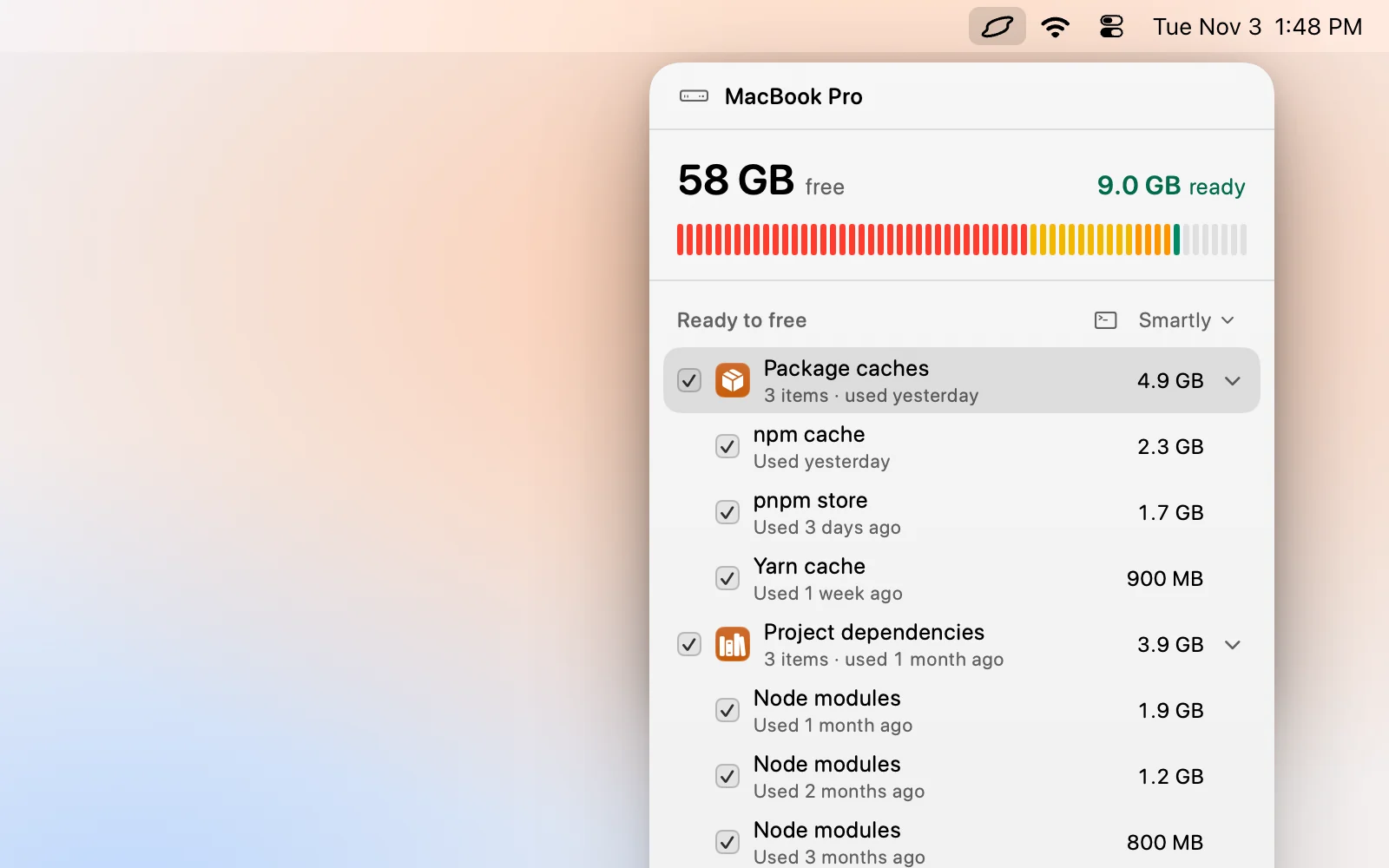
Levo lists package caches as their own kind in Ready to free: npm, npx, the pnpm store, Yarn, Bun and Deno, plus the Electron and node-gyp downloads. Each one has a size and a reason, and they only speed up installs.
The pnpm store is the case where judgement matters. Your agent checks whether projects on the Mac still use it, and Levo removes the cache itself, not through pnpm store prune, so the list shows the effect before you press Clean up. Levo does the deleting after checking each item again, and with Move to Trash on you can put it back.
Nothing leaves your Mac apart from what your own agent reads, as with any use of that agent. Read Levo for web developers for the full list of what it looks for. Two cleanups are free, then there’s a lifetime licence.
FAQ
Is it safe to clear the npm cache?
Yes. The cache only holds copies of packages that are on the registry. The next install downloads them again, so it is a little slower and needs a network connection.
How big is the npm cache?
Often 1 to 5 GB, and more if you use npx a lot. Run du -sh ~/.npm to see yours.
Why didn’t clearing the pnpm store free any space?
Projects still link to the files in it, so pnpm store prune keeps them. Delete the node_modules of projects you don’t need and run prune again. Then the unreferenced packages are removed.
Do I need to clear the cache before updating Node?
No. Caches are keyed by package version, not Node version. Native modules are rebuilt on install when the Node version changes, and the node-gyp header cache refreshes by itself.
Can I move the cache to an external drive?
Yes. Set npm_config_cache for npm, store-dir for pnpm, cacheFolder for Yarn 2 and later, or BUN_INSTALL_CACHE_DIR for Bun. Installs get slower if the drive is slow, and fail if it’s unplugged.