
Levo guides · Developers: everything else
How to find and delete old Python virtual environments
Every folder with a pyvenv.cfg file inside is a virtual environment, and any of them can be deleted if the project has a way to rebuild it. Most are 100 MB to 1 GB, and machine learning ones can pass 5 GB.
| Tool | Where the environment lives | Safe to delete? |
|---|---|---|
python -m venv, uv venv | .venv or venv inside the project | Yes, if you can recreate it |
| Poetry | ~/Library/Caches/pypoetry/virtualenvs | Yes, poetry install rebuilds it |
| Pipenv | ~/.local/share/virtualenvs | Yes, pipenv install rebuilds it |
| conda | envs inside ~/miniconda3 or similar | Yes, with conda env remove |
| pyenv | ~/.pyenv/versions | Python versions and pyenv-virtualenv envs. Check what uses them |
What a virtual environment is, and what it isn’t
A virtual environment is a folder with its own copy of (or link to) the Python interpreter and its own site-packages, so each project has its own versions of its libraries. It isn’t your project. Your code is outside it, and what’s inside is meant to be reproducible from a requirements.txt, pyproject.toml or Pipfile.
That is the test for whether to delete one: does the project say what goes in it? If it does, deleting costs you one install. If it doesn’t, the environment is the only record of the versions you used, and you should save that first.
How to do it yourself
Find them
find ~ -name pyvenv.cfg -not -path "*/Library/*" -not -path "*/.pyenv/*" -not -path "*/node_modules/*" 2>/dev/nullEach hit is the root of an environment: the folder that holds pyvenv.cfg. To get sizes, feed those folders to du:
find ~ -name pyvenv.cfg -not -path "*/.pyenv/*" 2>/dev/null | xargs -n1 dirname | xargs du -sh | sort -hPoetry’s and Pipenv’s environments are under ~/Library and ~/.local, which the first command skips on purpose, so check those two folders directly with ls and du -sh. Poetry names each folder after its project, for example myapp-aB3dE5-py3.12.
Decide which to keep
- Look for the recipe. The project folder should have
requirements.txt,pyproject.toml,Pipfileorenvironment.yml. No recipe means saving one first. - Save a recipe when there isn’t one. Activate the environment and run
pip freeze > requirements-freeze.txt. For conda,conda env export > environment.yml. - Check the date.
ls -ld .venvshows when it was last changed. An environment untouched for six months belongs to a project you aren’t working on. - Orphans. Poetry and Pipenv environments for projects you deleted are the easiest win. Nothing will ever use them again.
- Scripts and tools. A script with a shebang such as
#!/Users/you/tools/.venv/bin/python, or a launchd job, a cron job or an editor setting that points into the folder, breaks if you delete it. Search for the path before you do.
Delete
rm -rf ~/Developer/old-project/.venv
poetry env list
poetry env remove python3.12
pipenv --rm
conda env remove -n old-env
To rebuild later, python3 -m venv .venv && .venv/bin/pip install -r requirements.txt does it, or uv sync if the project uses uv, which is much quicker.
A .venv that you moved or copied to another folder is broken: scripts inside have the old path written in. That’s another reason to rebuild rather than keep one.
Python versions
pyenv installs each Python version under ~/.pyenv/versions, about 100 to 200 MB each. See them with pyenv versions and remove one with pyenv uninstall 3.9.18. Before you do, check that no environment is built on it: a venv created from that version stops working when its base Python is removed. Homebrew’s [email protected] formulae are the same story. See how to clean up Homebrew.
The package caches are a separate thing, covered in how to clear pip, uv, Poetry and conda caches.
How Levo does it
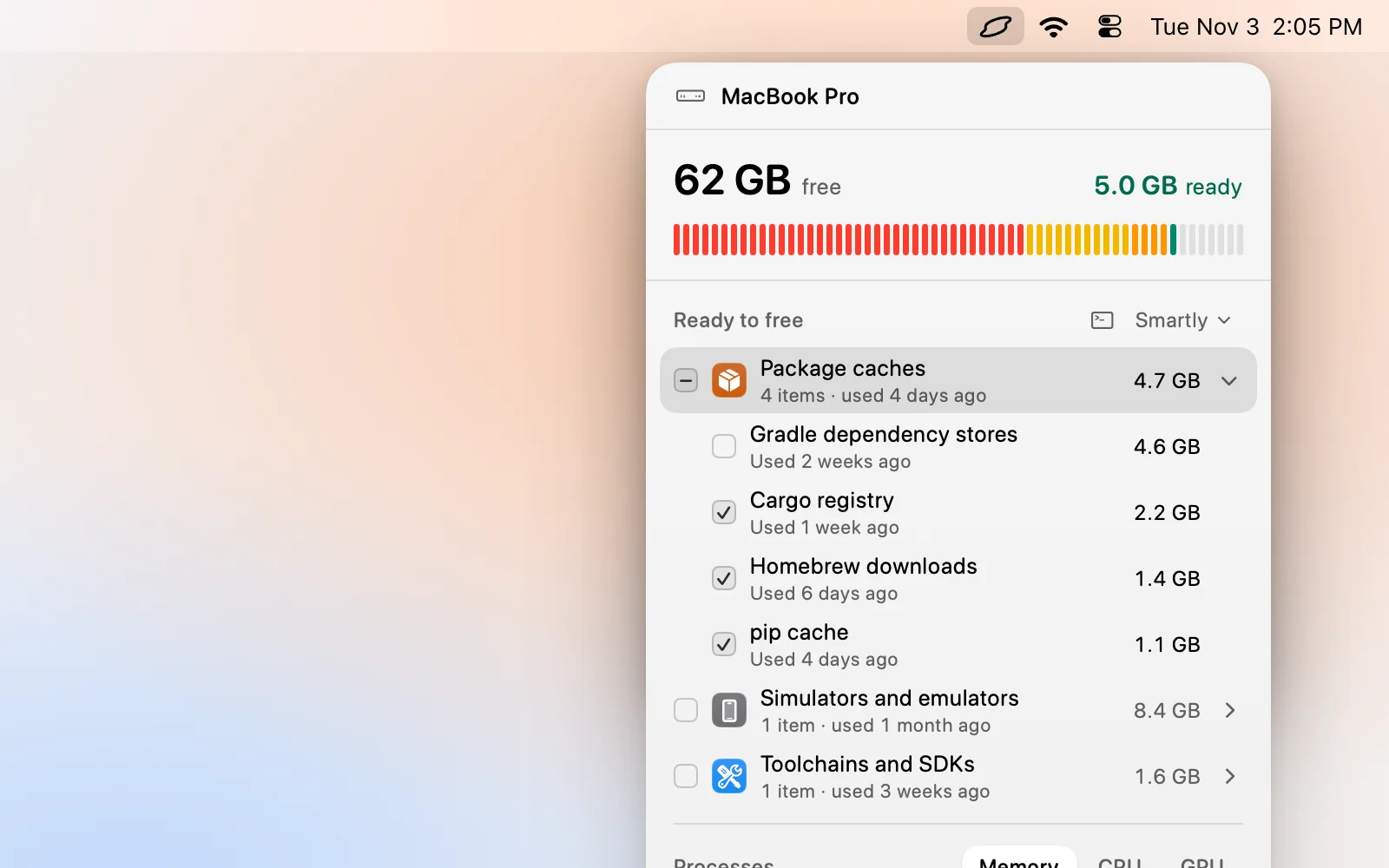
Levo’s index finds Python virtual environments inside your projects, and lists them in Ready to free with the size and a reason, alongside the caches. It treats them the way it treats node_modules: rebuildable, so candidates, but not while the project is in use.
Your agent reads the project and judges it. It can see whether a project has a requirements file, a Poetry lock or a pyproject.toml that rebuilds the environment, and whether the project has been touched lately. Levo ticks an environment only when nothing is running in it. A project you opened this morning stays unticked, and Levo checks each item again before it deletes.
You choose a cleanup level, tick what goes and press Clean up. With Move to Trash on, you can use Put back. Levo for web developers explains what it looks for in Python, Ruby, PHP, Rust and Go projects. Two cleanups are free, then there’s a lifetime licence.
FAQ
Can I delete a .venv folder?
Yes, if the project can rebuild it from requirements.txt, pyproject.toml, a Pipfile or a lock file. Your code isn’t inside it. If there is no recipe, run pip freeze first and keep the output.
How do I find all the virtual environments on my Mac?
Search for pyvenv.cfg files. Each one marks the root of an environment. Poetry, Pipenv and conda keep theirs in their own folders, so check those too.
Will deleting a virtual environment delete my code?
No. The environment folder holds the interpreter and installed libraries only. Your scripts and notebooks stay where they are.
How big is a typical virtual environment?
About 50 to 300 MB for a web app. Data science and machine learning environments with NumPy, pandas, PyTorch or TensorFlow are often 2 to 8 GB.
Why did a script stop working after I removed an environment?
It was using that environment’s Python, by a shebang, a cron job or an editor setting. Recreate the environment, or point the script to another interpreter.