
Levo guides · Developers: everything else
How to clear the Go build and module caches
Run go clean -cache for the build cache and go clean -modcache for downloaded modules. Both are safe: Go rebuilds or re-downloads what it needs, and the module cache is the one that needs the network.
| What | Where | Safe to delete? |
|---|---|---|
| Build cache | ~/Library/Caches/go-build | Yes, the next build is slower |
| Module cache | ~/go/pkg/mod | Yes, modules download again |
| Test results cache | Inside the build cache | Yes |
| Installed tools | ~/go/bin | Keep, go install put them there |
| Downloaded toolchains | Inside the module cache, golang.org/toolchain@… | Yes, fetched again when a project asks |
Find out how big they are
Go tells you where its caches are, so you never have to guess.
go env GOCACHE GOMODCACHE
du -sh "$(go env GOCACHE)" "$(go env GOMODCACHE)"
On a Mac the build cache is usually ~/Library/Caches/go-build and the module cache is ~/go/pkg/mod, unless you’ve set GOCACHE, GOMODCACHE or GOPATH. A busy machine can hold several GB in each.
How to clear them yourself
- Quit anything building Go code, including an editor running
goplsif it’s mid-index. - Clear the build cache with
go clean -cache. This also removes cached test results. - Clear the module cache with
go clean -modcache. - Build your project once. Go re-downloads modules into a fresh cache and rebuilds the packages.
go clean -cache
go clean -modcache

# only the cached test results
go clean -testcache
Use go clean -modcache rather than rm -rf ~/go/pkg/mod. Go writes module files as read-only, so rm -rf fails halfway with permission errors, and you then have to chmod -R u+w first. Setting GOFLAGS=-modcacherw makes new downloads writable, if you’d rather delete by hand.
What it costs you
Clearing the build cache means the next go build or go test compiles the standard library and every dependency again. Expect a slow first build, then normal speed. For a big monorepo that can be minutes.
Clearing the module cache costs a download, so you need a network, and anything fetched from a private repository needs your credentials to be working. If a module has since been removed upstream and you have no vendor folder or proxy copy, it won’t come back. If you’re about to work offline, leave the module cache alone.
What not to delete
~/go/bin. Tools you installed withgo installlive there, such asgopls,dlvandstaticcheck.- Your own code under
~/go/srcif you still use the old GOPATH layout. - The Go installation itself in
/usr/local/goor Homebrew’s Cellar.
Go projects also leave binaries and, with Docker, build layers behind. For those see Docker using too much disk space on a Mac. Rust has the same pattern with its target folders; see How to clean Rust target folders and the Cargo cache.
How Levo does it
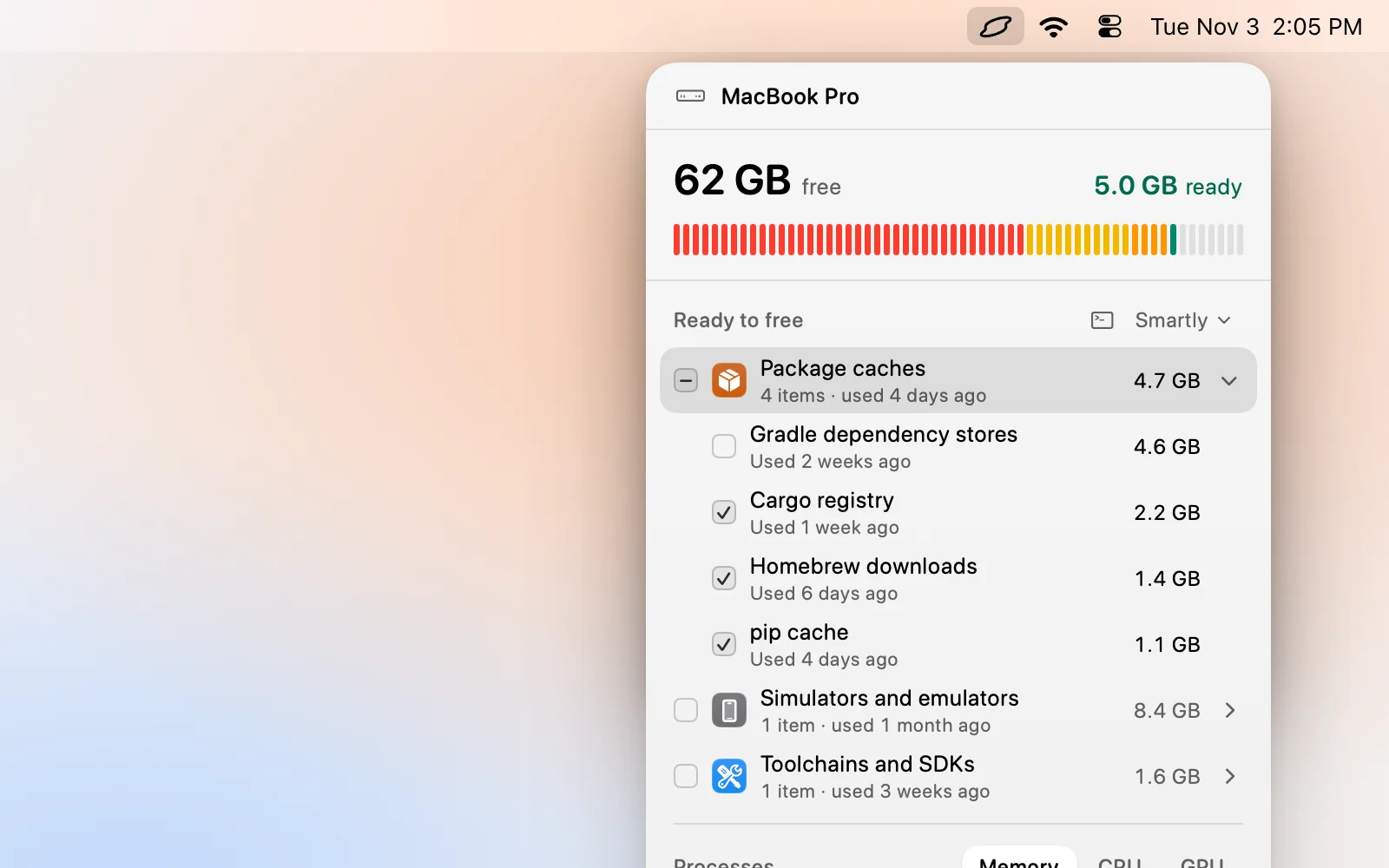
Levo keeps a live index of your home folder, including ~/Library/Caches and ~/go, so a swollen Go cache turns up in Ready to free with its size and when it was last used. You don’t have to remember the paths or the commands.
Your own AI agent, such as Claude Code or Codex, judges each item: whether it comes back on its own and whether anything is using it. It can only read. Levo does the deleting, and checks each item again just before. You tick what goes, or use Select › Smartly to tick only what’s safe at your cleanup level. Anything changed in the last few minutes, such as a build in progress, is left alone. See how Levo decides what’s safe.
Two free cleanups, then a lifetime licence.
FAQ
Is it safe to delete the Go build cache?
Yes. The build cache only holds compiled output that Go can regenerate. Run go clean -cache and the next build is slower, then it fills up again.
Why does rm -rf on the Go module cache fail?
Go stores module files as read-only. Use go clean -modcache, or run chmod -R u+w on the folder first and then delete it.
Where is the Go cache on a Mac?
The build cache is normally in ~/Library/Caches/go-build and the module cache in ~/go/pkg/mod. Run go env GOCACHE GOMODCACHE to see your exact paths.
Will clearing the module cache break my projects?
No, as long as you have a network and access to the repositories. Go downloads the modules again on the next build. Private modules need working credentials.