
Levo guides · Disk space
Not enough disk space for macOS Golden Gate: how to make room
macOS Golden Gate (macOS 27) needs roughly 25 to 30 GB free to download and about 20 GB more while it installs, and Tahoe (macOS 26) is similar. Apple’s own message sometimes asks for more than that, because it counts the installer, the unpacked copy and room to roll back. Aim for 40 GB free before you start.
| Quick win | Typical gain | Comes back? |
|---|---|---|
| Empty the Trash | Varies | No |
| Old installers in Downloads, and old macOS installers | 10 to 30 GB | No, you can download again |
| Caches | 1 to 20 GB | Yes, slowly |
| Old iPhone backups | 5 to 100 GB | No, so check first |
| Large files moved to an external drive | As much as you move | No, they’re moved, not deleted |
| Time Machine local snapshots | Varies | macOS thins them itself |
Check how much you have
Open System Settings › General › Storage and read the figure, or run:
df -h /System/Volumes/DataUse df if it matters. Storage settings counts purgeable space as free, but the installer can’t always use it. See How to check storage on a Mac.
The fastest ways to make room
- Empty the Trash. Deleted files still use space until you do.
- Remove old installers. A downloaded
Install macOS Tahoe.appin Applications is over 15 GB, and updates, DMGs and zips collect in Downloads. See How to delete old installers. - Delete old iPhone backups, or move them off the Mac. See How to delete old iPhone backups.
- Clear caches. Browsers and chat apps are the big ones. See How to clear cache on a Mac.
- Move large files to an external drive. Movies, old projects and a spare Photos library. Find them with How to find large files on a Mac.
- Uninstall apps you don’t use. Drag them to the Trash, then remove their leftovers.
Local snapshots and purgeable space
If you use Time Machine, macOS keeps local snapshots on the disk. They’re part of System Data and count as purgeable, so macOS deletes them when it needs room. If the installer still says no, you can thin them yourself:
tmutil listlocalsnapshots /
tmutil thinlocalsnapshots / 50000000000 4
The second command asks macOS to free up to 50 GB of snapshots, at the highest urgency. See Time Machine snapshots in System Data.
If the update still won’t start
- Restart, then try again. It clears temporary files and swap.
- Delete the half-downloaded update. Open Software Update, and remove it from Storage › macOS or the Installer in
/Library/Updates. - Back up first. Even with enough space, update with a current Time Machine backup.
- Use an external drive as the installer’s home: create bootable media, and install from it, which doesn’t need the download on your disk.
Don’t delete anything inside /System or /Library to get room. If a cleaning tip needs sudo rm on a system folder, skip it, because you can break the update.
How Levo does it
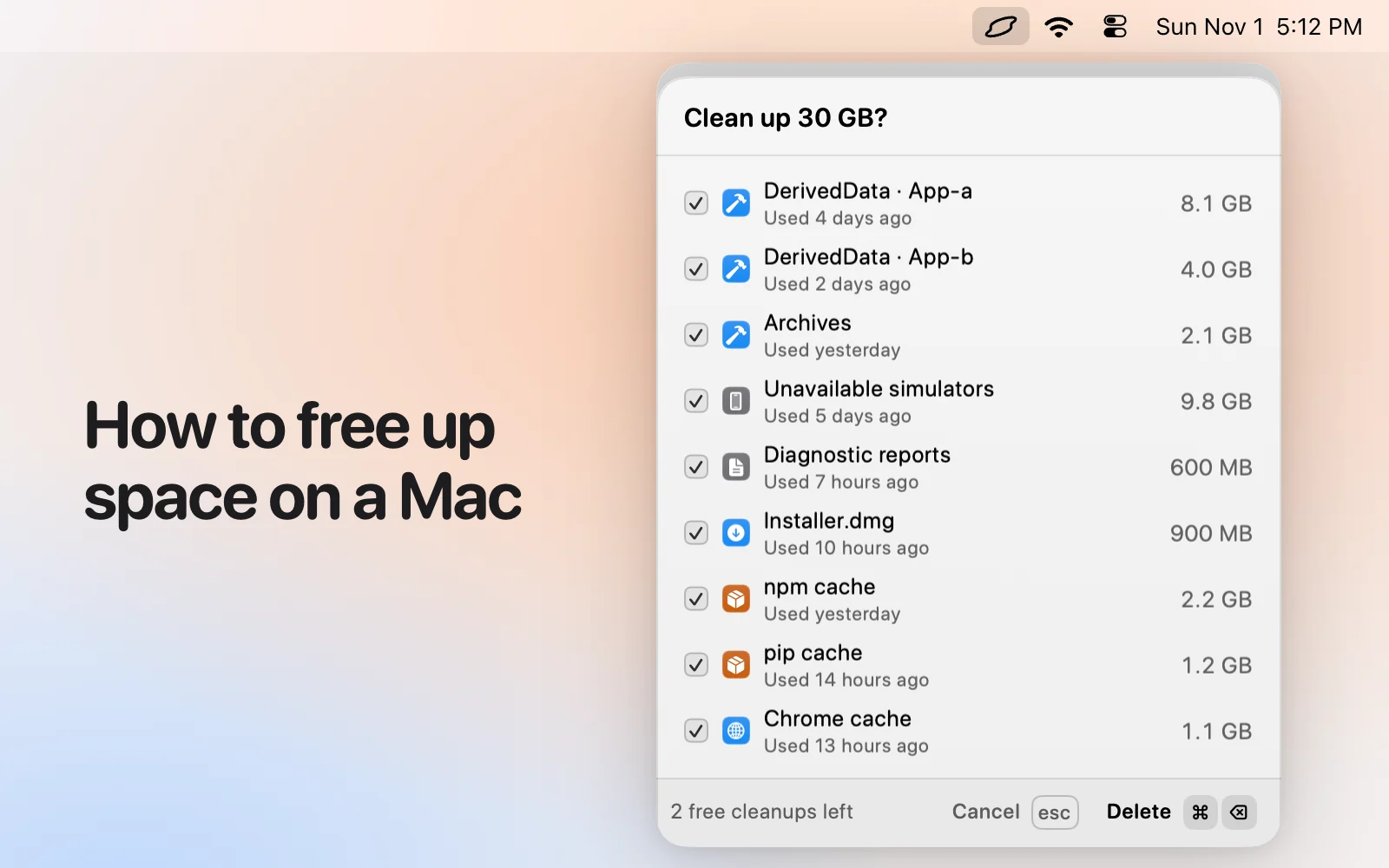
The quick way is to see everything you can free in one place. Levo’s popover has the disk meter, and Ready to free lists caches, installers, backups, developer data, browser data and more, grouped by kind, each with a size and a reason. The total tells you how close you are to the room you need.
Your own AI agent judges each item, and Select › Smartly ticks only what is safe at your cleanup level. Backups and large files are listed but never ticked, so decide those yourself. Then press Clean up. Levo skips anything in use and checks each item again before it deletes.
To be told before an update, set a free-space limit and Levo notifies you when you fall below it. Levo needs macOS 26 or later, so it runs on Tahoe and on Golden Gate. You get two free cleanups, then a lifetime licence.
FAQ
How much free space does macOS Golden Gate need?
About 25 to 30 GB to download and unpack it, and the installer may ask for more. Aim for 40 GB free to be safe.
Why does my Mac say not enough space when Storage shows plenty?
Storage settings counts purgeable space as free, but the installer can’t always reclaim it in time. Check df -h /System/Volumes/Data for the real figure.
Can I update macOS from an external drive?
You can install from a bootable installer on an external drive, which avoids keeping the download on your Mac. You still need room on the Mac for the installation.
Is it safe to delete the installer after updating?
Yes. Once macOS is updated, the Install macOS app in Applications has done its job, and you can download it again if you ever need it.