
Levo guides · System Data
System Data after a macOS update: why it jumped, and when it shrinks
System Data jumps after a macOS update because the installer, a snapshot of your old system and a fresh round of indexing all land at once. Most of it shrinks within a few days, and the rest you can remove yourself.
| What the update leaves | Size | Shrinks by itself? |
|---|---|---|
The installer, Install macOS … in Applications | 13 to 17 GB | No, delete it |
Downloaded update in /Library/Updates | Up to a few GB | Usually, after install |
| Local Time Machine snapshot taken before the update | Grows with changes | Yes, within about a day |
| Spotlight reindexing | 1 to 10 GB while it runs | Settles when done |
| Photos and Mail analysis caches | 1 to 10 GB | Stops growing when done |
| Apps rebuilding their caches | Varies | No, they stay |
How to do it yourself
- Give it a day or two. After moving to macOS 26 Tahoe or macOS 27 Golden Gate, the Mac spends hours on background work: indexing in Spotlight, analysing photos, updating the Siri and search data. Leave it plugged in and the temporary space is released as it finishes.
- Delete the installer. If an
Install macOSapp is still in/Applications, drag it to the Trash and empty it. - Look at snapshots. The one made before the update holds the old system’s changes:
tmutil listlocalsnapshots /
sudo tmutil deletelocalsnapshots 2026-11-03-101530- Check for leftover update files:
sudo du -sh /Library/Updates /private/var/folders 2>/dev/null- Restart once more. A second restart after the update clears swap and temporary files that the first boot left in place.
The date in the snapshot command comes from the list output, in the form year, month, day, then time. Copy it exactly. If Spotlight still seems busy after a week, open System Settings › Spotlight and check that nothing odd is being indexed.
What each part is doing
It helps to know why the number rose, because it changes what you do about it.
- Indexing. Spotlight rebuilds its index after a major update. It writes a lot of data and then shrinks. Fans may spin up while it runs, and that is normal.
- The snapshot. macOS and Time Machine take a local snapshot before the update, so you can recover if something goes wrong. It takes little space at first and more as files change.
- App updates. Many apps update after a new macOS, and each rebuilds its caches. The first week looks heavier than it will later.
- Developer tools. Xcode wants new device support files and simulator runtimes for the new OS. They are large, and the old ones stay until you remove them.
If System Data is still up by 20 GB or more after a week and a restart, it is not the update. See System Data keeps growing to find what is filling it.
How Levo does it
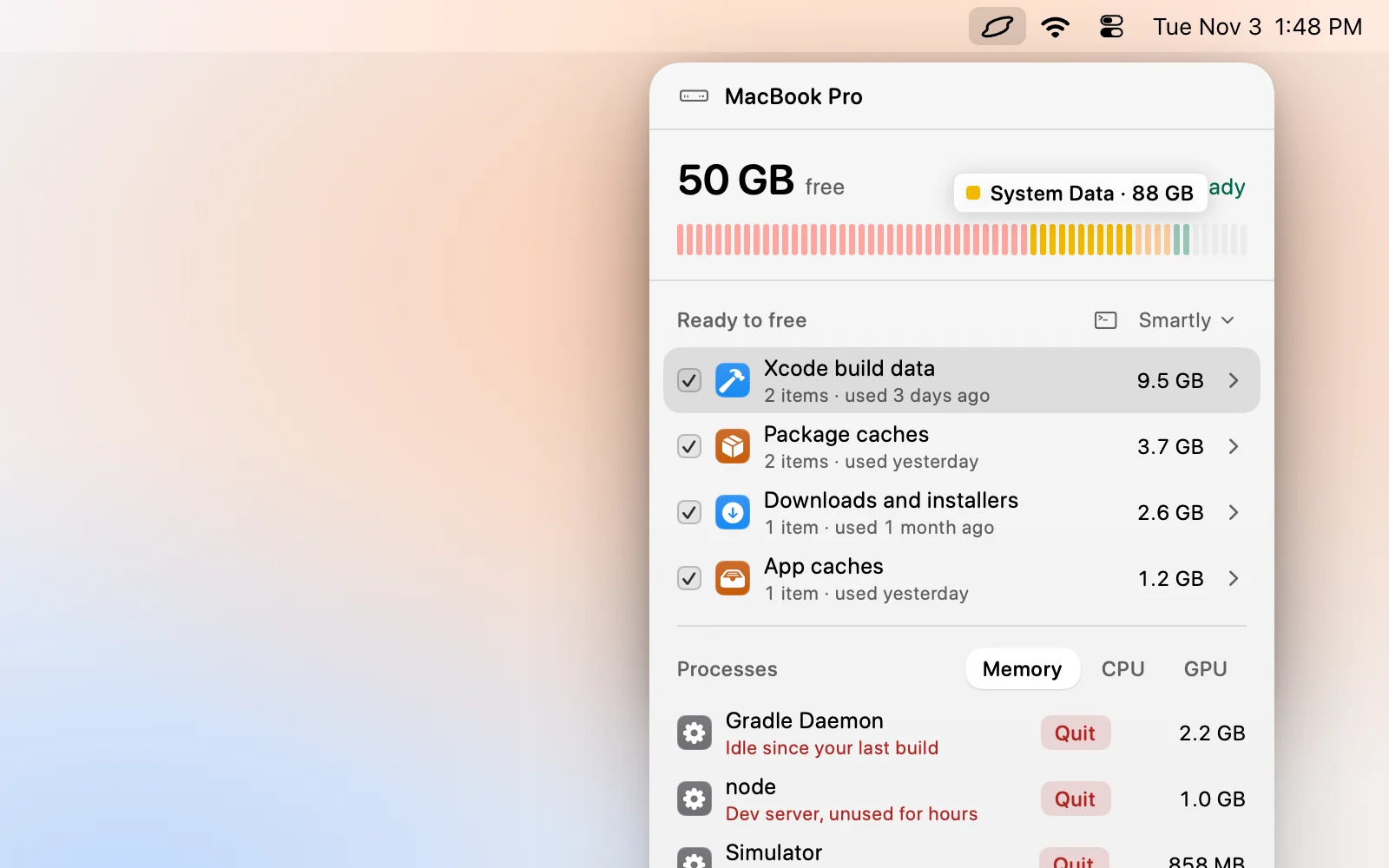
Levo shows you what is in the jump. Its disk bar names the caches and developer data an update tends to stir up, and Ready to free lists them with a size and a reason. After an update, Xcode caches and simulators for the old OS are often the biggest part, and they are listed there.
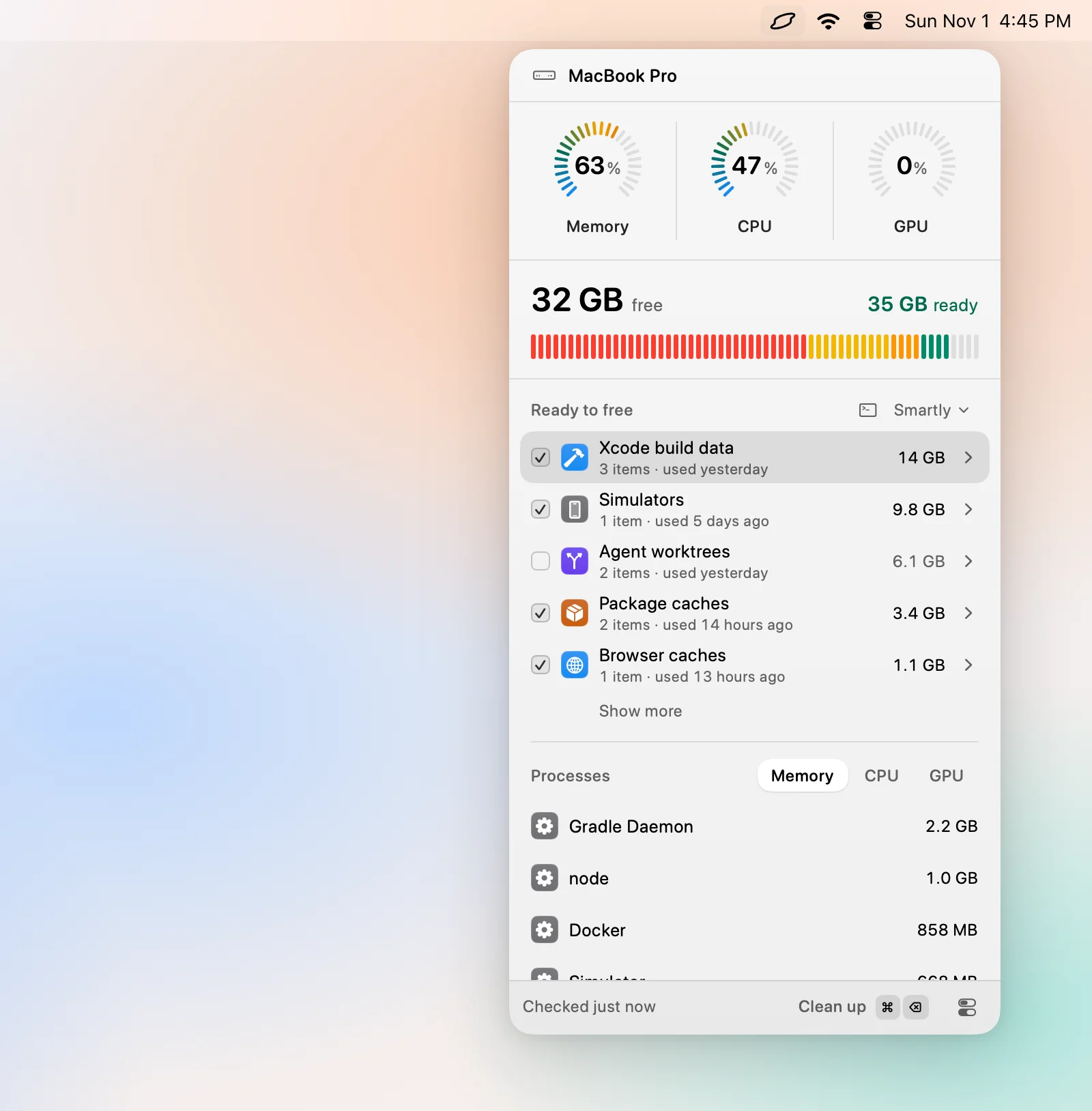
Levo leaves Time Machine snapshots, swap, the update files in /Library/Updates and macOS’s own files to macOS, so those shrink on macOS’s schedule or with the commands above. What Levo can do right away is remove the caches and build data that the update made stale, once you tick them and confirm. Levo needs macOS 26 or later.
FAQ
Why is System Data bigger after updating to macOS 27?
The installer, a pre-update snapshot and background indexing all add space at once. Most of it clears within a few days.
How long until System Data shrinks after an update?
Usually one to three days with the Mac awake and plugged in. Snapshots thin in about 24 hours, and indexing finishes in a day or two.
Can I delete the Install macOS app?
Yes, once the update has finished. It is only the installer, and you can download it again from Software Update if you need it.
Is it worth reinstalling macOS to shrink it?
No. A reinstall costs hours and the same files come back. Waiting a few days and clearing caches does the same thing.