
Levo guides · System Data
System Data keeps growing on a Mac: what’s filling it
If System Data keeps growing, something is writing more than it deletes. Compare folder sizes a week apart and the culprit shows up: usually a cache, a log, Docker or a virtual machine, with snapshots and swap adding temporary spikes.
| Sign | Likely cause | Fix |
|---|---|---|
| Grows daily, never drops | A cache or log with no limit | Clear it, find the app |
| Jumps after heavy work, drops after a restart | Swap | Close apps, restart |
| Jumps by tens of GB overnight | Local snapshots after big file changes | Thin snapshots |
| Steady growth after you start a project | Docker, build output, a VM disk | Prune or compact |
| Grows only when a certain app runs | That app’s container | Clear its cache in the app |
How to do it yourself
- Take a baseline today. Save the sizes of the usual suspects to a file, then run the same command next week and compare.
du -sk ~/Library/Caches/* ~/Library/Containers/* ~/Library/Logs/* 2>/dev/null | sort -rn | head -25 > ~/Desktop/sizes-today.txt- Look at what changed recently. This lists the biggest files written in the last three days in your Library:
find ~/Library -type f -mtime -3 -size +200M -exec ls -lh {} + 2>/dev/null- Check Docker. Its disk image only grows. After pruning, compact it from Docker Desktop’s settings.
docker system df
docker system prune -a --volumes- Check snapshots and swap. If the growth is sudden, it may be one of these:
tmutil listlocalsnapshots /
ls -lh /private/var/vm- Stop the source. Cap the cache in the app’s own settings, turn off verbose logging, or move a VM or media library to an external drive.
docker system prune -a --volumes deletes unused volumes too, including databases from stopped containers. Run docker volume ls first.
When growth is normal, and when it isn’t
A few gigabytes up and down is normal. Swap and snapshots rise and fall, and so do browser caches. What matters is the trend over a week or two, taken at the same time of day and after a restart.
- Normal: a swing of 5 to 10 GB that comes back down after a restart or a night’s sleep.
- Worth a look: a rise of more than 10 GB a week that a restart doesn’t undo.
- Act now: a single day with a jump of tens of gigabytes. Check Docker, a VM, or an app stuck in a loop writing logs.
An app writing logs in a loop is more common than people expect. If ~/Library/Logs or /private/var/log holds a single file of several gigabytes, quit the app that owns it, delete the file, and update or reinstall the app. Look at the file name first; it usually names the culprit.
Cloud sync clients can do the same. A client that keeps retrying a failed upload can pile up temporary files in its container, which is worth checking if the growth started when you set one up.
How Levo does it
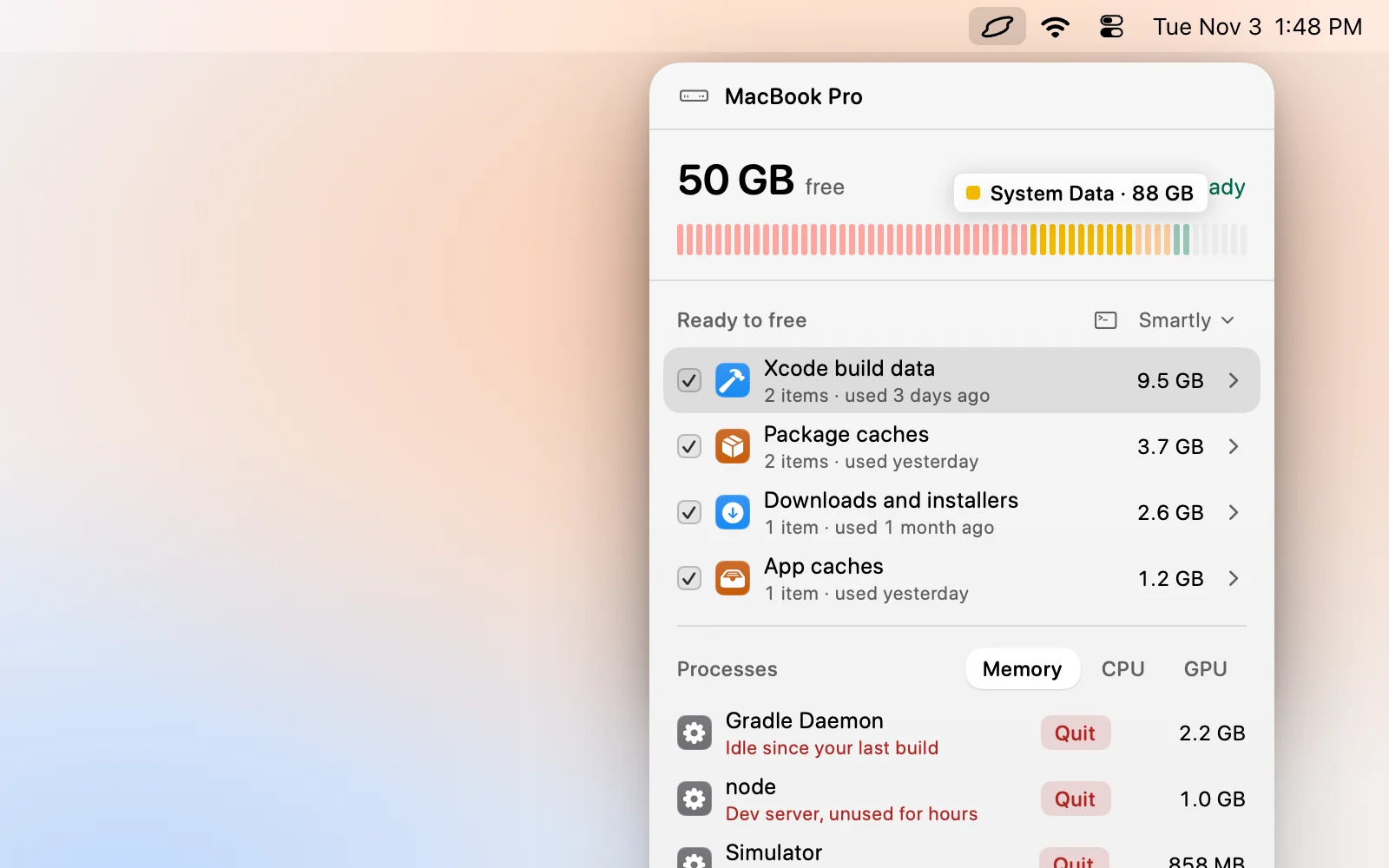
Levo watches the disk against a limit you set and notifies you with the answer ready, so you hear about the growth when it happens and not after the disk is full. The live index knows which folders hold the space, so the Ready to free list shows what grew, by kind, with a size and a reason.
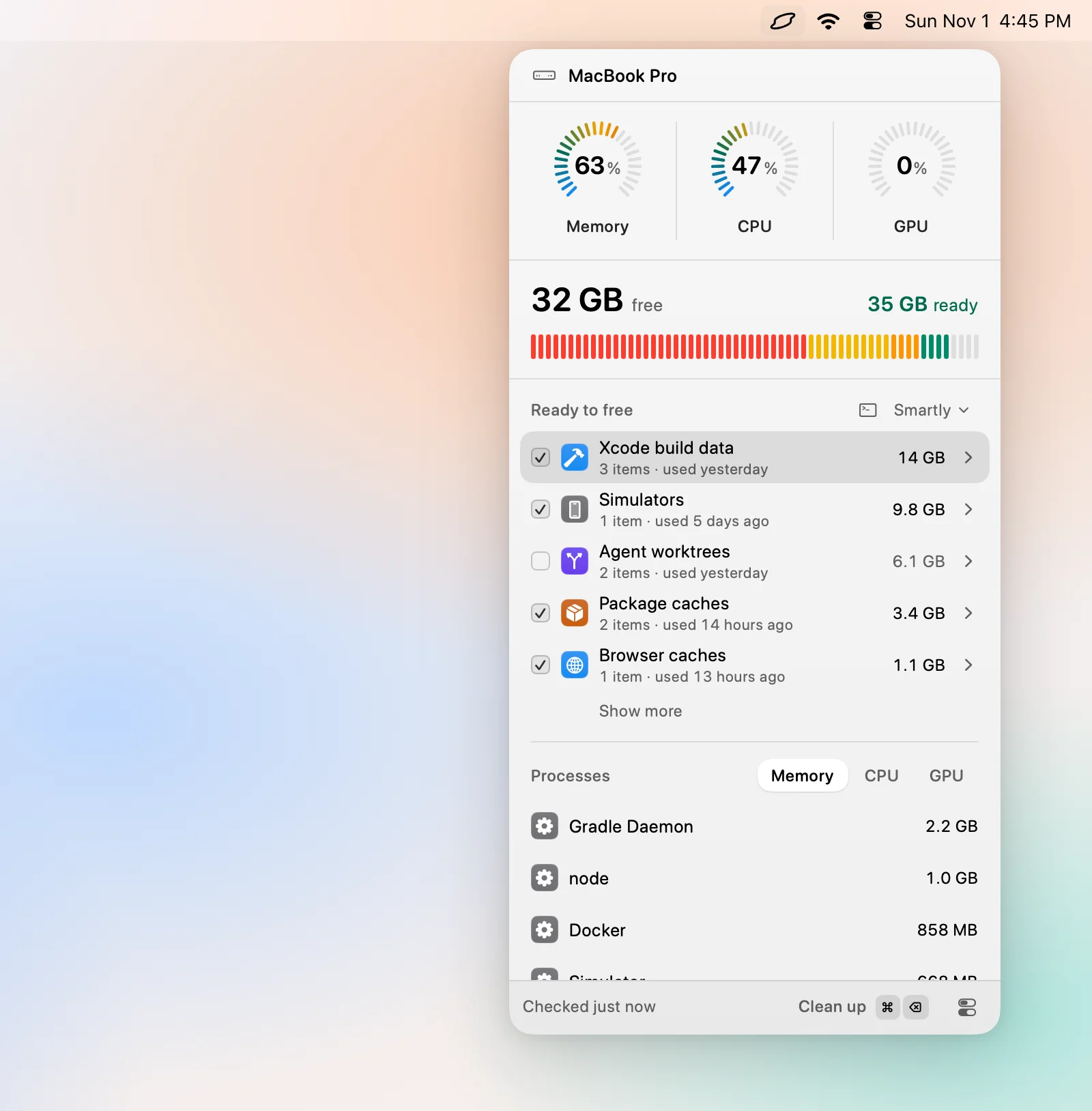
For a Mac where the same things refill every week, turn on Auto mode. It cleans when free space drops below your limit, only in the kinds you tick, and it is off by default. Levo leaves snapshots and swap to macOS, so a snapshot spike still needs the Terminal command above.
FAQ
Why does System Data grow even when I add no files?
Apps write caches and logs in the background, and Time Machine keeps hourly local snapshots. Both take space without you saving anything.
Does a restart shrink System Data?
It can. Swap files are cleared at restart, and macOS often thins snapshots and temporary files as it boots.
Is there a memory leak behind it?
Sometimes. An app that leaks memory pushes macOS into swap, which then shows up as System Data. Check Activity Monitor’s Memory tab for an app using far more than usual.
Should I turn off Time Machine local snapshots?
You can’t switch off the snapshots alone. They only exist while Time Machine backups are on, and they thin themselves when the disk fills.