
Levo guides · Developers: everything else
How to clean up Homebrew
Run brew cleanup to remove old versions of formulae and the download cache, then brew autoremove to remove dependencies nothing needs any more. Add -n to either to preview first.
| What | Where | Safe to delete? |
|---|---|---|
| Downloaded bottles and casks | ~/Library/Caches/Homebrew | Yes, re-downloaded when needed |
| Old versions of installed formulae | /opt/homebrew/Cellar (Intel: /usr/local/Cellar) | Yes, brew cleanup removes only the older ones |
| Orphaned dependencies | The Cellar | Yes, brew autoremove finds them |
| Casks (apps) | /opt/homebrew/Caskroom and /Applications | Only if you want the app gone |
Where the space goes
Homebrew keeps three kinds of leftovers. When you run brew upgrade, the old version of a formula stays in the Cellar until you clean up. Every bottle and cask download is kept in a cache. And when you uninstall a package you installed on purpose, the libraries it pulled in as dependencies stay behind.
Recent Homebrew versions run a cleanup automatically after brew install and brew upgrade, but only for things older than 30 days, and not for dependencies. So a machine that has had Homebrew for a few years still collects several gigabytes. Big formulae make it worse: llvm, gcc, qt, ffmpeg and node are hundreds of MB each, per version.
How to do it yourself
See how much there is
brew cleanup -n
du -sh "$(brew --cache)" "$(brew --cellar)"
-n (--dry-run) lists what would be removed and does not remove it. The second command shows the cache and Cellar sizes.
Clean up
brew cleanup
brew cleanup -s
brew cleanup --prune=all
brew cleanupremoves outdated versions and cache files older than 30 days.-salso scrubs the whole download cache, including the latest bottles. This is the one that frees the most.--prune=allremoves every cache file regardless of age.
Remove dependencies nothing uses
brew autoremove -n
brew autoremove
It removes formulae that were installed as a dependency and that no installed formula needs now. Always run the -n version first and read the list. A tool you use directly but installed once as someone’s dependency counts as a dependency, so it can be listed. Fix that by running brew install <name>, which marks it as installed on request.
Find what is biggest, and what you forgot
brew list --formula | xargs -n1 -I{} du -sk "$(brew --cellar)/{}" 2>/dev/null | sort -n | tail -15
brew leaves
brew list --cask
The first command ranks formulae by size. brew leaves shows the packages you asked for. Anything on that list you don’t recognise is a candidate for brew uninstall <name>. If a package is needed by another one, Homebrew refuses and tells you which. For apps, brew uninstall --cask <name> --zap also removes the app’s preferences and caches, so it’s the one to treat with care.
Gotchas
- Don’t delete
/opt/homebrew/Cellarfolders by hand. The links in/opt/homebrew/binthen point nowhere, andbrew doctorcomplains. - Pinned formulae (
brew pin) keep their version, and cleanup skips older versions of them. - If you want to go back to an older version after an upgrade, clean up first removes that option. Do it only when the upgrade has worked.
- Toolchain versions installed as
[email protected],node@20and so on are separate formulae. They stay until you uninstall them. See how to uninstall Node if you manage Node another way.
For the other package caches on your Mac, see how to clear npm, pnpm, Yarn and Bun caches and how to clear pip, uv, Poetry and conda caches.
How Levo does it
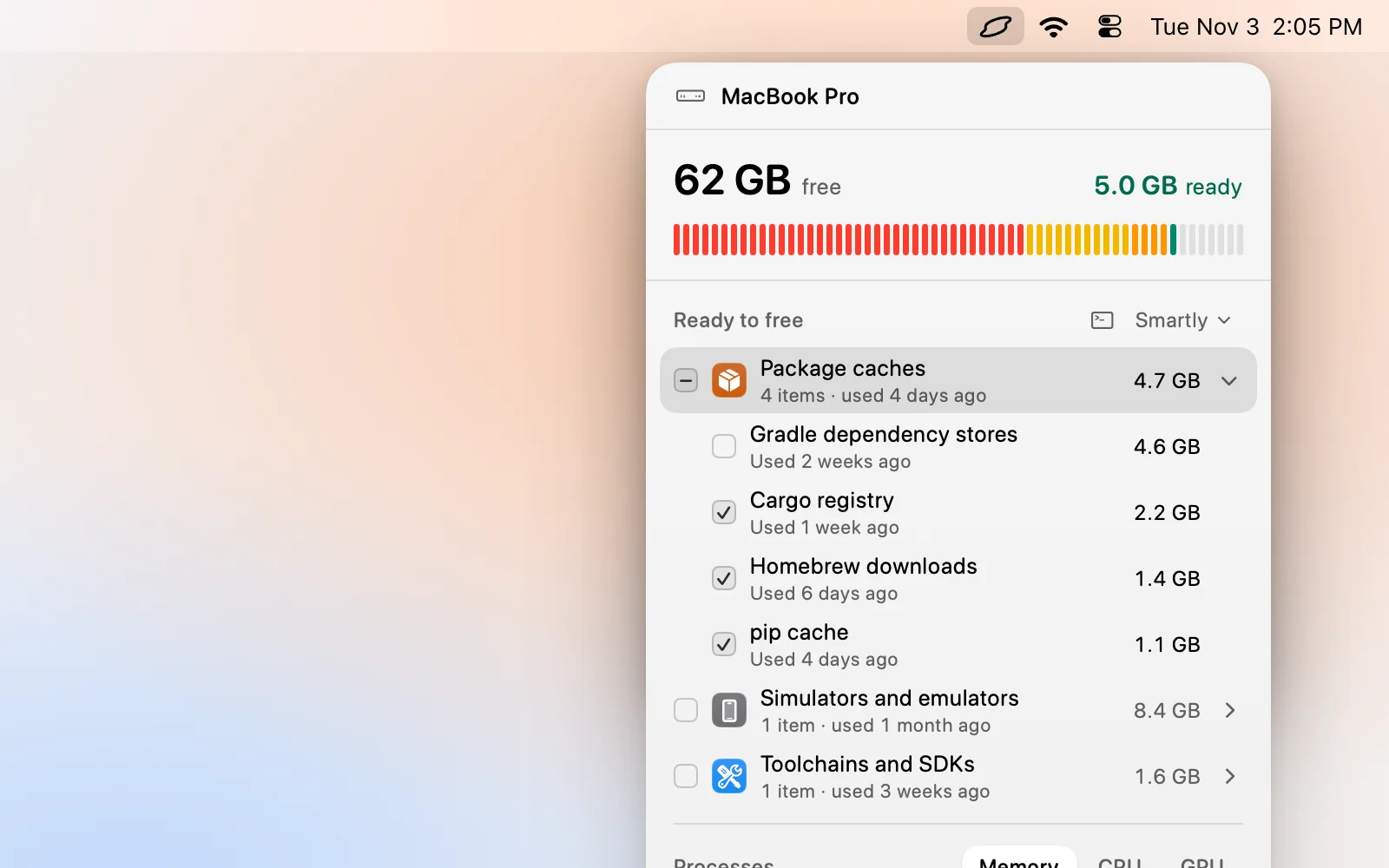
Package caches are their own kind in Ready to free, each with a size and a reason, and your agent can add what Levo’s built-in rules don’t name. A Homebrew download cache only costs a re-download, which is the kind of thing it suggests.
Levo works from its own index and its built-in rules, and your agent adds judgement about what’s safe on your Mac. Levo doesn’t uninstall formulae or casks for you through Homebrew. For an app, the Uninstall command in ⌘K removes it with its leftovers, to the Trash, with Put back.
You choose a cleanup level, tick what goes and press Clean up. The agent can only read, and Levo does the deleting after checking each item again. Read Levo for web developers for the rest. Two cleanups are free, then there’s a lifetime licence.
FAQ
Is brew cleanup safe?
Yes. It removes old versions of formulae you have upgraded and files in the download cache. The version you use stays. The one thing you lose is the option of rolling back to the old version.
What does brew autoremove do?
It uninstalls formulae that were installed only as dependencies and that no installed formula needs any more. Run brew autoremove -n first to see the list.
Where is the Homebrew cache?
In ~/Library/Caches/Homebrew. Run brew --cache to print the exact path on your Mac.
How much space does Homebrew use?
Between 2 and 20 GB on most developer Macs. Check with du -sh $(brew --cellar) and du -sh $(brew --cache).
Why does Homebrew not clean up after itself?
It does, but only for files older than 30 days and not for orphaned dependencies. brew cleanup -s and brew autoremove catch the rest.