
Levo guides · What's that process?
cloudd and bird using CPU on a Mac
bird syncs iCloud Drive and cloudd syncs app data through CloudKit. High CPU from either means iCloud has a lot to catch up on, or one item it can't finish. Wait for the catch-up, shrink what syncs, or give the stuck one a nudge.
Two processes, two jobs
| Process | Syncs | Typical cause of load |
|---|---|---|
bird | iCloud Drive: files and folders, Desktop and Documents | A big folder, many small files, a stuck upload |
cloudd | CloudKit data for apps: Notes, Photos metadata, Reminders, Keynote, third-party apps | A big first sync, or an app that keeps changing its records |
On current macOS, fileproviderd also takes part in iCloud Drive, so you'll often see all three together. They are normal system services. They only get noticed when a sync is slow or stuck, and the Mac fans up.
Why it gets stuck
- You signed in on a new Mac, or turned on Desktop and Documents with a lot in them.
- There was a long offline gap, and everything has to be compared.
- A file is changed faster than it can upload (a database or a build file inside iCloud Drive).
- A damaged item or filename it can't handle makes it retry forever.
- Low disk space: iCloud can't download what it needs, so it keeps trying.
How to clear it yourself
- Open Finder, then the iCloud Drive folder. Items with a cloud and an arrow are still syncing. Wait for them, with the Mac on power and the lid open.
- Look at System Settings › Apple Account › iCloud and check that storage isn't full. A full iCloud blocks uploads and the daemons retry.
- Turn off Desktop & Documents Folders in iCloud Drive if big work folders live there. Move them to a local folder.
- Stop syncing files that change constantly. Databases, virtual machines and
node_modulesdon't belong in iCloud Drive. - Restart the processes. They relaunch within seconds:
killall bird cloudd - If it still loops, sign out of iCloud and sign in again. Check Finder › iCloud Drive first, and keep a copy of anything you can't lose.
Don't sign out in the middle of a sync of files that exist only in iCloud. Let it finish, or copy those files locally first.
What a healthy sync looks like
CPU rises for a few minutes after you save a file or an app changes its data, then falls to nothing. Fans only spin on a large first sync or a big change. If bird or cloudd sits above 30% for hours on a Mac that is on power and online, something is stuck. Most of the time the cause is one folder with far too many files, and moving it out of iCloud Drive ends it.
Should you quit it?
Restarting is fine and harmless. Quitting for good isn't possible, and you wouldn't want it: they're how your changes reach iCloud.
Terminal checks for bird and cloudd
macOS has a tool for iCloud Drive called brctl. It shows what the sync engine is doing, and it's the quickest way to find a stuck file.
brctl statusbrctl log --wait --shortentop -o cpu -l 2 -stats pid,command,cpu | grep -E 'bird|cloudd|fileproviderd'brctl status prints the queue: items waiting to upload or download. If the same item sits there for hours, move or rename it. brctl log --wait --shorten streams live messages and ends with ⌃C. The third command tells you which of the three processes is the busy one. If only cloudd is, an app's CloudKit data is the load, not your files, and quitting that app or signing it out of iCloud is the next step.
How Levo does it
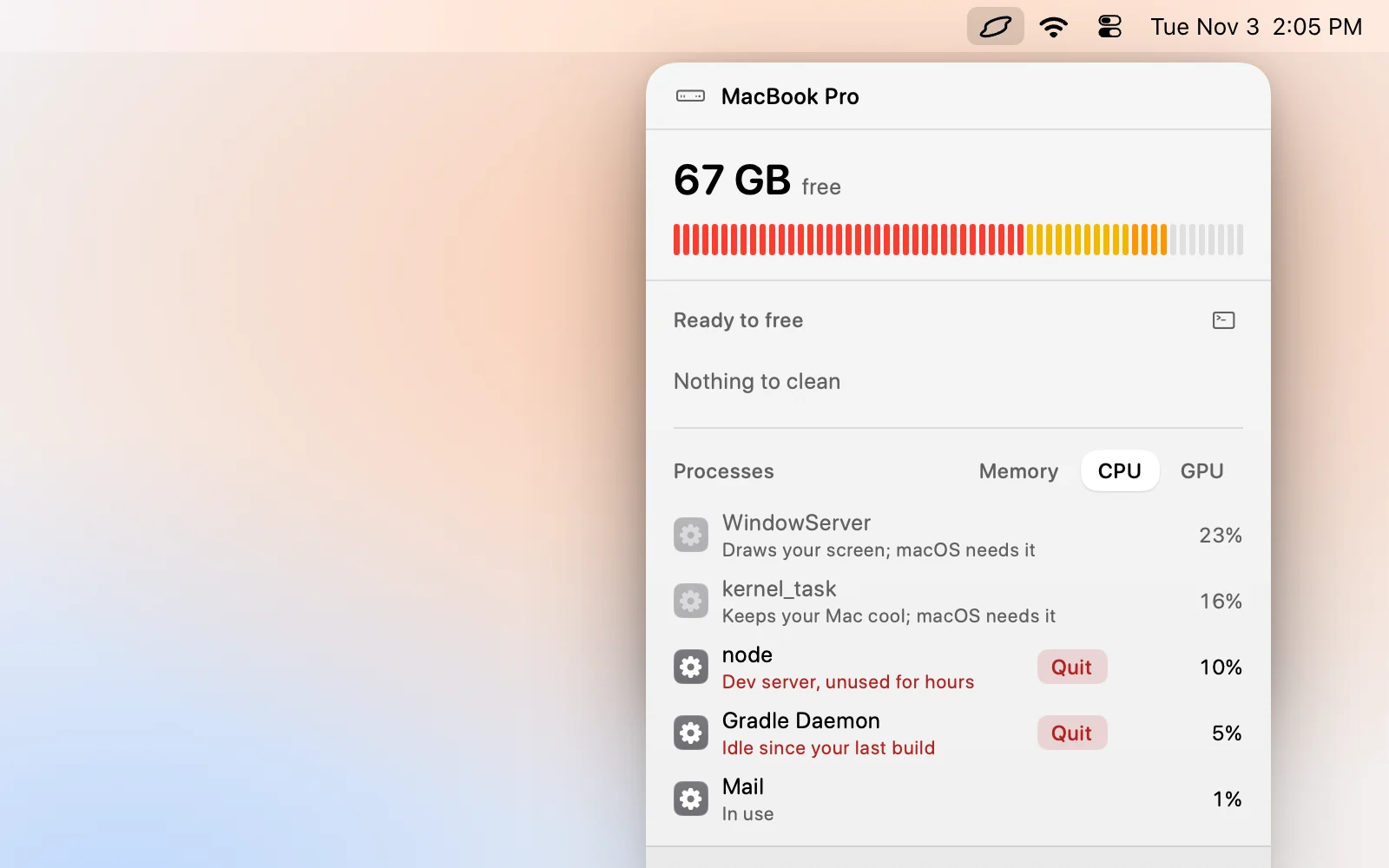
Levo never quits system processes, and cloudd and bird are macOS's own, so it leaves them alone.
Levo never touches iCloud Drive, and your files there are safe from it. What helps is the load around it: a dev server, a build or a Docker volume that keeps rewriting files into a synced folder shows up as a busy, idle-looking process. You quit that one, and the sync gets a chance to finish.
The CPU alert, with a time it has to last, tells you when the sync has been stuck for hours rather than minutes. Details are in Free memory, CPU and GPU by quitting what's idle.
FAQ
What is bird on a Mac?
It's the iCloud Drive sync daemon. It watches the iCloud Drive folder and uploads and downloads changes.
What is cloudd?
It handles CloudKit, the way apps like Notes and Photos keep their data in iCloud.
How long should an iCloud sync take?
From minutes to a day or two for a first sync. A week of high CPU means something is stuck.
Is it safe to restart bird and cloudd?
Yes. They relaunch on their own, and syncing continues from where it was.
What does brctl do?
It's a built-in command line tool for iCloud Drive. brctl status shows what is syncing, and brctl log shows live messages.
Will a restart fix bird and cloudd?
Often. It clears a stuck state, and syncing resumes from where it was.