
Levo guides · What's that process?
fileproviderd high CPU on a Mac
fileproviderd is the system service behind cloud folders in Finder: iCloud Drive, and Google Drive, OneDrive and Dropbox on current versions. High CPU means it's syncing a lot of files, or stuck on one. Pause or shrink the sync, and keep project folders out of it.
What it does
Cloud storage apps used to run their own file watchers. Since macOS 12 they plug into Apple's File Provider framework instead, and fileproviderd is the process that handles it: it creates the placeholder files in Finder, downloads them on demand, uploads changes and keeps track of what is where. You'll see one fileproviderd and often the cloud app's own process next to it.
| Cause | What it looks like | Fix |
|---|---|---|
| First sync or a new sign-in | High for hours, then calm | Wait, on power |
| A folder with tens of thousands of small files | Stays high; progress barely moves | Keep that folder out of the cloud drive |
| Code in the synced folder: node_modules, .git, build output | Spikes every time you build or install | Move the project out, or exclude the folders |
| A single file that won't sync | One bad item, constant retries | Rename or remove the file |
| A big offline download (Keep Downloaded) | Heavy disk and network for a while | Let it finish, or switch back to online only |
How to calm it yourself
- Open the cloud app's menu bar icon. Look at its status: how many files are left, and whether it names a file with an error.
- Pause syncing there for an hour. If
fileproviderddrops, the sync was the load. Resume later while the Mac is on power. - Move code out of the synced folder. A
node_moduleswith 40,000 files inside a Dropbox or Drive folder is the number one reason this process burns CPU. Keep repos in~/Developerand let git do the syncing. - In iCloud: System Settings › Apple Account › iCloud › Drive. Turn off Desktop & Documents Folders if big work folders live there.
- Use Optimise Mac Storage (iCloud) or online-only folders (Drive, OneDrive, Dropbox) so files aren't kept on disk.
- If it's plainly stuck, restart the service. It relaunches by itself, and syncing resumes:
killall fileproviderd - As a last step, sign out of the cloud app, restart, and sign in again. Local copies are re-checked, not re-uploaded, if they match.
Give iCloud Drive time before you panic. After a Mac was off for weeks, it reconciles everything, and a day of work is normal.
Which cloud apps use it
iCloud Drive, Google Drive for desktop, OneDrive and Dropbox all use File Provider on current macOS, and the cloud app appears under Finder › Locations or in the sidebar. Older sync clients that still run their own watchers will show their own CPU rather than fileproviderd. If you use two or three cloud drives at once, expect two or three times the first-sync load, so start them one at a time.
Should you quit it?
You can restart it, as above, but it only helps when it's stuck. When it's busy, it's working. Reduce what it has to sync.
Terminal checks for fileproviderd
To see how big the load is and where the cloud data lives, check the process and the folders it manages. The second command lists the cloud folders on disk.
top -o cpu -l 2 -stats pid,command,cpu,mem | grep -E 'fileproviderd|bird|cloudd'du -sh ~/Library/CloudStorage/* ~/Library/Mobile\ Documents 2>/dev/nullThis also tells you how much space the local copies take. If the first command shows fileproviderd high while a cloud app is paused, the cause is another provider. Pause them one at a time. For iCloud, brctl status prints what the sync engine is working on, and brctl log --wait --shorten follows its log live, which tells you the name of a file it keeps retrying. Stop with ⌃C.
How Levo does it
Levo never quits system processes, and fileproviderd is one of macOS's own. It also never touches iCloud Drive itself: your files there are not cleaned, moved or deleted.
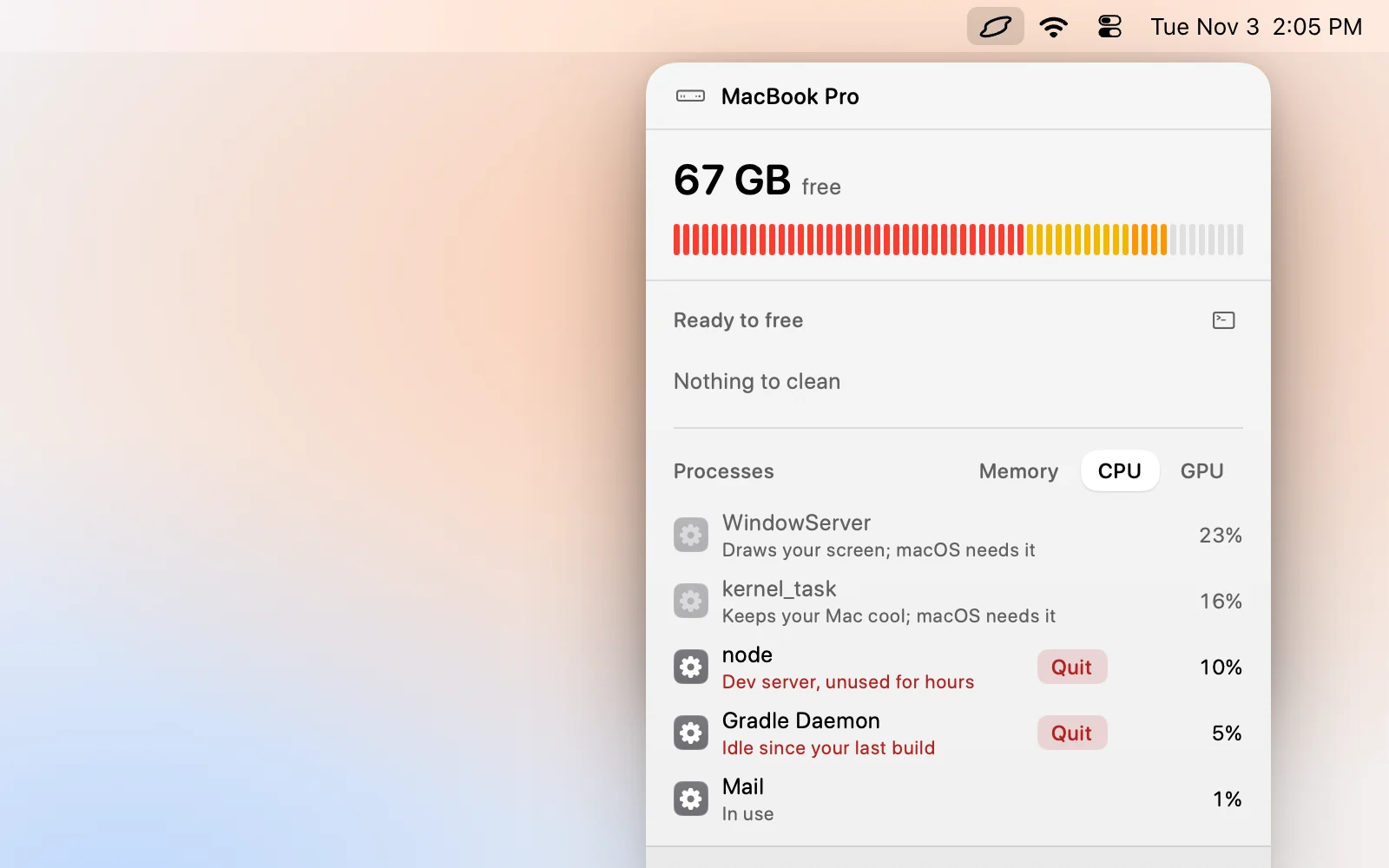
What Levo can do is show what is around it. The cloud app's own process and any dev server or build writing into a synced folder have their own rows, and the agent marks the idle ones for you to quit. The cloud apps' local caches are listed in Ready to free where they are safe to clear.
More on those caches in Google Drive, OneDrive and Dropbox caches taking space on a Mac.
FAQ
Is fileproviderd safe to kill?
Yes. launchd starts it again straight away and syncing resumes. It only helps if it's stuck, not if it's busy.
Why is fileproviderd using CPU when I'm not using the Mac?
A cloud app is syncing in the background, usually uploading changes or downloading files you marked to keep offline.
Does fileproviderd mean iCloud is on?
Not necessarily. Google Drive, OneDrive and Dropbox use it too on current macOS.
Will Levo delete my iCloud Drive files?
No. iCloud Drive is never touched.
Where are Google Drive and OneDrive files on disk?
In ~/Library/CloudStorage, one folder per account. Finder shows them in the sidebar.
Why is fileproviderd high when the cloud app is closed?
The system service keeps running to track placeholders. Quit or pause the app and sign out if it still stays busy.