
Levo guides · What's that process?
corespotlightd high CPU on a Mac
corespotlightd is Spotlight's app indexer. Where mds_stores reads your files, this one handles what apps hand it: mail, messages, notes, contacts and app content. It spikes after updates and big syncs, and usually calms down within a day or two.
What it is
Apps can tell Spotlight about their own content through the Core Spotlight API. A mail client says: here are 80,000 messages. A notes app says: here are my notes. corespotlightd takes those items, stores them and keeps them in step with the app. It also feeds Siri Suggestions and the Spotlight results that show app content.
That's why it is separate from file indexing. You can have a quiet mds_stores and a busy corespotlightd, and the other way round.
| When it runs hard | Why |
|---|---|
| After a macOS update | Index formats and app data are rebuilt |
| A new or restored Mail, Messages or Notes library | Thousands of items to add at once |
| Signing in to iCloud on a Mac | Synced content arrives and has to be indexed |
| An app that indexes badly | It re-sends the same items, or hands over huge amounts |
What to do yourself
- Wait. If it started after an update or a sign-in, a day on mains power is often enough.
- Find out which app it is serving. In Activity Monitor, select
corespotlightd, click the gear menu and choose Sample Process. The names in the report point at the app. - In System Settings › Spotlight, untick result types you never use. The indexer then has less to keep.
- If one app is the culprit, quit it and let the index settle, or update it. Indexing bugs in apps are fixed in updates more often than you'd think.
- If the index for an app is clearly stuck, quit that app, then look at the index folder Spotlight keeps for it:
Deleting what's in there, with the app quit, makes it rebuild. Expect another busy period.ls ~/Library/Metadata/CoreSpotlight
Hold off on this last step until the Mac has been plugged in and idle for a day. Most of the time the index is not stuck, only slow.
Signs it's stuck, not just slow
- The same CPU level for more than three days with the Mac awake.
- Spotlight shows no mail or notes results at all.
- The fan runs only when one particular app is open.
How it differs from the other Spotlight daemons
A busy mds_stores points at files on disk, and the fix is excluding folders. A busy corespotlightd points at an app's data, and the fix is the app or the Spotlight result types. A busy mdworker is a single file being read right now. Knowing which one is high saves you from rebuilding the wrong index.
Should you quit it?
No, it restarts straight away. Quit or update the app whose data it is indexing.
Terminal checks for corespotlightd
Check whether it is really the busy one, and how big its stores have grown. The second command shows how much space the app indexes take in your Library.
top -o cpu -l 2 -stats pid,command,cpu | grep -E 'corespotlightd|mds|mdworker'du -sh ~/Library/Metadata/CoreSpotlight ~/Library/Metadata/com.apple.IntelligentSuggestions 2>/dev/nullA store of a few hundred megabytes is normal. Several gigabytes means an app indexed a lot of content, usually mail. If only one of the three processes is hot, you know which index to look at: file indexing is mds_stores, app content is this one. You can also use log show --last 10m --predicate 'process == "corespotlightd"' to read what it is complaining about.
How Levo does it
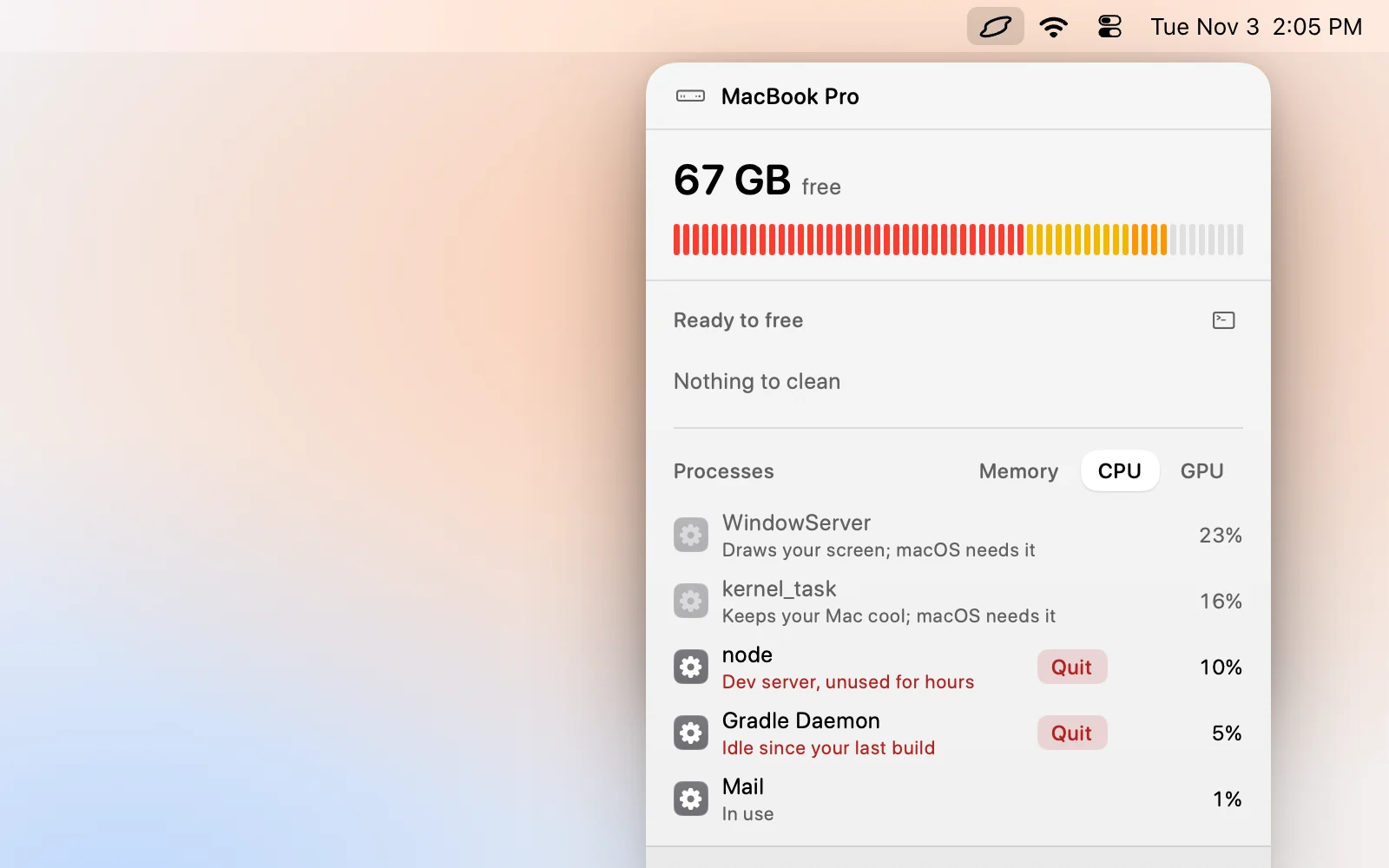
Levo never quits system processes, and corespotlightd is one of macOS's own, so it stays running. If your agent is connected, you can ask it what is behind a spike, and the fix is the app that triggers it.
Where Levo helps is the cause. If a mail client or chat app is hammering it, the same list shows that app's own CPU, and the agent tells you if it's idle. Quit it and the indexer has nothing new to take in. The CPU alert in Settings › Memory, CPU and GPU, with its For time, stays quiet during the normal short burst and speaks up when it lasts hours.
Read Free memory, CPU and GPU by quitting what's idle for the list itself.
FAQ
What is the difference between corespotlightd and mds_stores?
mds_stores indexes files on disk. corespotlightd indexes content that apps provide, like mail, messages and notes.
How long does corespotlightd stay busy?
Usually hours, sometimes a day or two after a major update or a big mail sync.
Can I turn it off?
Not directly. You can turn off the Spotlight result types and Siri Suggestions that it feeds, which gives it less to do.
Does it affect battery life?
Yes, while it's busy. It calms down once the index is up to date, so leave the Mac plugged in.
Is corespotlightd the same as Siri indexing?
Partly. It also feeds Siri Suggestions, so turning those off in Spotlight settings reduces its work.
Should I delete the CoreSpotlight folder?
Only if the index is stuck, with the owning app quit. It rebuilds, and the Mac will be busy again for a while.