
Levo guides · What's that process?
mds_stores and mdworker using high CPU
mds_stores and mdworker are Spotlight reading your files so search can find them. A spike after an update, a big copy or a restore is normal and ends on its own. If it never ends, a huge or constantly changing folder is feeding it.
Who is who
| Process | Job |
|---|---|
mds | Coordinates Spotlight and watches for file changes |
mds_stores | Keeps the index database on disk |
mdworker, mdworker_shared | Open each file and extract its text and metadata |
Spotlight indexes whatever is new or changed. That gives three moments when it runs hard: after a macOS update, after you copy or restore a lot of files (a Time Machine restore, a migration, a cloned repo), and when a folder that changes all day sits inside the index, such as a build folder.
How long should it take?
A few hours on a normal Mac, a day or two on a big one with a lot of small files. While it works, Spotlight search may be incomplete. If it is still running at the same pace a week later, something keeps feeding it new work.
How to check and stop it yourself
- See whether indexing is on and what state it is in:
mdutil -s / - See which files the workers are opening right now, to spot the folder that keeps them busy:
sudo fs_usage -w -f filesys mdworker_shared | head -40 - Open System Settings › Spotlight › Search Privacy and add folders Spotlight should skip: parents of
node_modules, build output, virtual machine and container disk images, big video work folders, cloud-synced project folders. - For one folder you can also put an empty file called
.metadata_never_indexin it. Some tools respect that. - If the index is broken (search finds nothing, indexing loops), rebuild it. Spotlight spikes again while it reindexes, then settles:
sudo mdutil -E / - For an external drive you never search, turn indexing off:
sudo mdutil -i off /Volumes/NAME
Plugging in a drive, restoring a backup or running a build that writes thousands of files into your home folder wakes it up again.
What not to do
- Don't turn off indexing on the startup disk to save CPU. Search, Mail and the app launcher all lean on it, and you give up search to save a few hours of work.
- Don't kill
mdworkerin a loop. macOS starts another one in seconds. It won't help for more than a minute. - Don't delete
/.Spotlight-V100by hand. Usemdutil -Eso the system does it cleanly.
When to worry
Indexing that runs for an hour after you plug in a backup drive is fine. Worry if the fan is loud for several days, if search has stopped finding recent files, or if mdutil -s / says indexing is disabled when you didn't turn it off. Then rebuild the index once, exclude the heavy folders first, and give it a night on power. If it still loops, a corrupt file in a folder is feeding it, and the fs_usage output will show the same path again and again.
Should you quit it?
Fix the folder, or wait. Quitting the workers only restarts them.
More Terminal checks for Spotlight
Two more commands show what Spotlight is doing and whether it is done. mdutil -a -s reports every volume, so you also see external drives. And log show reads the recent Spotlight messages, which is useful when indexing never seems to finish.
mdutil -a -slog show --last 10m --predicate 'process == "mds"' | tail -20A message that repeats about the same path points at a file or folder Spotlight can't finish reading. Add its parent folder to Search Privacy and the loop stops. You can also check how much of the CPU it takes over a minute with top -o cpu -l 2 | grep -E 'mds|mdworker', to see whether it falls or stays flat.
How Levo does it
Levo never quits system processes, and Spotlight's workers are macOS's own, so it leaves them alone. The fix is usually one step up, and your agent can help you work out which.
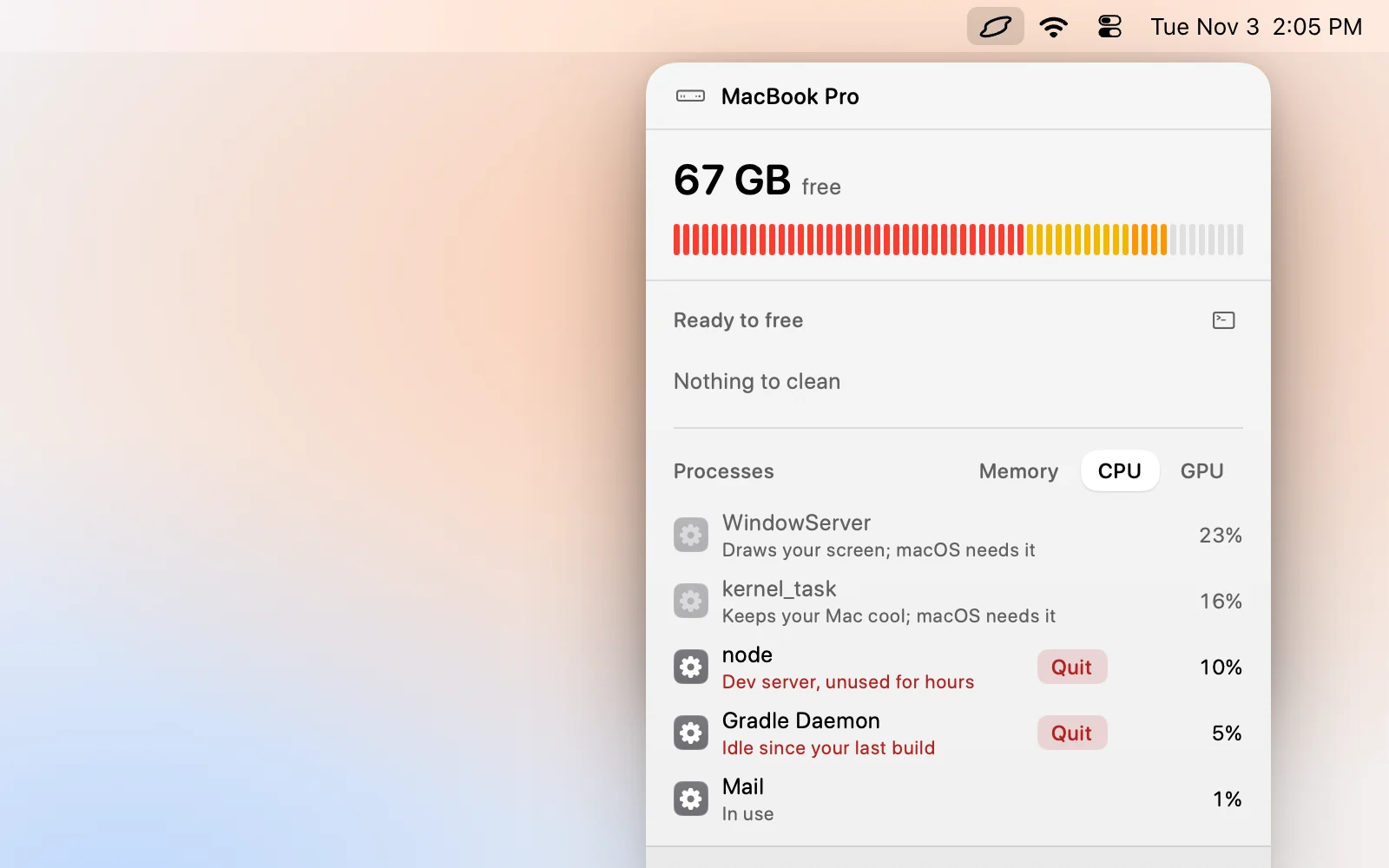
The folders that keep Spotlight busy are often the ones Levo already lists in Ready to free: build output, package caches, Simulators. Clear those, and Spotlight has less to read and less to notice changing. The agent also names the app or build that keeps writing them, and you can quit that from the same list. Excluding folders from Spotlight stays in System Settings.
See what the list looks like in the popover.
FAQ
Is it safe to stop Spotlight indexing?
Yes. You can turn it off for a volume or exclude folders. You lose search results for what isn't indexed, nothing else.
Why is mds_stores using so much CPU after an update?
macOS rebuilds parts of the index after an update. It usually settles within a day.
What does mdworker do?
It opens one file at a time and extracts its text and metadata for the index. Several often run at once.
Will rebuilding the index delete anything?
No. It throws away the search database and builds a new one. Your files aren't touched.
Why does Spotlight search show nothing while mds_stores runs?
The index is incomplete while it works. Results return as it finishes, usually within hours.
Do external drives get indexed?
Yes, by default. Use mdutil -i off on a drive you never search, or add it to Search Privacy.