
Levo guides · Memory, CPU and GPU
Mac slow after updating to macOS Golden Gate
A Mac is often slow for a day or two after a major macOS update. Spotlight rebuilds its index, Photos reanalyses your library, and apps rebuild caches. If the activity dies down within about two days, it is normal. The same is true after Tahoe.
| Process | What it is doing | How long |
|---|---|---|
| mds_stores, mdworker | Spotlight reindexing files | Hours to a day or two |
| photoanalysisd, photolibraryd | Photos faces, scenes and objects | Up to several days on big libraries |
| corespotlightd | App content indexing | Hours |
| cloudd, bird, fileproviderd | Resyncing iCloud and cloud drives | Hours |
| softwareupdated, installd | Post-install clean-up | Short |
| Third-party launch agents | Old helpers that spin on the new macOS | Update or remove the app |
| Browser and extensions | Updated browser re-optimising | A restart of the browser |
Check it is the update settling
- Open Activity Monitor and sort the CPU tab by % CPU.
- If the top rows are
mds_stores,mdworker_shared,photoanalysisdorcorespotlightd, the Mac is catching up. - Leave it plugged in and awake overnight. These tasks run faster when the Mac is on power and idle.
- Check again in a day. Activity that is still high after two or three days needs a closer look.
You can see Spotlight's status from Terminal:
mdutil -s /It says whether indexing is enabled. If Spotlight search is stuck, rebuild the index (it then reindexes from scratch, so only do this when it is really stuck):
sudo mdutil -E /If it does not settle
Free disk space. Updates leave installer files and snapshots behind, and a nearly full disk makes everything slower. See not enough space for a macOS update and System Data after an update.
An app that has not updated. A tool built for the older macOS can spin. Check for updates in the App Store and in the app itself, especially browser extensions, VPNs, antivirus and audio drivers.
Login items. An update can re-enable helpers. Review System Settings › General › Login Items.
Restart. One more restart after the first day clears things the update left half-finished.
Do not reinstall macOS or disable Spotlight for a slow first day. Indexing has to finish once, and turning it off just moves the cost to the next time.
For the general order of checks, see Mac running slow.
Speeding up the settling
- Plug in. Many indexing tasks wait for power. A laptop on battery may finish them much later.
- Leave it awake. Turn on Prevent automatic sleeping when the display is off in Battery or Energy settings for the night, then turn it off again.
- Open Photos once if you use it. It does its analysis while the app is open or the Mac is idle and charging.
- Do not stack work on top. Avoid a big copy, a Time Machine first backup, or a full build in the first hours if you can.
Is Spotlight the cause?
If searching is slow and mds_stores is busy, see whether it is still working. The Spotlight menu bar does not show progress on recent macOS, but the process list does. Excluding big folders you never search, such as build output or node_modules, in System Settings › Siri & Spotlight › Search Privacy cuts the work. See mds_stores and mdworker.
Check apps for the new macOS
Apps from before the update, especially system extensions, VPNs, audio tools and security software, can misbehave on a new macOS. Open System Settings › General › Login Items & Extensions and look for anything that has not updated. Run the App Store's updates and each app's own update check. A Mac that stays hot with one process steadily high after three days almost always has one app to blame.
Battery after an update
The battery drains faster during the first days for the same reasons. Do not read much into battery life until the indexing is done. If it is still poor after a week, check the Energy tab for the apps using the most.
How Levo does it
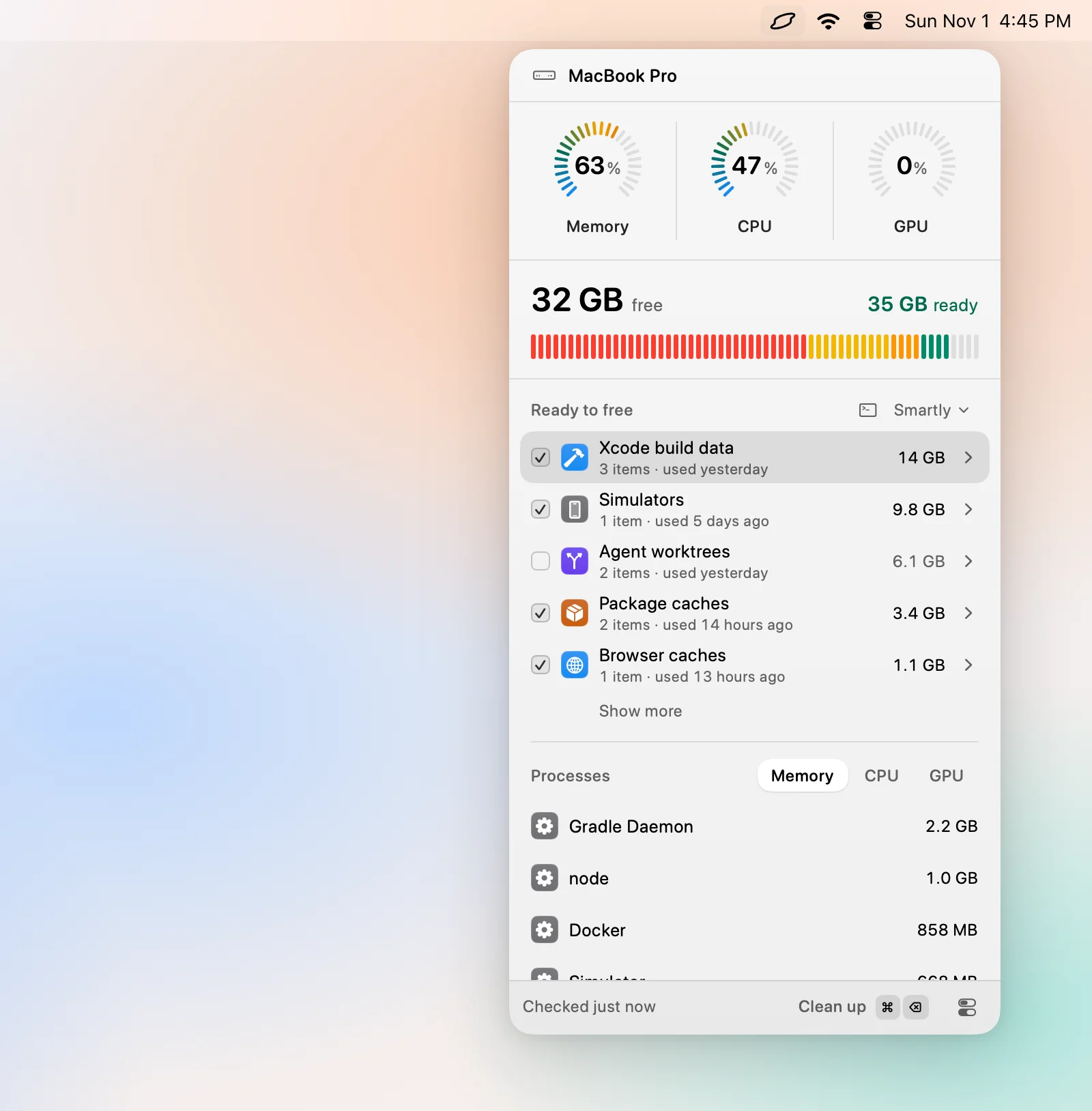
During those first days, Levo shows you what is busy without you having to open Activity Monitor. With its menu bar gauges on, the rings for CPU, GPU and memory tell you the Mac is working, and the Processes list names the process, so you can see that it is Spotlight or Photos and not a stuck app.
Levo is careful about this period. It never quits system processes such as mds_stores, WindowServer or kernel_task, and it leaves macOS's own update files and Time Machine snapshots to macOS. The advice for those processes is the right one: wait.
What Levo does help with is the disk, because an update often leaves the drive tighter. The Ready to free list shows caches and leftovers that can go, with the agent's reason for each. Read Free memory, CPU and GPU and System Data.
FAQ
How long does a Mac stay slow after a macOS update?
Usually one to two days. Spotlight and Photos indexing finish sooner on power and idle, and a large Photos library can take longer.
Why is my Mac hot after updating?
Indexing and photo analysis use the CPU for hours. The fans should quiet down once they finish. Keep it plugged in to help.
Should I reinstall macOS if it is slow after an update?
No. Wait a couple of days, restart, check free space and update your apps first. Reinstalling is rarely needed.
Is it safe to stop mds_stores or photoanalysisd?
They are system processes and macOS restarts them. Stopping them only delays the work. Let them finish.
Is it normal for a Mac to be slow after Golden Gate?
Yes, for a day or two, while Spotlight and Photos catch up. The same was true after Tahoe.
Should I wait before installing a major macOS update?
If you rely on specific apps, check they support it first. Make a backup, and have free space ready.