
Levo guides · Disk space
Can you delete log files on a Mac?
Yes. Log files in ~/Library/Logs and old crash reports are safe to delete, and macOS and your apps write new ones when they need them. They are rarely big, though: a few hundred megabytes at the outside, so don’t expect a log clean-up to fix a full disk.
The rules change for system logs. Leave those to macOS.
| What | Where | Safe to delete? |
|---|---|---|
| App logs | ~/Library/Logs | Yes. Apps recreate them. |
| Crash and diagnostic reports | ~/Library/Logs/DiagnosticReports | Yes, unless you’re debugging that crash. |
| System-wide app logs | /Library/Logs | Mostly. Needs admin rights, and the gain is small. |
| System diagnostic reports | /Library/Logs/DiagnosticReports | Yes. |
| Unified logs | /private/var/db/diagnostics | No. macOS manages and expires these itself. |
/private/var/log | Install, Wi-Fi and a few daemons | Leave it. Small, and some files are in use. |
Check the size first
du -sh ~/Library/Logs /Library/Logs 2>/dev/null
du -sh ~/Library/Logs/DiagnosticReports 2>/dev/null
If the total is under a gigabyte, it’s not worth the effort. Logs that are huge usually come from one app writing the same error in a loop. The sizes by folder will show which:
du -sh ~/Library/Logs/* | sort -h | tailDelete the user logs
- In Finder, press ⇧⌘G and open
~/Library/Logs. - Quit the apps whose folders you’re about to clear, or skip folders whose apps are open.
- Move what you want to remove to the Trash and empty it.
To keep recent logs and clear only old ones, list first, then delete:
find ~/Library/Logs -type f -mtime +30 -print
find ~/Library/Logs -type f -mtime +30 -delete
Run the first line, read the list, and only then run the second. -delete has no undo.
Crash and diagnostic reports
Every time an app crashes, macOS writes a report to DiagnosticReports. They’re the files you see in Console under Crash Reports, and what you’d attach to a bug report. Delete them freely. Keep the recent ones if you’re chasing a crash or filing a report with a developer.
In Console you can right-click a report and choose Move to Trash, which is the gentlest way.
System logs: leave them
Since macOS Sierra, most system logging goes to the unified log, a compressed binary store under /private/var/db/diagnostics. You can’t read it as text, and macOS trims it by age and size. There’s no space win in deleting it by hand, and the folder is protected. The old text files in /private/var/log are small, and a few are held open by running services, so deleting them gains nothing and can confuse a service that expects to append to them.
If you really want to see the unified log’s size, sudo du -sh /private/var/db/diagnostics will tell you. It is rarely more than a couple of gigabytes.
What logs are not
Don’t confuse logs with the big System Data items. Time Machine’s local snapshots, the swap file and app caches are far larger. If your goal is space, start with caches or large files. A log clean-up is hygiene more than rescue.
One real exception: a runaway log. If one file in ~/Library/Logs or an app’s own log folder is several gigabytes, delete it, and then find the app that wrote it. Otherwise it’ll come back.
How Levo does it
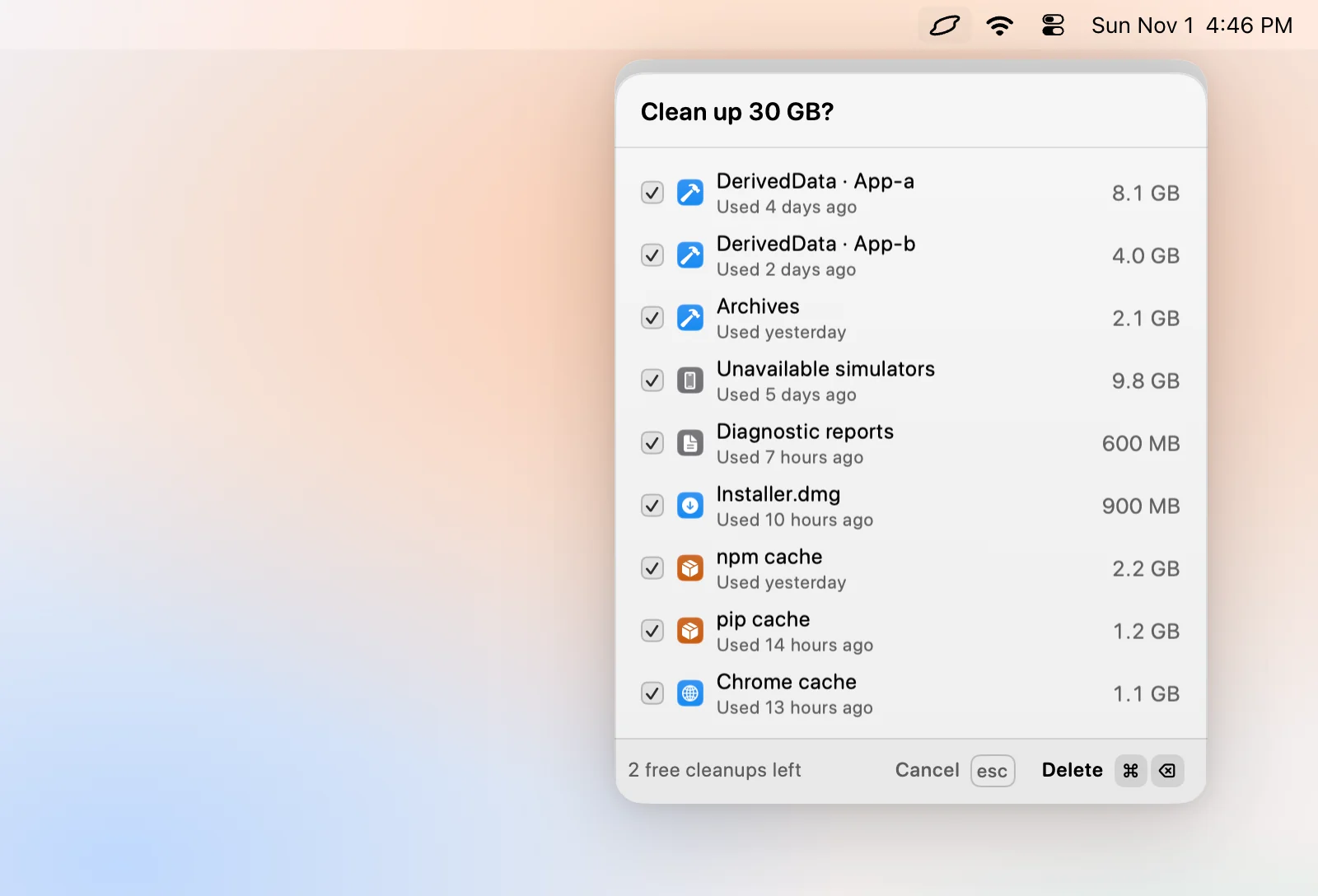
Logs are part of the clutter Levo can show you, not a feature of their own. Levo’s Ready to free list groups what’s safe by kind, each with a size and a reason, so a log pile only appears when it’s big enough to matter.
It never cleans anything open or in use, so a log an app is writing right now is skipped, and anything changed in the last few minutes is left alone. Levo leaves macOS’s own files, including the unified log, to macOS. You tick what goes, and Levo checks each item again just before deleting it. See how Levo decides for the full rules.
FAQ
Is it safe to delete everything in ~/Library/Logs?
Yes. Apps recreate their log files. Quit open apps first, and expect little space back, since logs are usually small.
Can I delete crash reports?
Yes. They are copies of what a crashed app reported. Keep recent ones only if you’re filing a bug report or tracking down a crash.
Should I delete /private/var/log or the unified logs?
No. macOS manages them, they are small, and some files are in use. Deleting them won’t recover meaningful space.
Will deleting logs speed up my Mac?
No. Logs aren’t read during normal use. The benefit is a little disk space, and only when a runaway log has grown huge.