
Levo guides · Disk space
How to delete temporary files on a Mac
The easiest safe way to clear temporary files on a Mac is to restart it: macOS empties /tmp and the per-user temp folders at boot. To clear them without restarting, delete files inside $TMPDIR that aren’t in use. Never delete /private/var/folders itself, and don’t remove files from a running app.
| Folder | What lives there | Safe to delete? |
|---|---|---|
/tmp (a link to /private/tmp) | Scratch files from Terminal tools and installers | Yes, when nothing uses them |
/private/var/folders/…/T, also $TMPDIR | Temporary files for each user’s apps | Yes, with the apps closed |
/private/var/folders/…/C | Per-user caches, such as thumbnails and web content | Yes, but they come back |
/private/var/folders/…/0 | Items used by the running system | No |
App temp folders, such as ~/Library/Caches/TemporaryItems | Unfinished exports, downloads, previews | Yes, when the app is closed |
Where temporary files go
macOS gives every user a private folder under /private/var/folders, with a scrambled name like zz/abc123xyz. Inside it, T is the temp folder, C holds caches, and 0 is for the system. Your temp folder’s path is in an environment variable. Print it:
echo $TMPDIR
du -sh $TMPDIR
Most of the time this is a few hundred megabytes at most. It becomes big when an app crashes while exporting a video, building a disk image or unpacking an archive, and leaves its scratch data behind. Those orphaned files stay until the next restart.
The simplest method: restart
Choose Apple menu › Restart. macOS clears /tmp and your temp folder as part of starting up, and it frees swap and memory at the same time. If a Mac has run for weeks and Storage shows a mysterious jump in System Data, a restart is the first thing to try. It costs nothing and carries no risk.
Clearing without restarting
- Quit apps that might have open temp files, especially a video editor, an archive tool or a browser downloading something.
- Open Terminal and check what is large, oldest first:
find $TMPDIR -type f -mtime +3 -exec du -h {} + 2>/dev/null | sort -h | tail -15- Delete files that match something you recognise, or older than a few days:
find $TMPDIR -type f -mtime +3 -delete- For
/tmp, which belongs to you for scratch files you made yourself, remove them by name.
Don’t rm -rf /private/var/folders or rm -rf $TMPDIR. Running apps expect their files there, and removing the folder can break them until the next restart. Delete the files inside, not the folder.
App temp folders
Some apps keep their own temp data outside $TMPDIR. Photo and video editors write previews and render files, installers unpack into ~/Library/Caches/TemporaryItems, and Safari keeps partial downloads. Look for folders named tmp, temp or Temporary in ~/Library/Caches. For video work, see Final Cut Pro render files.
What not to touch
- The
0folder under/private/var/folders, which the system uses. - Files in
$TMPDIRmodified in the last few minutes. They’re probably open. /private/var/vm, where the swap file and sleep image live. macOS manages those, and they shrink on a restart.
If System Data is the number worrying you, How to clear System Data on a Mac covers the full order.
How Levo does it
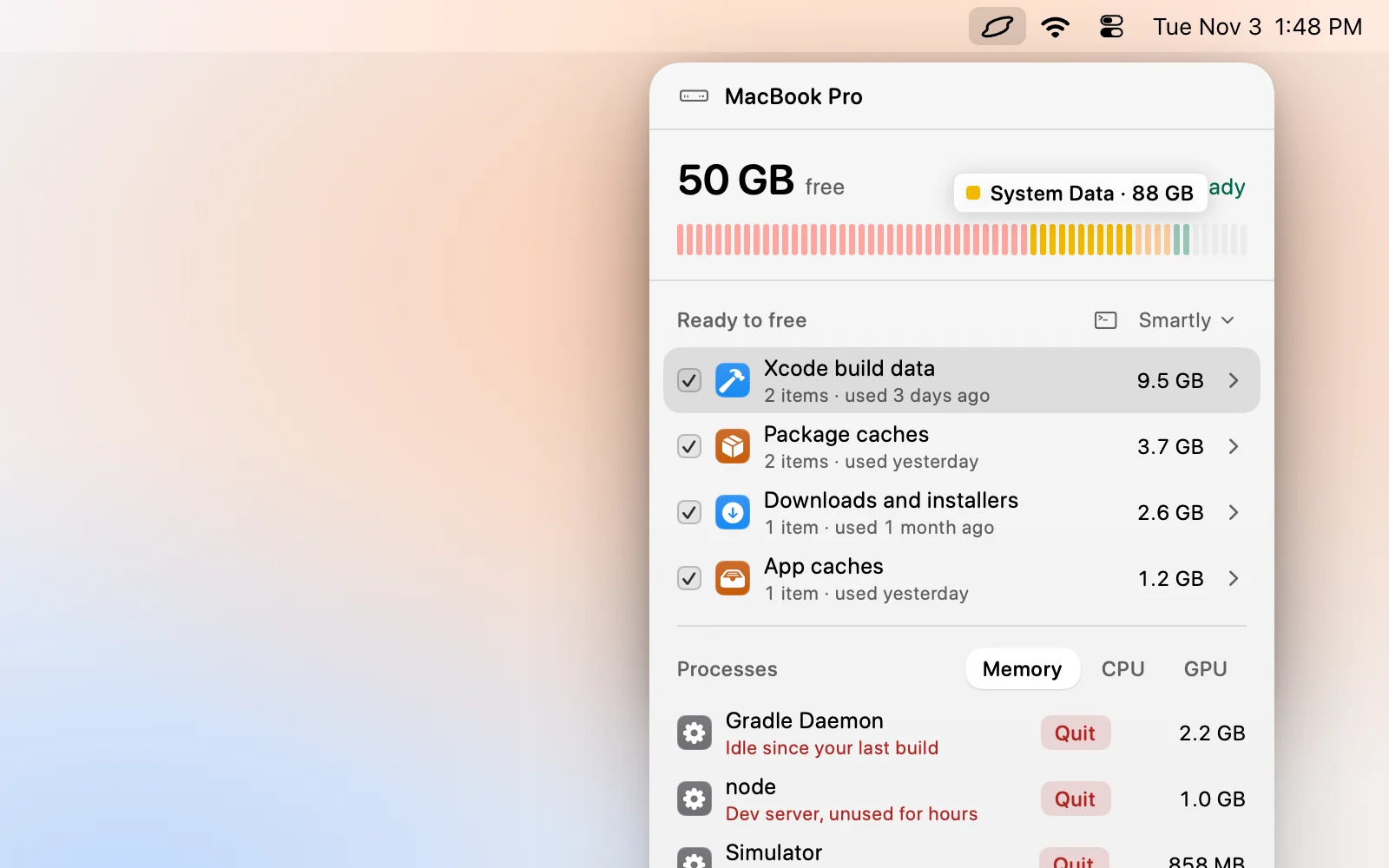
Levo’s live index includes temporary folders, and lists them in Ready to free under temporary files, with a size and when they were last touched. Coding agents also leave worktrees in temp folders, and Levo groups those separately, because they can hold unfinished work.
Your AI agent, such as Claude Code or Codex, reads each item and says whether it can go. Levo skips anything open, anything changed in the last few minutes and any live agent session, then checks again right before deleting. Select › Smartly ticks what’s safe, and you confirm with Clean up. If a temp file belongs to a running app, Levo leaves it, which is the part that is hard to get right by hand.
FAQ
Is it safe to delete files in /private/var/folders?
Only the files inside your own temp folder, T, and only when the apps using them are closed. Never delete the folder itself, and leave the 0 folder alone.
Does restarting a Mac delete temporary files?
Yes. macOS clears /tmp and the per-user temp folders when it starts, and it resets swap too. It is the safest way to clear them.
How do I find my temp folder?
Open Terminal and run echo $TMPDIR. It prints the path of your user’s temp folder inside /private/var/folders.
Why is my temp folder so large?
Usually an app crashed or was force quit while exporting, unpacking or downloading, and left scratch files. Restart, or delete the oldest files in $TMPDIR.