
Levo guides · AI models and coding agents
How to delete Ollama models and free space
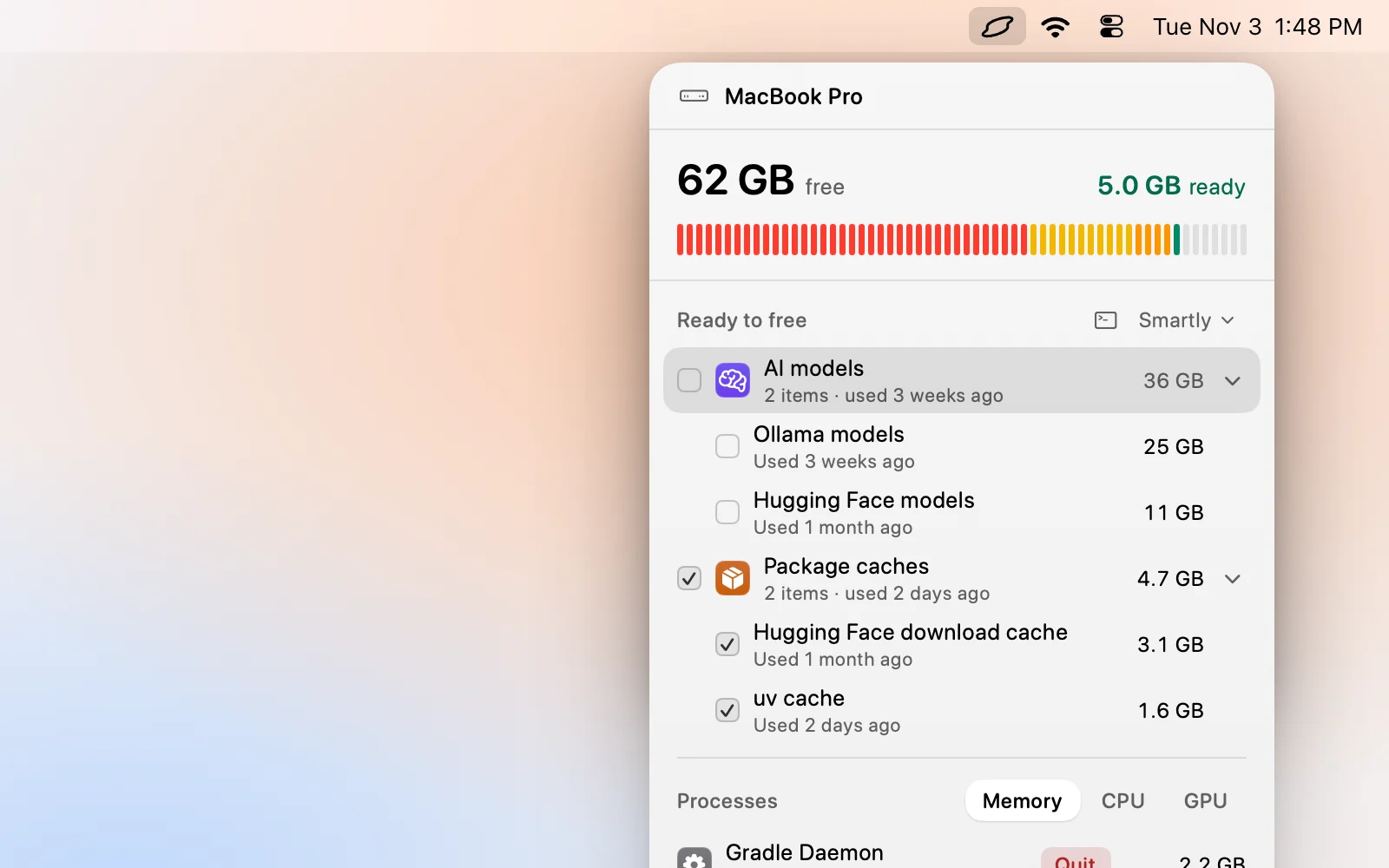
Run ollama list to see every model and its size, then ollama rm <name> to delete one. The models live in ~/.ollama/models. Use the command rather than deleting files, because models share their data and the command knows what is still in use.
| Model size | Typical download | Notes |
|---|---|---|
| 1B to 3B | 1 to 2 GB | Fast on any Apple silicon Mac |
| 7B to 8B | 4 to 5 GB | The common default |
| 13B to 14B | 8 to 9 GB | Wants 16 GB of memory |
| 30B to 34B | 18 to 20 GB | Wants 32 GB or more |
| 70B | 40 GB | Wants 64 GB or more |
How to do it yourself
- List what you have. The SIZE column is the disk space each one uses:
ollama list- Remove a model by name and tag:
ollama rm llama3.1:8b- Check the folder shrank:
du -sh ~/.ollama/modelsInside ~/.ollama/models there are two folders. blobs holds the weights as hashed files, and manifests says which blobs make up each model. Two tags of the same model can share a blob, which is why deleting a blob by hand can break a model you meant to keep. If you do see a leftover partial download in blobs, Ollama cleans it up the next time it starts.
Moving models. If the internal disk is small, point Ollama at an external drive with the OLLAMA_MODELS environment variable, then move the folder. For the menubar app, set it with launchctl setenv OLLAMA_MODELS /Volumes/Fast/ollama and restart Ollama.
Deleting a model is permanent. Pull it again with ollama pull <name>, which downloads the full size. Models you made yourself with a Modelfile are small, but the base they sit on isn’t.
Ollama is one of three places models land. See Hugging Face and LM Studio, and AI clutter on a Mac for the whole list.
Choosing which to remove
Ollama lists models by name and tag, so you can tell a 70B from an 8B at a glance. The cheapest wins are the large ones you haven’t run since you tried them, and older versions of a model you have since replaced: llama3 next to llama3.1 and llama3.2 is a common sight.
Tags matter. llama3.1 with no tag is the default 8B build, while llama3.1:70b is a separate 40 GB download. ollama list shows them as separate lines with separate sizes, so you can keep one and delete the other.
The MODIFIED column shows when each was pulled, which is not the same as when you last used it. If you need to know what you ran lately, your agent can read the shell history, or you can simply delete a model and pull it again if you miss it. A smaller model is rarely missed.
If you uninstall the Ollama app, models stay in ~/.ollama. See how to uninstall Ollama for what to remove with it.
How Levo does it
Levo lists each Ollama model with its size, in the AI models group. It never ticks a model for you: you choose, and your agent helps by saying which you haven’t run in a while.
While Ollama is running its models show as in use and are locked. Levo removes a model with the tool’s own clean command where there is one. See Levo for AI and ML work.
FAQ
Where does Ollama store models on a Mac?
In ~/.ollama/models, as hashed files in blobs and a manifests folder that says which blobs make up each model.
How do I delete an Ollama model?
Run ollama list to see the names, then ollama rm with the model name and tag, for example ollama rm llama3.1:8b.
Can I delete the Ollama blobs folder?
Only if you want to remove every model. Deleting single blobs can break models that share them, so use ollama rm instead.
How do I move Ollama models to an external drive?
Move ~/.ollama/models to the drive and set the OLLAMA_MODELS environment variable to the new path, then restart Ollama.