
Levo guides · AI models and coding agents
LM Studio models: where they live and how to remove them
LM Studio stores models in ~/.lmstudio/models, in folders named after the publisher and the model. The cleanest way to remove one is the My Models tab in the app. You can also delete the folder in Finder, and move the whole models folder to an external drive.
| What | Where | Safe to delete? |
|---|---|---|
| Models | ~/.lmstudio/models/<publisher>/<model> | Yes, you download again |
| Older location | ~/.cache/lm-studio/models | Yes, if it still exists |
| Chats | ~/.lmstudio/conversations | Only if you don’t want the history |
| Runtimes and extensions | ~/.lmstudio/extensions | Leave it, LM Studio manages it |
| App cache | ~/Library/Caches/LM Studio | Yes |
How to do it yourself
- Open LM Studio and go to the My Models tab. Each model shows its size.
- Choose the model, then the delete (bin) icon, and confirm. This removes the file from disk.
- Or do it in Finder or Terminal. Each model is a folder holding one or more
.gguffiles, or a set of MLX files:
du -sh ~/.lmstudio/models/*/* | sort -h
rm -rf ~/.lmstudio/models/lmstudio-community/Meta-Llama-3.1-8B-Instruct-GGUF
Quantised variants of the same model are separate files, so one model can be 5 GB in a 4-bit version and 15 GB in an 8-bit version. Keep the one you use and delete the rest.
Moving models to another drive. In My Models, open the models directory setting and point it at a folder on an external or secondary disk. Move the existing folders there first, keeping the same publisher and model structure, so LM Studio finds them. A slow external drive makes models take longer to load.
LM Studio has its own copy of every model. Models you pulled with Ollama or the Hugging Face tools are separate and take space twice. Check all three before you decide where the space went.
See AI clutter on a Mac for every place AI files land.
Picking what to keep
The My Models tab lists the quantisation and size of each file, which makes comparing easy. A model named Q4_K_M is the usual compromise; Q8_0 is nearly twice the size for a small quality gain. If you have both, you rarely need both.
MLX models, which are made for Apple silicon, appear in the same folder and are run through a different engine. A GGUF and an MLX version of the same model are separate downloads, so choose the one that runs better on your Mac and delete the other.
Finally, check for partial downloads. If a download was interrupted, a half-sized file may remain in the folder, which LM Studio shows as unavailable or incomplete. Those can always be deleted. And LM Studio’s app itself is small: if you stop using it, delete it and then the ~/.lmstudio folder, which is where the gigabytes are.
How Levo does it
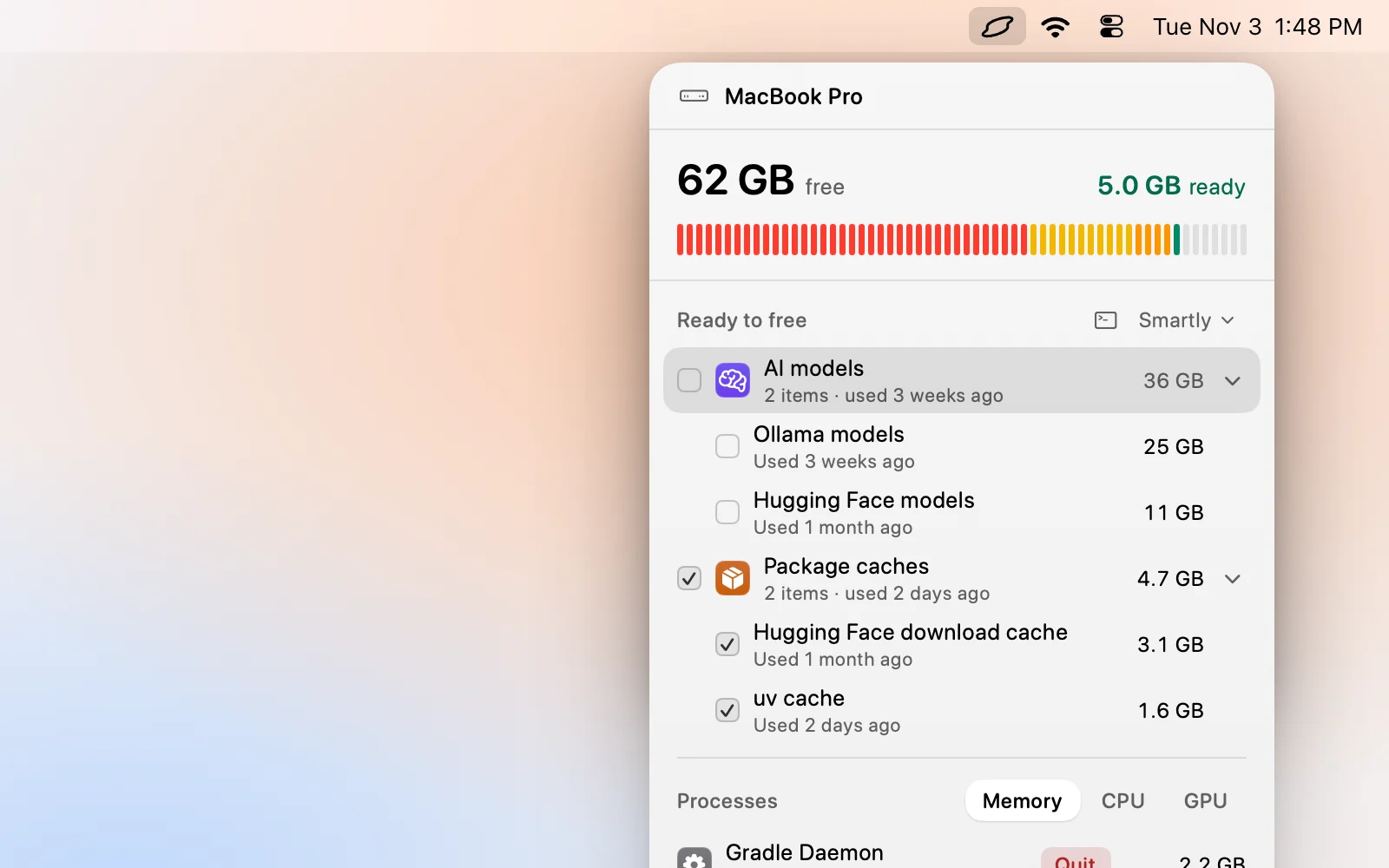
Levo lists LM Studio models in the AI models group, each with its size and the date it was last used. A model is never ticked for you: you pick the ones to remove, and your agent can tell you which ones you haven’t loaded in a while.
Models that are open in LM Studio are locked until you quit it. See Levo for AI and ML work.
FAQ
Where does LM Studio store models on a Mac?
In ~/.lmstudio/models, under folders named for the publisher and model. Older versions used ~/.cache/lm-studio/models.
How do I delete a model in LM Studio?
Open the My Models tab, select the model and click the delete icon. You can also delete its folder in Finder.
Can I move LM Studio models to an external drive?
Yes. Change the models directory in My Models to a folder on the drive, and move your existing model folders there with the same structure.
Why is the same model on my disk twice?
LM Studio, Ollama and Hugging Face tools each keep their own copy, and different quantised versions are separate files.