
Levo guides · Video, audio and design
How to delete Logic Pro and GarageBand sound libraries you don’t use
In Logic Pro, choose Logic Pro › Sound Library › Open Sound Library Manager, tick the packs you don’t use and click Delete. To keep everything but free the internal drive, choose Relocate Sound Library and pick an external drive. GarageBand has the same manager under GarageBand › Sound Library.
| What | Where | Safe to delete? |
|---|---|---|
| Sound packs (loops, instruments, drummers) | /Library/Application Support/Logic, /Library/Audio/Apple Loops | Yes, through the manager; download again any time |
| Packs from a relocated library | The external drive you chose | Only by the manager, or Logic loses track |
| GarageBand’s library, if you only use Logic | Shared with Logic | Keep it; Logic uses the same files |
| Old installer downloads | /Library/Application Support/Logic/Sound Library Downloads and similar | Yes, once installed |
| Audio Units caches | ~/Library/Caches/AudioUnitCache | Yes, rebuilt on next launch |
| Your projects and recordings | ~/Music/Logic, ~/Music/GarageBand | No |
How big the library gets
The first launch of Logic installs a few gigabytes of essentials. The full Sound Library, with every instrument, drummer and loop pack Apple offers, is far bigger: dozens of gigabytes, and it grows as Apple adds packs. GarageBand’s full library is smaller but shares much of the same content. If you clicked “Download All” once to try everything, most of that space is sounds you’ve never loaded.
Third-party instruments add more, often in /Library/Application Support under the maker’s name, or in a folder you chose when installing (Native Instruments, Spitfire and others ask).
To see what’s there:
du -sh /Library/Application\ Support/Logic /Library/Audio/Apple\ Loops 2>/dev/null
du -sh /Library/Audio/* ~/Music/* 2>/dev/null | sort -h
How to do it yourself
Delete packs you don’t use
- Open Logic Pro (or GarageBand) with no project, or a new empty one.
- Choose Logic Pro › Sound Library › Open Sound Library Manager.
- Untick the packs you want to keep, tick the ones to remove. Sizes are shown beside each one.
- Click Delete and enter your Mac password.
Projects that used a deleted pack still open. Logic asks to download the missing sounds when it needs them, so deleting is easy to undo with a network connection.
Move the library to an external drive
- Connect a fast SSD, formatted APFS.
- Choose Logic Pro › Sound Library › Relocate Sound Library.
- Pick a folder on the drive and confirm. Logic moves the files and links them.
From then on, the drive needs to be connected for those sounds to load. Don’t drag the folders by hand in Finder; Logic won’t find them.
What’s left behind
Deleting Logic or GarageBand from Applications leaves the Sound Library in place. If you’ve removed both apps for good, the folders in the table can go, along with ~/Library/Containers/com.apple.logic10 and ~/Library/Containers/com.apple.garageband10. If you still have one of the two apps, keep the shared library.
sudo rm -rf /Library/Application\ Support/GarageBand
sudo rm -rf /Library/Application\ Support/Logic
sudo rm -rf /Library/Audio/Apple\ Loops/Apple
Only run these with both apps removed. sudo rm doesn’t use the Trash.
How Levo does it
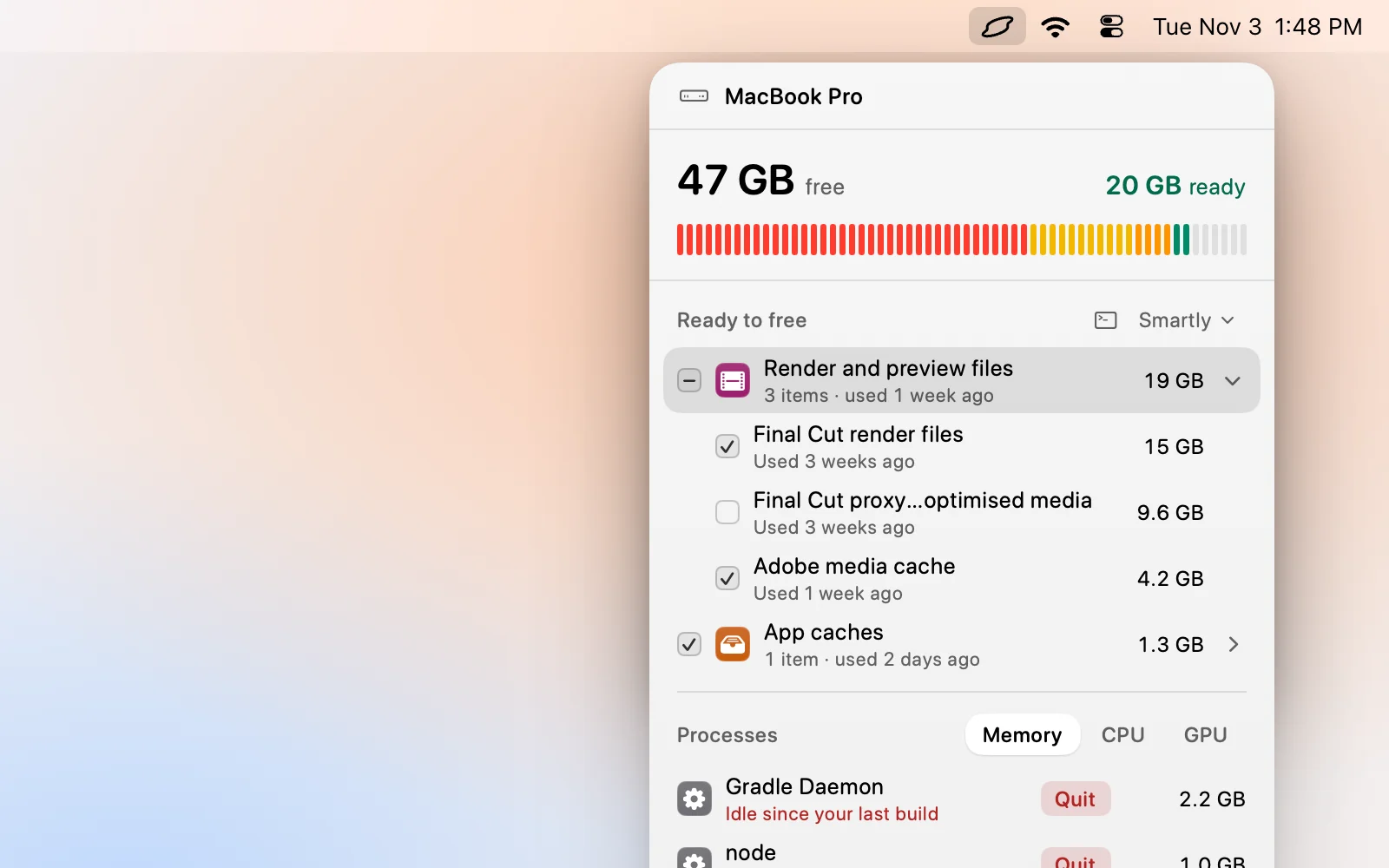
Levo lists the Logic Pro and GarageBand sound libraries in Ready to free with their sizes, next to other media caches such as the Ableton decoding cache. Your own AI agent explains what each one is and that it can be downloaded again. Sound libraries aren’t something to clear on a whim, so tick only what you know you don’t use; the Sound Library Manager is still the best tool for removing single packs.
If you uninstall Logic or GarageBand with Levo’s Uninstall command, it removes the app with its leftovers to the Trash, with Put back. See Uninstall apps and For video editors.
FAQ
Can I delete the Logic Pro Sound Library?
Yes, pack by pack, in the Sound Library Manager. Projects still open, and Logic offers to download any missing sounds when it needs them.
Does GarageBand share its sound library with Logic Pro?
Largely, yes. Both use Apple Loops and many of the same instruments. If you keep either app, keep the shared library.
Can I move the Logic Sound Library to an external drive?
Yes, with Relocate Sound Library in the Sound Library menu. Logic moves and links the files. The drive must be connected when you use those sounds.
Why is space still used after deleting GarageBand?
Deleting the app leaves its sound library in /Library/Application Support and /Library/Audio. Remove those folders too, but only if Logic isn’t installed.