
Levo guides · Developers: Apple
How to clear SwiftPM and CocoaPods caches
Both have an official clean command. For Swift Package Manager run swift package purge-cache, and for CocoaPods run pod cache clean --all. The caches are downloads, so the only cost is fetching dependencies again the next time you build.
| What | Where | Clean it with |
|---|---|---|
| SwiftPM shared cache | ~/Library/Caches/org.swift.swiftpm | swift package purge-cache |
| SwiftPM config and security | ~/Library/org.swift.swiftpm | Leave it, it is tiny |
| Package build folder | .build in the project | swift package clean or delete it |
| Xcode’s package checkouts | DerivedData/<Project>/SourcePackages | File › Packages › Reset Package Caches |
| CocoaPods cache | ~/Library/Caches/CocoaPods | pod cache clean --all |
| CocoaPods specs | ~/.cocoapods/repos | Delete it, pod install fetches again |
| Pods folder | Pods in the project | Delete it, then pod install |
| Carthage | ~/Library/Caches/org.carthage.CarthageKit | Delete the folder |
How to do it yourself
Check sizes first, since the answer is often a few hundred megabytes rather than gigabytes:
du -sh ~/Library/Caches/org.swift.swiftpm ~/Library/Caches/CocoaPods ~/.cocoapods 2>/dev/nullSwiftPM. The shared cache holds the bare repositories and downloaded artefacts every project reuses. Clear it with the command below. For a single package project, swift package clean removes only that project’s build output, and swift package reset also drops its checkouts.
swift package purge-cache
swift package clean
swift package reset
Xcode projects. Xcode keeps its own checkouts inside DerivedData. If a package is stuck on a stale version, use File › Packages › Reset Package Caches, then File › Packages › Resolve Package Versions.
CocoaPods. The cache keeps one copy of every pod version you have installed. Clean all or just one pod:
pod cache clean --all
pod cache clean AFNetworking --all
The Pods folder in each project is separate. It is committed in some repos, so check git status before you delete it. To remove CocoaPods from a project, use pod deintegrate.
Cleaning costs time, not data. Expect the next build on each project to download its packages again, and the first pod install to be slower. Offline, you can’t rebuild until they are back.
These caches are among the smaller ones. The big Xcode folders are in why Xcode is so big.
Which to clear first
If you only do one, clear the CocoaPods cache on a Mac that has used it for years: it keeps every version of every pod you ever installed, and old versions are never reused. SwiftPM’s shared cache stays smaller because it keeps one bare clone per package.
If a project builds fine, you don’t need to clear anything for the sake of it. Reach for these commands when a package won’t update, when a pod fails with a checksum or version error, or when the disk is short. The cost is the same each time: the next resolve downloads again.
Lockfiles protect you here. Package.resolved and Podfile.lock pin exact versions, so clearing a cache doesn’t change which versions you build with. Don’t delete those two files unless you mean to update everything. If a repository has been removed or renamed upstream, a cleared cache may be the only thing that revealed it, so keep a copy of dependencies you can’t get back.
How Levo does it
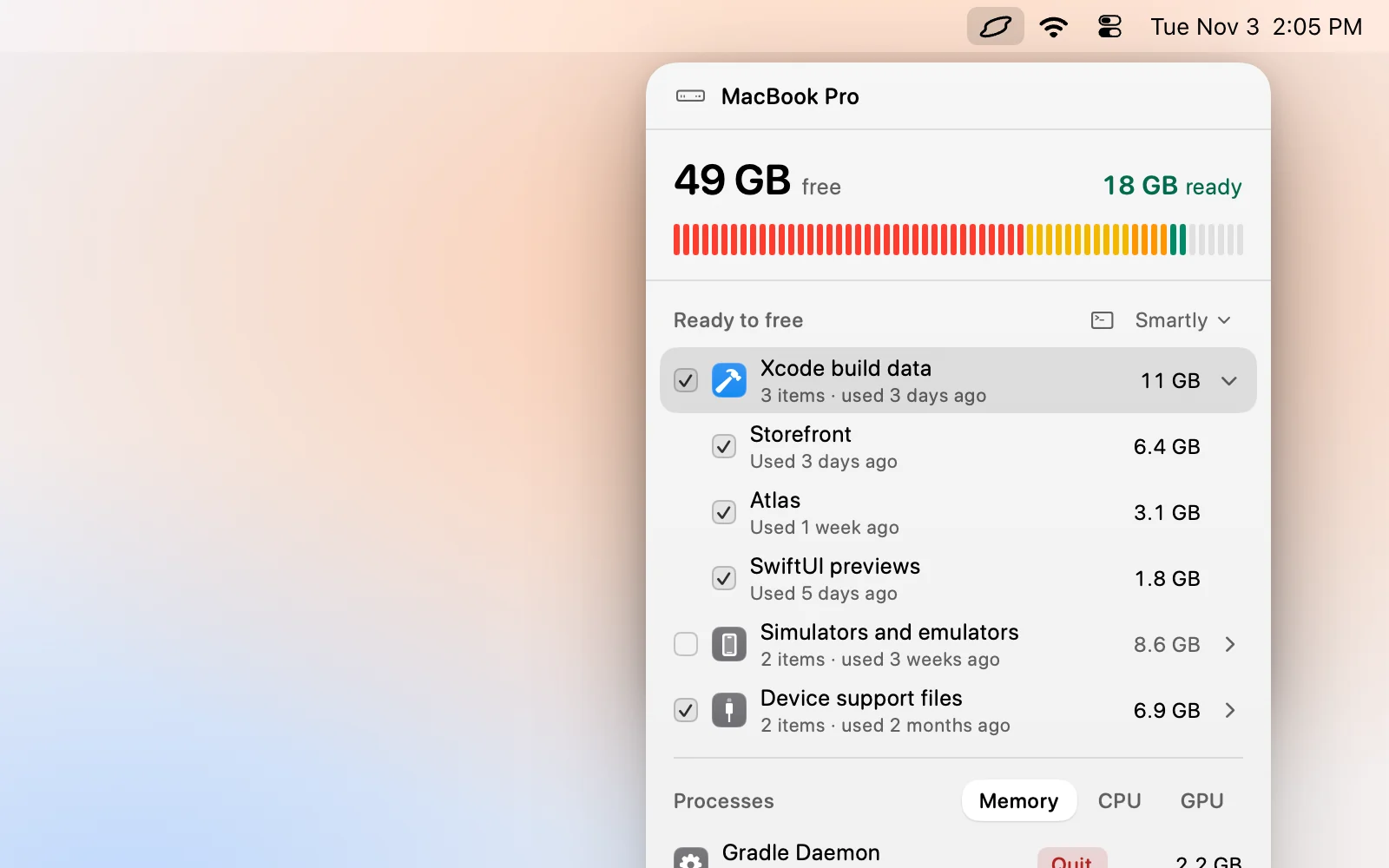
Levo lists package caches as a group with each cache’s size: Swift packages, CocoaPods, Carthage builds and the other tools’ caches too. They are ticked by Select › Smartly because they come back on their own.
Your agent adds a reason for each row, and Levo checks again before it deletes. Levo for iOS and Mac developers lists what it looks for.
FAQ
How do I clear the Swift Package Manager cache?
Run swift package purge-cache. In Xcode, use File, then Packages, then Reset Package Caches for the current project.
Where is the CocoaPods cache?
In ~/Library/Caches/CocoaPods. Clear it with pod cache clean --all. The specs repositories are in ~/.cocoapods/repos.
Is it safe to delete the CocoaPods cache?
Yes. It holds downloaded pods, and the next pod install fetches what it needs again. The Pods folder in your project is separate.
Will clearing these caches break my project?
No. Your next build or install is slower while dependencies download again. It needs a network connection.