
Levo guides · Uninstalling apps
How to uninstall Homebrew
Homebrew has an official uninstall script. It removes /opt/homebrew (Apple silicon) or /usr/local/Homebrew (Intel) along with every package installed through it, and leaves a few things in your home folder that you clear by hand.
| What | Where | Safe to delete? |
|---|---|---|
| Homebrew and its packages | /opt/homebrew (Apple silicon), /usr/local/Homebrew and /usr/local/Cellar (Intel) | Yes, removed by the script |
| Cached downloads | ~/Library/Caches/Homebrew | Yes, left behind by the script |
| Logs | ~/Library/Logs/Homebrew | Yes |
| Shell lines | eval "$(/opt/homebrew/bin/brew shellenv)" in ~/.zprofile | Yes, remove the line |
| Background services | ~/Library/LaunchAgents/homebrew.mxcl.*.plist | Yes, stop them first |
| Cask apps | /Applications | Check each; some are links into the Caskroom |
| Brew config | ~/.config/homebrew, ~/.homebrew | Yes |
| Command Line Tools | /Library/Developer/CommandLineTools | Not part of Homebrew; keep unless you want them gone |
How to do it yourself
1. Save what you have
Homebrew’s uninstaller removes every formula and cask, so write down what you want back:
brew bundle dump --file=~/Brewfile
brew list --cask
brew services list
A Brewfile is a plain list. After a fresh install you can restore it with brew bundle --file=~/Brewfile.
2. Stop services and check your apps
brew services stop --allCask apps in /Applications are either real copies or links into /opt/homebrew/Caskroom. If you want to keep an app that’s a link, replace the link with a copy before you uninstall, or download the app from its vendor afterwards. Check with ls -l /Applications | grep Caskroom.
3. Run the uninstall script
/bin/bash -c "$(curl -fsSL https://raw.githubusercontent.com/Homebrew/install/HEAD/uninstall.sh)"The script lists what it will remove and asks before it starts. To preview without deleting anything, download it and pass --dry-run. It asks for your password at the end, to remove the folders in /opt or /usr/local.
4. Clear what it leaves
rm -rf ~/Library/Caches/Homebrew
rm -rf ~/Library/Logs/Homebrew
rm -rf ~/.config/homebrew ~/.homebrew
rm -f ~/Library/LaunchAgents/homebrew.mxcl.*.plist
Open ~/.zprofile (and ~/.zshrc or ~/.bash_profile if you edited them) and delete the line that starts eval "$(/opt/homebrew/bin/brew shellenv)", along with any HOMEBREW_ exports. Open a new Terminal window, and which brew should print nothing.
If you have installed software outside Homebrew but depend on libraries it supplied, such as OpenSSL, a build can fail after the uninstall. Apps from the App Store or installers don’t.
Want the space, not the removal?
The cache in ~/Library/Caches/Homebrew and old versions of packages are the usual culprits, and they’re safe to clear while keeping Homebrew. How to clean up Homebrew covers brew cleanup, --prune=all and unused dependencies.
Python, Node and other languages
If you installed Python, Node or conda through Homebrew, they go with it. See How to uninstall Node.js on a Mac and How to uninstall Anaconda and Miniconda on a Mac for their own folders in your home directory.
How Levo does it
Homebrew isn’t an app, so there’s no Uninstall entry for Homebrew itself. Levo’s part is the leftovers: its Ready to free list shows the Homebrew download cache and package caches with their sizes and reasons, and your agent judges what’s safe at your cleanup level. That’s the space most people want back, and it works while Homebrew stays installed.
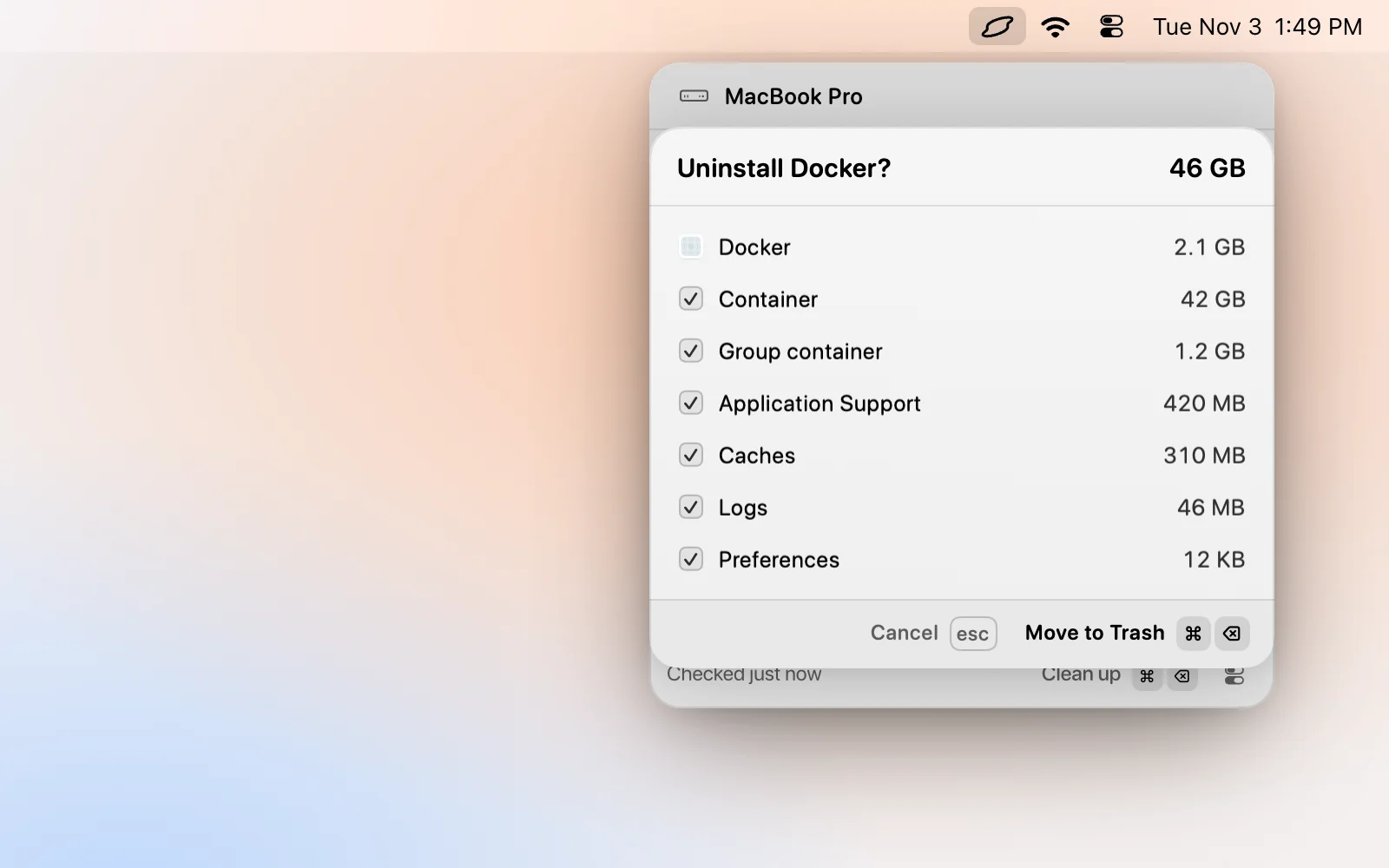
Cask apps are different. For each one you’d like gone, press ⌘K and type “uninstall” and its name, and Levo lists the app and its leftovers and removes it to the Trash. Levo doesn’t run Homebrew’s script, so the steps above are still yours. See Uninstall apps and their leftovers. Uninstalls go to the Trash, and Put back in ⌘K restores the app with its leftovers for a day.
FAQ
Does uninstalling Homebrew remove everything I installed with it?
Yes. The script removes the whole Homebrew folder, which includes all formulae. Cask apps in /Applications may stay, but some are links that break, so check them first.
What does the Homebrew uninstall script leave behind?
Mainly the download cache in ~/Library/Caches/Homebrew, logs, the brew shellenv line in your shell profile, and launch agents from services you ran.
How do I reinstall my packages later?
Run brew bundle dump before you uninstall. It writes a Brewfile listing your formulae and casks, and brew bundle restores them after a fresh install.
Is Homebrew the same as Xcode’s command line tools?
No. Homebrew needs the command line tools to build things, but they’re installed separately in /Library/Developer/CommandLineTools and stay after Homebrew is gone.