
Levo guides · Uninstalling apps
How to uninstall Xcode completely
Dragging Xcode to the Trash frees about 10 to 15 GB, but the real space is elsewhere: ~/Library/Developer (DerivedData, simulators, device support, archives) and the simulator runtimes, which together are often several times larger than the app.
| What | Where | Safe to delete? |
|---|---|---|
| Xcode app | /Applications/Xcode.app (and Xcode-beta.app) | Yes |
| Build data | ~/Library/Developer/Xcode/DerivedData | Yes, rebuilt on the next build |
| Archives | ~/Library/Developer/Xcode/Archives | Only if you’ve kept the dSYMs you need for crash reports |
| Device support | ~/Library/Developer/Xcode/iOS DeviceSupport | Yes, re-created when you plug a device in |
| Simulators | ~/Library/Developer/CoreSimulator | Yes; app data inside simulators goes too |
| Simulator runtimes | /Library/Developer/CoreSimulator, and the volumes Xcode mounts for them | Yes, re-downloadable |
| Caches and preferences | ~/Library/Caches/com.apple.dt.Xcode, ~/Library/Preferences/com.apple.dt.Xcode.plist | Yes |
| Provisioning profiles | ~/Library/MobileDevice/Provisioning Profiles | Yes, re-downloaded when you sign in |
| Command line tools | /Library/Developer/CommandLineTools | Yes, unless git and clang come from here |
| Signing certificates | Keychain Access | Keep them if you ship apps |
How to do it yourself
Before you start
- Keep signing certificates and private keys in Keychain Access. Export them from Keychain Access if you’re moving to a new Mac.
- Keep
~/Library/Developer/Xcode/Archivesif you ship apps and need symbolicated crash reports for builds already released. - Your projects aren’t in these folders, so they’re safe.
Remove the simulators and runtimes first
Runtimes are downloaded separately and can be gigabytes each. Remove them while Xcode still runs the tools that manage them:
xcrun simctl delete unavailable
xcrun simctl runtime list
xcrun simctl runtime delete <runtime-id>
Or use Xcode › Settings › Components and remove each platform. See How to delete Xcode simulators for the details.
Delete Xcode and its folders
- Quit Xcode and the Simulator. Drag
/Applications/Xcode.appto the Trash and empty it. - Delete the developer data you no longer need:
rm -rf ~/Library/Developer/Xcode/DerivedData
rm -rf ~/Library/Developer/Xcode/iOS\ DeviceSupport
rm -rf ~/Library/Developer/CoreSimulator
rm -rf ~/Library/Caches/com.apple.dt.Xcode
rm -f ~/Library/Preferences/com.apple.dt.Xcode.plist
To remove everything Xcode keeps under ~/Library/Developer, delete the whole folder instead, but only after deciding about Archives and Xcode/UserData, which holds your key bindings and code snippets.
- Remove the command line tools if you don’t need git, clang or
make. Homebrew and many other tools use them, so check first:
xcode-select -p
sudo rm -rf /Library/Developer/CommandLineTools
You can install them again any time with xcode-select --install.
- If Xcode had runtimes mounted as disk images, they appear under
/Library/Developer/CoreSimulator. After removing the runtimes with the commands above, the folder should be small. Don’t delete it by hand while a runtime still shows inxcrun simctl runtime list, because macOS tracks them and a manual delete leaves it confused.
Swift Package Manager and CocoaPods caches live outside Xcode’s folders, in ~/Library/Caches/org.swift.swiftpm and ~/.cocoapods. They’re covered in SwiftPM and CocoaPods caches.
Keep Xcode but get the space
If you still build apps, you don’t need to uninstall. DerivedData and iOS DeviceSupport are safe to clear on their own, and Why is Xcode so big shows where the rest goes.
How Levo does it
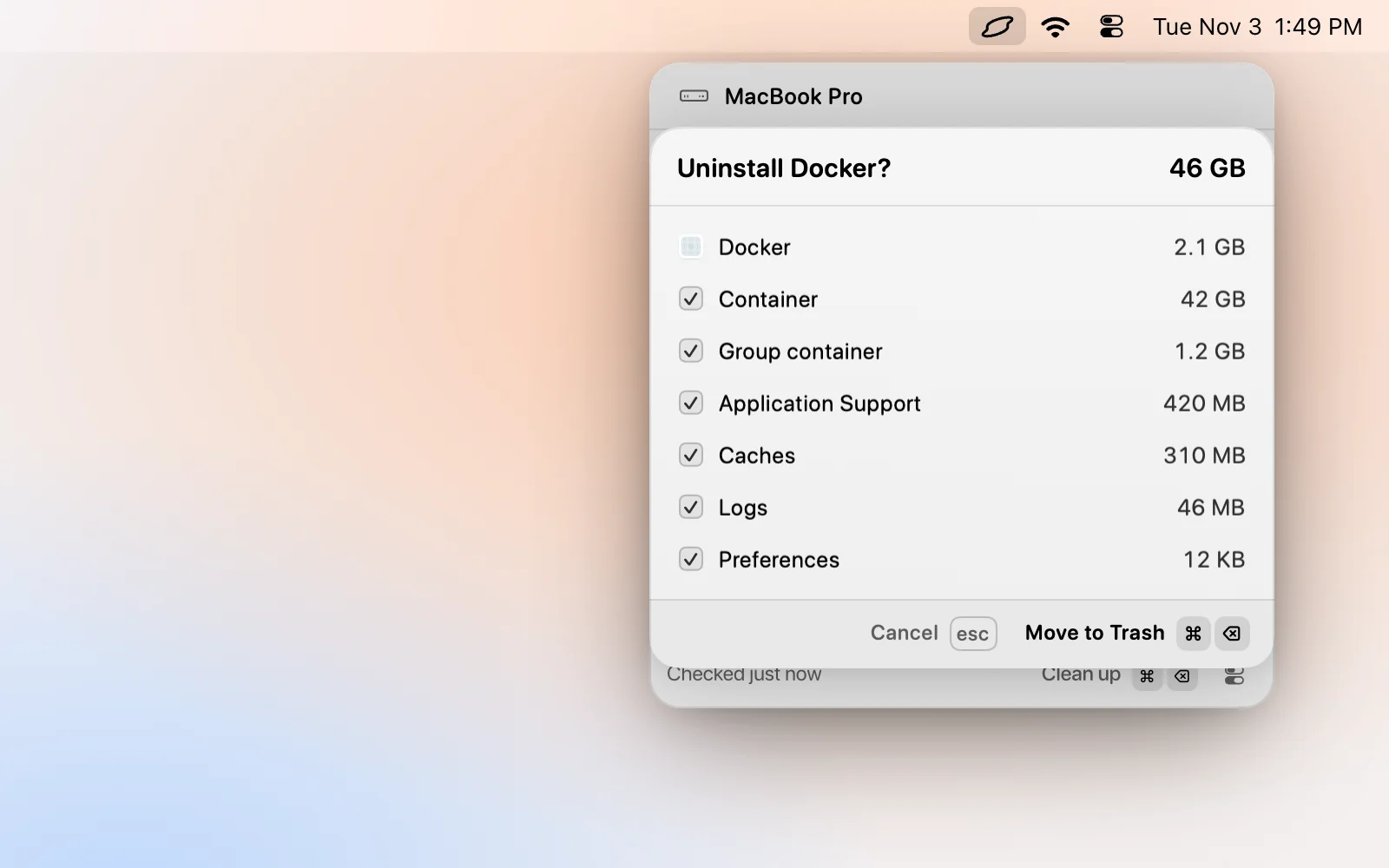
Levo’s Ready to free list already groups Xcode’s build data, simulators and device support, with a size and a reason on each, so you can clear them without removing Xcode. To remove the app, press ⌘K and type “uninstall xcode”. The confirm step lists Xcode and its leftovers, such as Application Support, caches and preferences, with sizes, and you untick what to keep.
Levo won’t touch simulators that are booted or a build that’s running, and it checks every item again right before deleting. Your agent reads and suggests; Levo removes. Simulator runtimes and /Library/Developer are macOS territory, so use xcrun simctl for those. See Levo for Xcode developers and Uninstall apps and their leftovers. Uninstalls go to the Trash, and Put back in ⌘K restores the app with its leftovers for a day.
FAQ
How much space does uninstalling Xcode free?
The app is about 10 to 15 GB. With DerivedData, simulators, device support and runtimes, developers often get back 30 to 100 GB or more.
Is it safe to delete ~/Library/Developer?
Mostly. DerivedData, DeviceSupport and CoreSimulator are rebuilt on demand. Keep Archives if you need dSYMs for released builds, and UserData if you want your snippets and key bindings.
Will uninstalling Xcode remove my signing certificates?
No. Certificates and private keys are in Keychain Access, not in Xcode. Provisioning profiles in ~/Library/MobileDevice are re-downloaded when you sign in again.
Do I need the command line tools if I remove Xcode?
Only if something uses git, clang or make. Homebrew needs them. They’re separate from Xcode, and xcode-select --install puts them back in a few minutes.