
Levo guides · Developers: everything else
How to delete Android emulators and SDK system images
In Android Studio, open Device Manager and delete the emulators you don’t use, then remove old system images in SDK Manager. Each emulator and each system image is a few GB, and you can always create or download them again.
| What | Where | Safe to delete? |
|---|---|---|
| Emulators (AVDs) | ~/.android/avd/*.avd | Yes, and recreate in Device Manager |
| System images | ~/Library/Android/sdk/system-images | Yes, download again in SDK Manager |
| Emulator snapshots | ~/.android/avd/<name>.avd/snapshots | Yes, the emulator cold boots next time |
| Old platforms and build tools | ~/Library/Android/sdk/platforms, build-tools | Yes, if no project targets them |
| ADB key and debug keystore | ~/.android/adbkey, debug.keystore | Keep |
Where the space goes
du -sh ~/.android/avd/*.avd
du -sh ~/Library/Android/sdk/system-images/*/*/*
du -sh ~/Library/Android/sdk/* | sort -h
An emulator (AVD) is a folder in ~/.android/avd holding its disk images: userdata-qemu.img, sdcard.img and any saved snapshots. Each grows as you install apps and take snapshots, often to 5 to 10 GB. The system image it boots from is separate, in the SDK folder, and one image is usually 1 to 2 GB or more. Every API level, every Google APIs or Play Store variant and every architecture is a different image.
How to delete emulators
- In Android Studio, choose Tools › Device Manager.
- Open the menu on a device and choose Delete. Do this for every emulator you don’t use.
- To keep an emulator but shrink it, choose Wipe Data, and delete its snapshots from the device’s folder.
Without Android Studio, use the command line tools.
~/Library/Android/sdk/cmdline-tools/latest/bin/avdmanager list avd
~/Library/Android/sdk/cmdline-tools/latest/bin/avdmanager delete avd -n Pixel_8_API_34
If you delete the folder by hand, remove both Name.avd and Name.ini in ~/.android/avd, or Device Manager shows a broken entry.
How to delete system images
- Choose Settings › Languages & Frameworks › Android SDK, then the SDK Platforms tab.
- Tick Show Package Details, and untick the system images you don’t need, such as old API levels or the Play Store image when you use the plain one.
- Click Apply. Android Studio removes them.
sdkmanager --list_installed
sdkmanager --uninstall "system-images;android-34;google_apis;arm64-v8a"
Apple silicon Macs need arm64-v8a images. If you still have x86_64 ones from an old Intel Mac, they’re dead weight.
Don’t remove a system image while an emulator that uses it still exists: the emulator won’t boot until you reinstall the image. Delete the emulator first, then the image. Also leave ~/.android/adbkey and debug.keystore alone. Deleting them makes your devices ask to authorise your Mac again and changes your debug signature.
Related space
Android Studio and Gradle keep their own folders too. See How to clear Gradle caches on a Mac and JetBrains IDEs: delete caches, logs and old versions. If you’re removing Android Studio altogether, How to uninstall Android Studio on a Mac completely covers the SDK and emulator folders.
How Levo does it
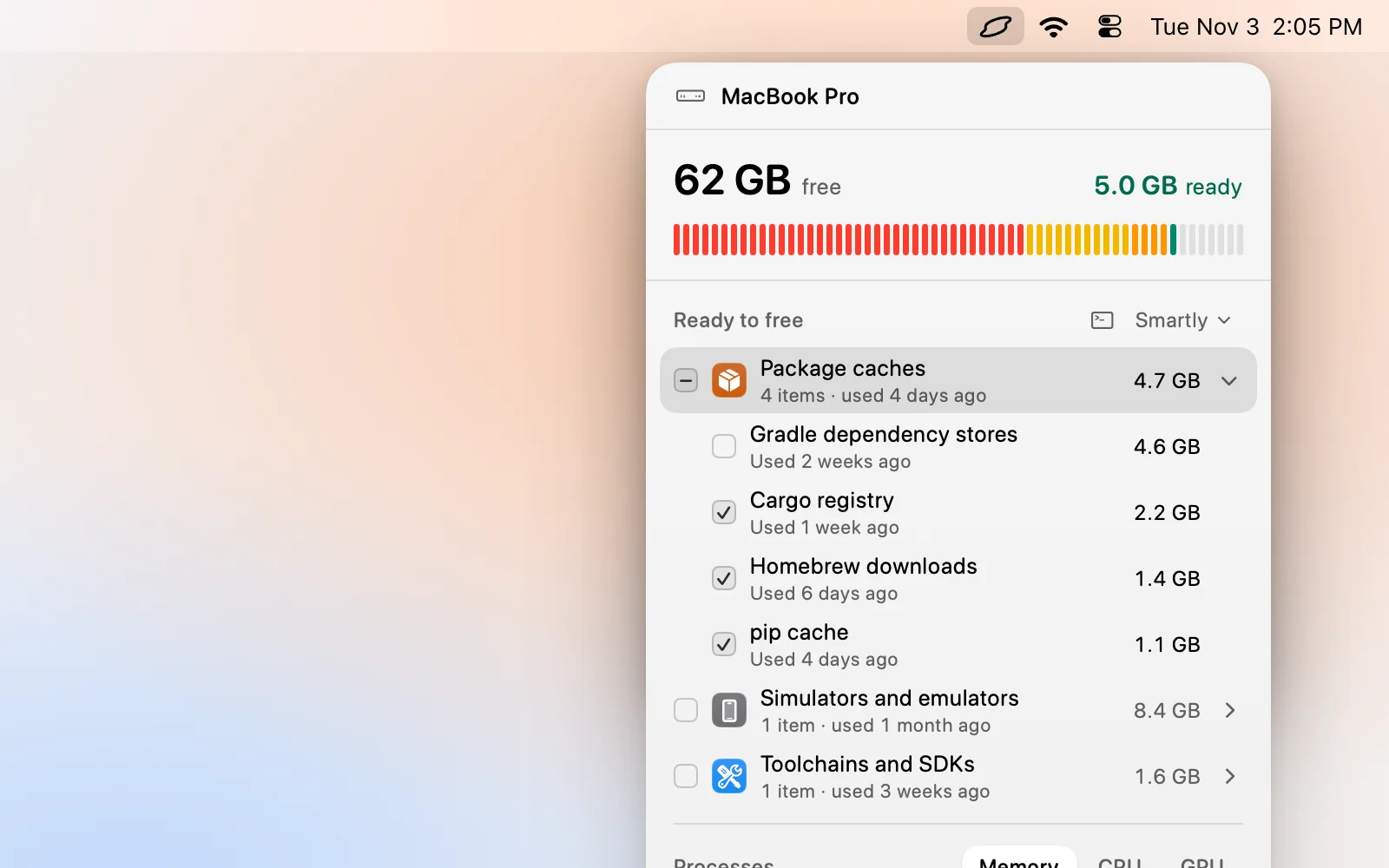
Levo’s live index covers ~/.android and the SDK folder, so emulators and system images show up in Ready to free with their sizes and when they were last used. The old ones that haven’t booted in months stand out.
Your own agent looks at each one and says what it is and whether it comes back. Levo lists emulators and system images but doesn’t tick them for you if the agent thinks they might be in use. You tick what goes, and Levo does the deleting after checking each item again. Your ADB key and debug keystore are credential files, which Levo never touches. See Levo for Android developers and how Levo decides what’s safe.
FAQ
How much space does an Android emulator take?
Usually 5 to 10 GB each once you’ve installed apps and saved snapshots, plus 1 to 2 GB or more for the system image it boots from. Several API levels add up fast.
Is it safe to delete the .android folder?
Not all of it. The avd folder is safe to prune, but adbkey and debug.keystore should stay, or your devices ask to authorise your Mac again and your debug signature changes.
How do I delete an emulator from the command line?
Run avdmanager list avd to see the names, then avdmanager delete avd -n followed by the name. It removes the avd folder and the ini file together.
Can I get a system image back after deleting it?
Yes. Open SDK Manager in Android Studio, or run sdkmanager with the image’s package name, and it downloads again.