
Levo guides · Disk space
How to clear Slack, Discord, Teams and Spotify caches on a Mac
Quit the app, then clear its cache: Spotify has a Clear cache button, and for Slack, Discord and Teams you empty a few cache folders. You lose nothing you’d miss. The app re-downloads images, avatars and emoji the next time it needs them, and you stay signed in.
These apps are built on Chromium or Electron, so they behave like small browsers and fill the disk the same way.
| App | Cache folders | Typical size |
|---|---|---|
| Slack | ~/Library/Application Support/Slack/Cache, Code Cache, GPUCache, Service Worker/CacheStorage | Hundreds of MB to a few GB |
| Discord | ~/Library/Application Support/discord/Cache, Code Cache, GPUCache | Hundreds of MB to a few GB |
| Microsoft Teams | ~/Library/Containers/com.microsoft.teams2/Data/Library/Caches and the app’s Application Support folder for the new Teams | Hundreds of MB to a few GB |
| Spotify | ~/Library/Caches/com.spotify.client | 1 GB by default, can be set higher |
Why chat apps get so big
Every image, GIF, thumbnail, avatar and attachment preview you scroll past is saved so the app doesn’t fetch it twice. Slack and Teams add compiled code and offline copies of channels, and Discord keeps media from servers you’re in. Years of that on a busy workspace is real space. Spotify’s streaming cache is bounded by a setting, but its offline downloads are a separate pile.
Check the sizes first
du -sh ~/Library/Application\ Support/Slack \
       ~/Library/Application\ Support/discord \
       ~/Library/Containers/com.microsoft.teams2 \
       ~/Library/Caches/com.spotify.client 2>/dev/null
Slack from the Mac App Store is sandboxed, so its folders sit under ~/Library/Containers/com.tinyspeck.slackmacgap instead. If a path doesn’t exist, that variant isn’t installed.
Spotify
- Open Spotify › Settings and scroll to Storage.
- Click Clear cache.
- While you’re there, lower the cache limit if it’s set high.
The streaming cache goes. Songs you’ve downloaded for offline use stay, because that’s a separate store. If you also want those gone, remove the downloads from the playlists or the Storage panel, and expect to download them again.
Slack and Discord
- Quit the app completely (⌘Q, then check the menu bar).
- In Finder, press ⇧⌘G and open the app’s Application Support folder from the table.
- Move
Cache,Code CacheandGPUCacheto the Trash. For Slack, alsoService Worker/CacheStorage. - Empty the Trash and relaunch. The first start is slower while it rebuilds.
Leave the rest of that folder alone. Files such as Local Storage, IndexedDB, Cookies and settings.json hold your login and preferences. Delete those and you’ll sign in again.
Slack also has a built-in reset that avoids folder work: in the app, open the Help menu and choose Troubleshooting › Clear Cache and Restart. Discord has no equivalent button, so folders it is.
Microsoft Teams
The current Teams keeps its cache inside its container. Quit Teams, open the container path from the table, and delete the contents of Caches. If Teams shows odd behavior after, that’s the reason to clear the cache in the first place, and it usually fixes it. The older Teams, if you still have it, used ~/Library/Application Support/Microsoft/Teams.
What you lose
- Cached images and attachments: re-downloaded when you scroll to them.
- Offline channel copies: the app syncs them again on start.
- Nothing else. Messages live on the servers, not in the cache.
If an app asks you to sign in again, you went one folder too far. That’s annoying, not harmful.
How Levo does it
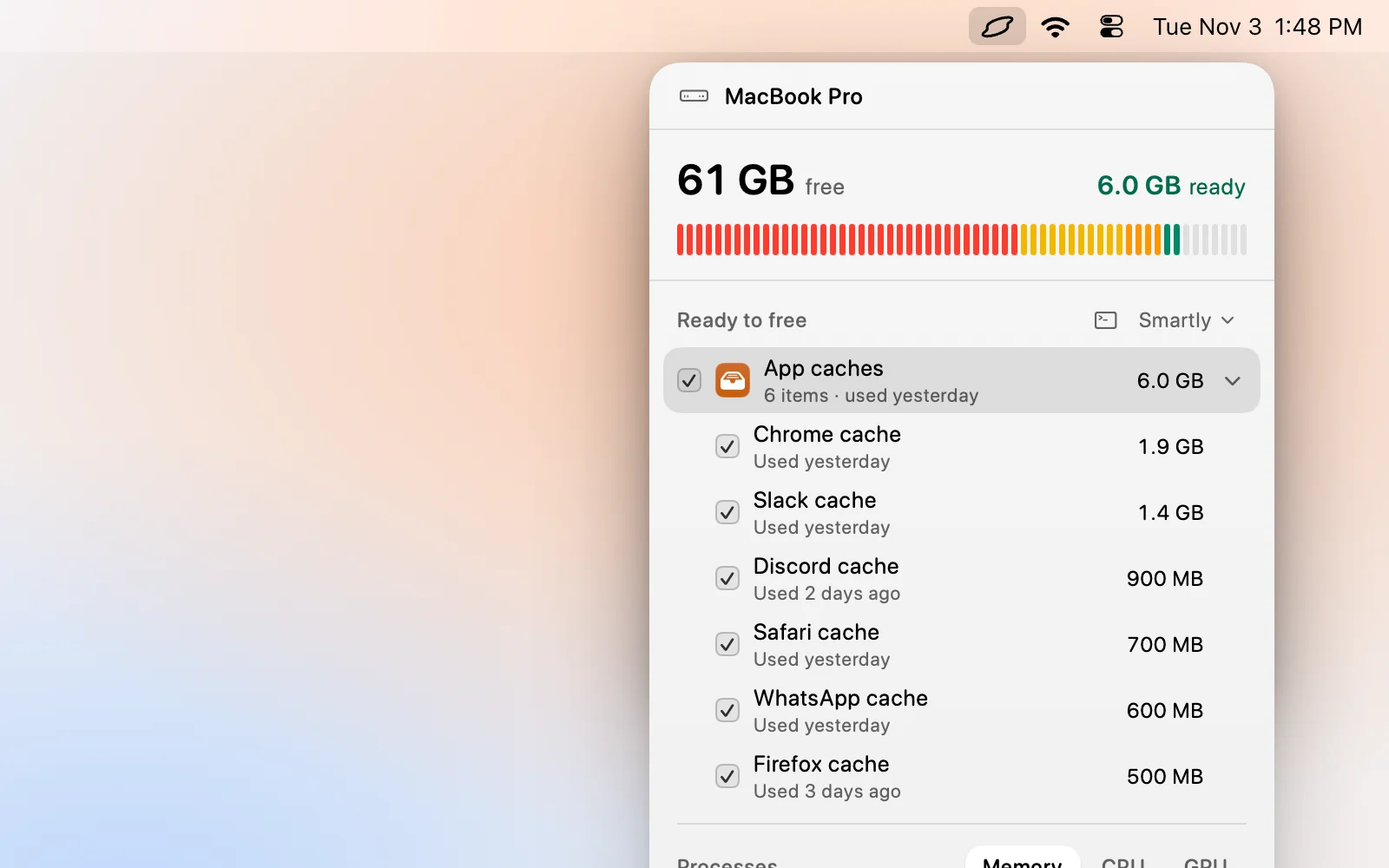
Levo shows what these apps cache as part of Ready to free, each item with a size and a reason, and Levo’s own rules and your agent’s judgement decide what’s safe. You tick the ones to go, then Clean up.
An app that’s open is never cleaned. Quit Slack, Discord, Teams or Spotify and Levo can include their caches on the next look. Folders that hold your login or settings aren’t cache, so they aren’t on the list. When a cache misbehaves, Move to Trash keeps a way back through Put back. With Auto mode, off by default, cleaning can happen for you when free space drops below your limit, in the kinds you choose.
FAQ
Will I be signed out if I clear the Slack or Discord cache?
No, as long as you delete only the Cache, Code Cache, GPUCache and CacheStorage folders. Local Storage, IndexedDB and Cookies hold your login, so leave them.
Does clearing the Spotify cache delete my downloaded songs?
No. Clear cache removes the streaming cache. Offline downloads are a separate store and stay until you remove them.
Do I lose messages when I clear a chat app’s cache?
No. Messages are stored on the service’s servers. The cache holds images, previews and compiled code that the app fetches again.
Why do these apps use so much space?
They’re Chromium-based, so they cache media, code and offline data like a browser. The cache grows with the workspaces and servers you’re in.