
Levo guides · Developers: Apple
How to delete old iOS simulators and runtimes
There are two things to delete: simulator devices, which hold your test apps and data, and runtimes, the iOS images behind them. Runtimes are the big ones at 5 to 10 GB each. Remove unused ones in Xcode › Settings › Components, or run xcrun simctl delete unavailable for devices whose runtime is gone.
| What | Where | Safe to delete? |
|---|---|---|
| Simulator devices | ~/Library/Developer/CoreSimulator/Devices | Yes, apps and data inside are erased |
| Runtimes (current) | Disk images under /Library/Developer/CoreSimulator | Yes, Xcode re-downloads them |
| Older runtimes | /Library/Developer/CoreSimulator/Profiles/Runtimes | Yes |
| Caches | ~/Library/Developer/CoreSimulator/Caches | Yes, with no simulator booted |
How to do it yourself
- Shut down anything booted:
xcrun simctl shutdown all- Delete devices whose runtime is no longer installed. This is the safe one:
xcrun simctl delete unavailable- List the runtimes and delete the ones you don’t build for:
xcrun simctl runtime list
xcrun simctl runtime delete <identifier>- Or use the app: Xcode › Settings › Components, hover the platform you don’t need and choose Delete. Xcode removes the disk image for you.
- To delete one simulated device, run
xcrun simctl list devices, thenxcrun simctl delete <UDID>. To wipe its data and keep the device, usexcrun simctl erase <UDID>.
xcrun simctl delete all deletes every simulator you have, with the data inside. It is rarely what you want. Never delete the runtime folders by hand while a simulator is running: CoreSimulator can get confused and need a restart.
If you keep a few simulators for testing on an older iOS, keep their runtime and delete the rest. Clearing DerivedData next is the other big win. For the whole picture, see why Xcode is so big.
How much you get back
A fresh Xcode install ships with one runtime, and every extra platform is a separate download: iOS, watchOS, tvOS and visionOS each 5 to 10 GB, and the optional ones such as the Metal toolchain add more. Devices themselves are small until you install apps on them, so the runtimes are where the space is.
Old runtimes also survive Xcode updates. Xcode keeps the older iOS runtime your simulators were using, so after a few years you can have six iOS versions. List them with xcrun simctl runtime list, and keep the minimum iOS version your app supports plus the latest.
If Xcode shows a simulator as unavailable, it points at a runtime that is gone. Those are what delete unavailable removes, and it is the one command here with almost no downside. If the simulators list looks broken after removing runtimes, quit Xcode and Simulator, then run xcrun simctl shutdown all and open Xcode again. Deleting runtime folders by hand under /Library is what causes most of the odd states, so don’t.
How Levo does it
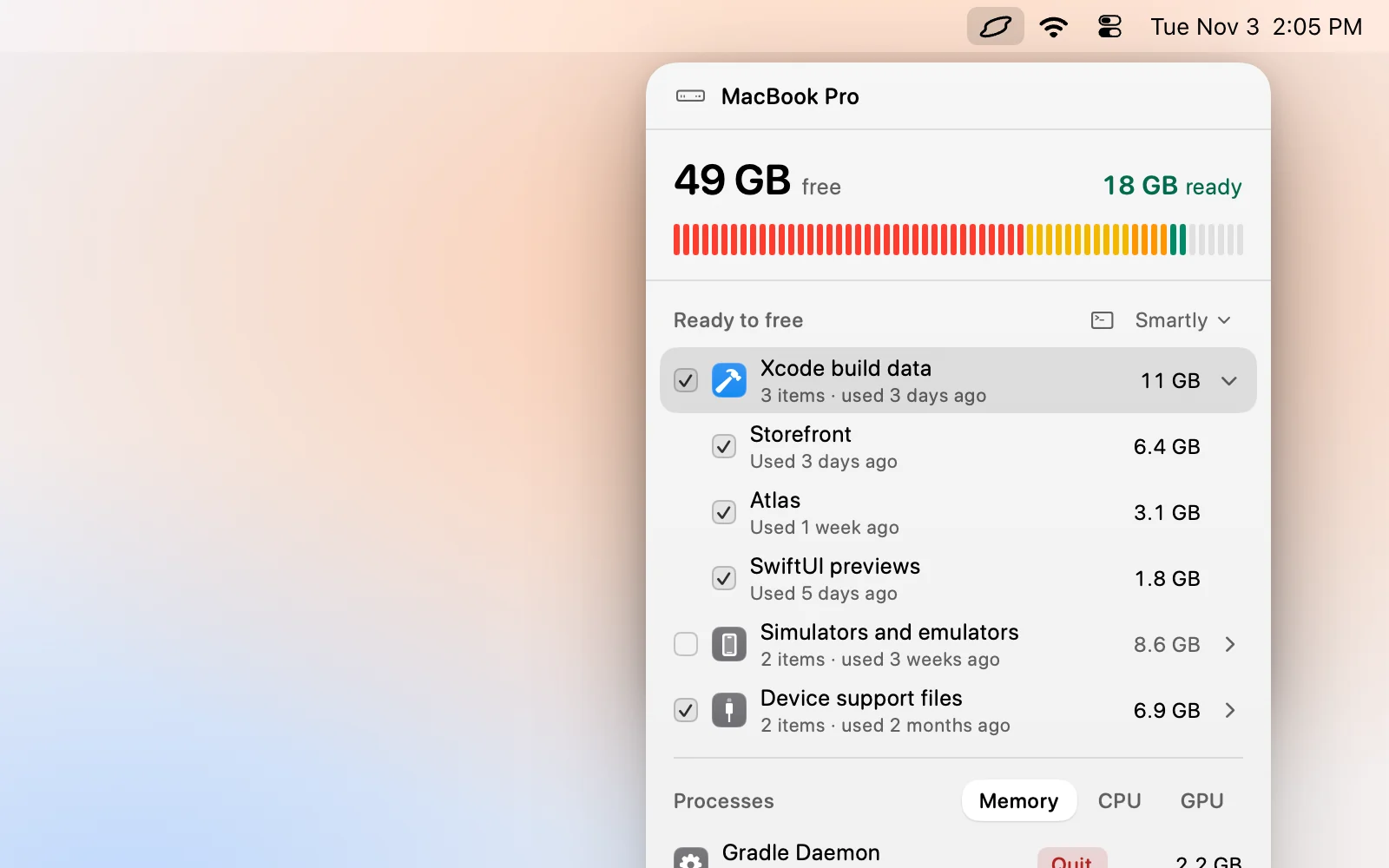
Levo lists Simulators and the downloaded system images as their own group, with the size of each and a note when it was last booted. Simulators you no longer use are ticked by Select › Smartly at the levels that allow it. A booted simulator is locked until you shut it down. Routines run cleanups on a schedule you set, such as “every Sunday, clean simulators unused for a week”, with each one checked again right before it goes.
Levo removes simulators with Xcode’s own simctl, not by deleting folders. See Levo for iOS and Mac developers.
FAQ
How do I delete all unused iOS simulators?
Run xcrun simctl shutdown all, then xcrun simctl delete unavailable. That removes simulators whose runtime is no longer installed.
How do I delete a simulator runtime?
Open Xcode, then Settings, then Components, and delete the platform. From Terminal, list them with xcrun simctl runtime list and delete one by its identifier.
Will I lose my app data if I delete a simulator?
Yes. Apps and data inside that simulator device are erased. The runtime can be downloaded again, but the data cannot.
Why is CoreSimulator so big?
Each simulator device holds its own copy of installed apps and data, and each runtime is a multi-gigabyte image. Years of Xcode updates leave many of both.