
Levo guides · AI models and coding agents
How much storage does Apple Intelligence take on a Mac?
In macOS 27, Apple says Apple Intelligence needs up to 14 GB on a Mac with M3 or later and at least 12 GB of memory, and up to 8 GB on other Macs that can run it. For a while during and after a macOS update, it can take more.
| Mac | Storage for Apple Intelligence |
|---|---|
| M3 or later, with at least 12 GB of memory | Up to 14 GB |
| Other Macs that can run it (M1 or later, and MacBook Neo) | Up to 8 GB |
| During and shortly after a macOS update | Can be more for a while |
Which figure is yours
- Choose Apple menu › About This Mac.
- Read the Chip and Memory lines.
- M3 or later with 12 GB or more: plan for up to 14 GB. Any other Mac with M1 or later, or a MacBook Neo: up to 8 GB.
Apple Intelligence also needs the Mac’s language and Siri’s language set to the same supported language. On Macs that can run it, it comes with macOS: there’s nothing separate to install.
Why it grows after an update
Apple Intelligence works with models stored on your Mac. When macOS updates, new models download before the older ones are removed, so for a short time both are on the disk. Apple says the space it uses may go above the figures in the table during and shortly after an update, then settle again.
If your disk is already close to full, that is when you’ll feel it. Free some space before you update, not after.
Make room for it
- Open System Settings › General › Storage to see what fills the disk, by category.
- Empty the Trash. Files in it still take space until you do.
- Clear what comes back on its own: caches, old installers and downloads you no longer need. See How to clear cache on a Mac.
- Find the big files you forgot about. See How to find large files on a Mac.
- If System Data is the biggest category, read How to clear System Data on a Mac before you delete anything.
Apple also suggests starting up in safe mode when you need space for a task such as a macOS update: it clears certain system caches, which macOS builds again as needed. Restart normally afterwards.
Don’t go looking for Apple Intelligence’s files to delete them by hand. They’re part of macOS, and macOS manages them.
Can you turn it off to free the space?
Apple’s support pages explain how to turn off Apple Intelligence features and restrict them in Screen Time, but they don’t say that turning them off gives the storage back. If space is the problem, start with what comes back on its own, above.
Use Apple Intelligence to clean up, in Levo
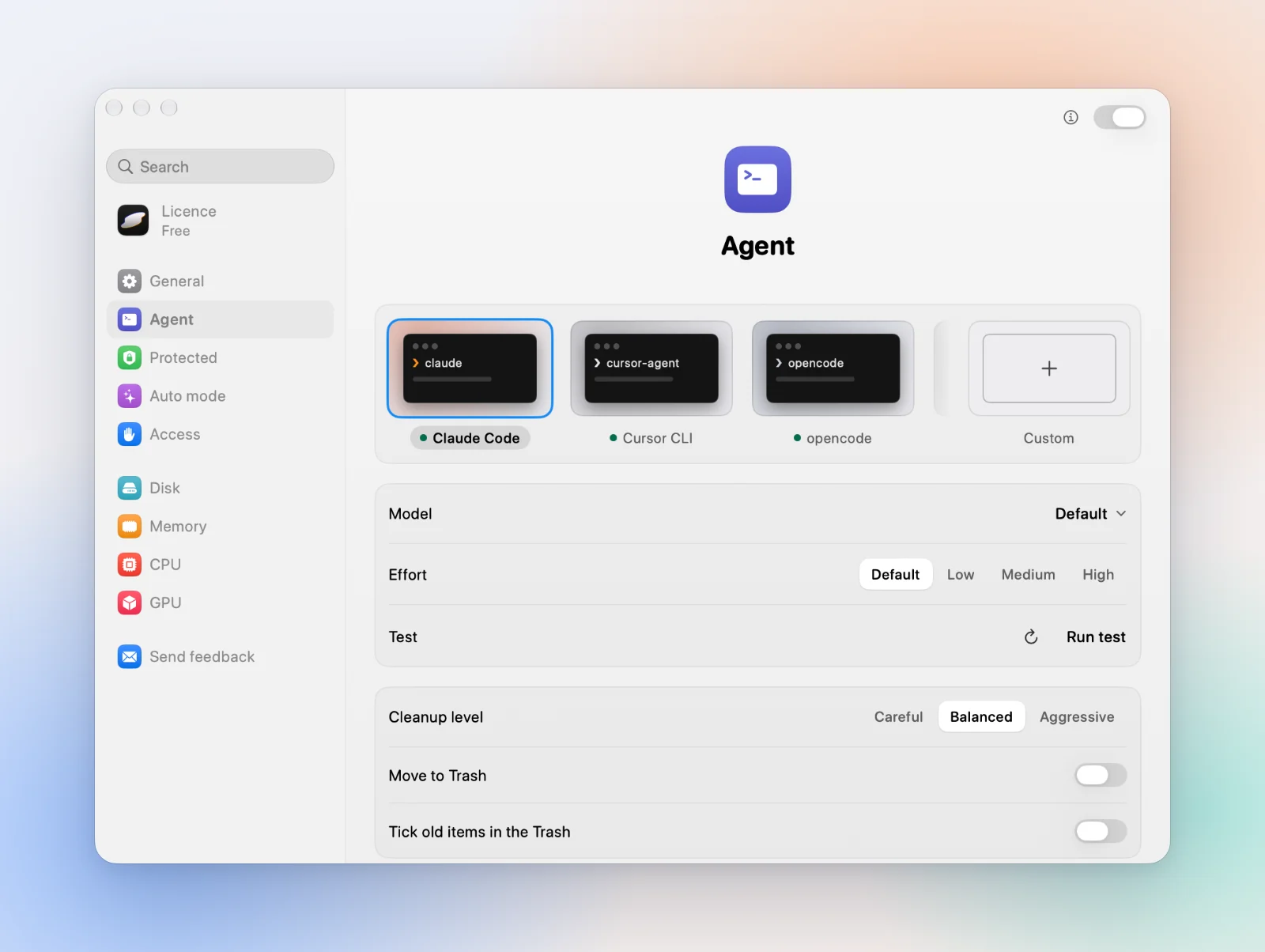
Levo is a menubar app that watches your disk, memory, CPU and GPU, and lists what can go, grouped by kind, each with a size and a reason. An AI agent judges each item, and on a Mac that can run Apple Intelligence, that agent can be Apple Intelligence: pick it in Settings › Agent. There’s nothing to install and no sign-in, and it runs on your Mac, so nothing it reads is sent anywhere.
Levo gathers each item’s facts itself, such as its size, age, contents and the app it belongs to, and Apple Intelligence answers what it is and whether to remove it, review it or keep it. Levo checks every answer: a remove without evidence goes to Review, and photos, videos, documents and git projects never go. Select › Smartly ticks what’s safe at your cleanup level, you untick anything you want to keep, and Clean up does the rest.
It’s careful, so expect more items in Review than with a command-line agent such as Claude Code or Codex, which stay the choice for the most thorough answers. Levo leaves macOS’s own files to macOS, so it won’t remove Apple Intelligence itself. See Use Apple Intelligence as Levo’s agent.
FAQ
How much storage does Apple Intelligence need on a Mac?
Up to 14 GB on a Mac with M3 or later and at least 12 GB of memory, and up to 8 GB on other Macs that can run it, according to Apple.
Why does Apple Intelligence take more space after an update?
New models download during and shortly after a software update, before the older ones are removed, so for a while it can use more than its usual figure.
Which Macs can run Apple Intelligence?
A Mac with M1 or later, or a MacBook Neo, with the Mac’s language and Siri’s language set to the same supported language.
Can Levo use Apple Intelligence to free up space?
Yes. On a Mac that can run it, pick Apple Intelligence in Levo’s Settings › Agent. It judges what Levo found, on your Mac, and Levo does the deleting after you confirm.
Will Levo delete Apple Intelligence?
No. Apple Intelligence is part of macOS, and Levo leaves macOS’s own files to macOS.