
Levo guides · What's that process?
fseventsd high CPU on a Mac
fseventsd is the daemon that tells apps when files change, so Finder, Spotlight, Time Machine and your editor don't have to poll. It gets busy when something is changing files very fast. It's rarely the real culprit: find the app that is writing.
What it does
Whenever a file is created, renamed or deleted, the kernel reports it, and fseventsd records it in a log (kept in a hidden /.fseventsd folder on each volume) and passes it to any app that asked. Finder refreshes a window, an editor reloads a file, Spotlight reindexes, Time Machine notes what to back up.
So when fseventsd is high, the Mac is seeing a flood of file events. The daemon is a witness, not the cause.
| Source of the flood | Example | Fix |
|---|---|---|
| Package installs and builds | npm install, Gradle, Xcode, Cargo | Wait, or quit the build |
| A watcher on a huge tree | A dev server or test watcher watching node_modules | Ignore that folder in the tool |
| Git operations | Checkout of a big branch, a rebase | Wait |
| A sync app | Dropbox, Drive or OneDrive rewriting files | Pause it, move code out |
| An app that writes logs or temp files nonstop | Crash loop, a debug log | Quit it and look at its log |
| Backup or an antivirus scan | Time Machine, a security tool | Let it finish, or schedule it |
How to find the writer yourself
- In Activity Monitor, switch to the Disk tab and sort by Bytes Written. The app at the top is your suspect.
- For file-level detail, watch which processes touch the filesystem the most (stop it with ⌃C):
sudo fs_usage -w -f filesys | head -60 - Check dev tools. Most watchers have an ignore list: set
node_modules,dist,.gitand build folders in it. Vite, webpack, Jest and watchman all do. - Quit dev servers and watchers you aren't using. An idle server watching a repo is a constant low-grade source.
- Move code out of cloud-synced folders. Sync apps double the events: your edit, then the sync's own rewrites.
You may see advice to delete the contents of /.fseventsd. Don't bother: it's a log, it grows back, and the load comes from what's writing.
How to tell it's worth acting
A few seconds of fseventsd at high CPU during an install is normal. If it stays high for minutes with no build running, sort Activity Monitor's Disk tab by writes, then check for a watcher on a big folder. Often it's a test runner or dev server left open from yesterday's work, quietly rescanning thousands of files on every change. Quitting it takes the load away at once.
Should you quit it?
No. If it's killed, launchd restarts it, and apps lose events in the meantime. Stop the writer instead.
Terminal checks for fseventsd
fs_usage shows live file activity, and you can narrow it to one process. The second command counts the largest folders by number of files, which is how you spot a tree with 100,000 small files.
sudo fs_usage -w -f filesys | awk '{print $NF}' | sort | uniq -c | sort -rn | headfind ~/Developer -maxdepth 3 -name node_modules -prune -exec sh -c 'echo $(find "$1" -type f | wc -l) $1' _ {} \; | sort -rn | headThe first command ends with ⌃C, and prints the process names that did the most file operations. The top name is your writer. The second counts the files in your node_modules folders. Each file in there is a potential event, so a repo with 200,000 of them and a watcher on it is a classic cause. Most tools let you exclude it. After you change the ignore list, run the first command again for a minute and see whether the same process names still lead. If a sync app tops the list, the answer is to move the repo out of its folder, not to tune the watcher.
How Levo does it
Levo never quits system processes, and fseventsd is one of macOS's own, so it leaves it alone.
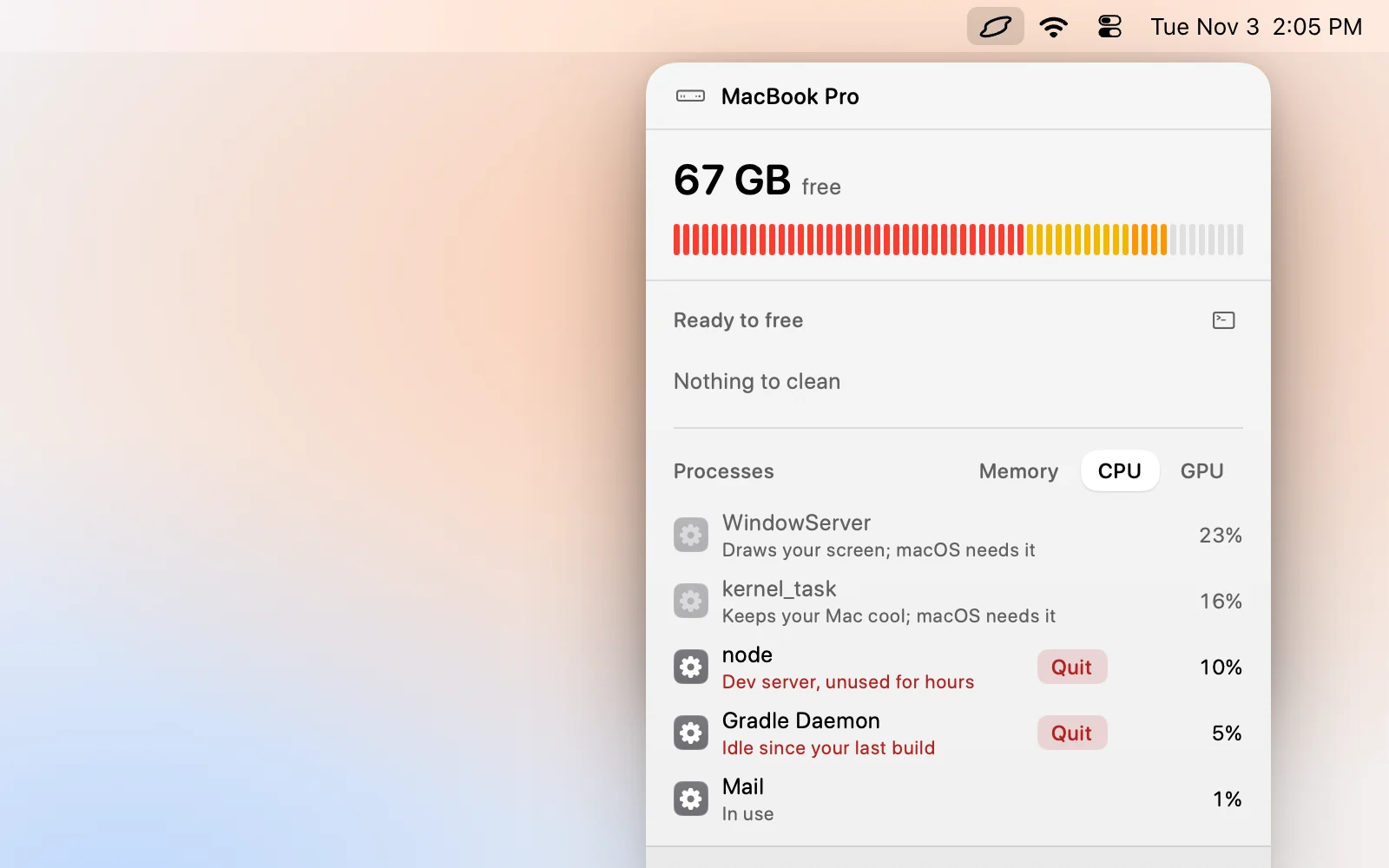
The fix is the app causing it, and that's what Levo's list is built for. A dev server idle for hours, a watcher left running after you closed the project, a Gradle or Kotlin daemon: each is a row with the agent's verdict, such as Gradle daemon idle 3 h, and a Quit button. Quit them, and the events stop. The build folders they leave behind appear in Ready to free, if you want the space.
Our guide to finding them: Idle dev servers and daemons eating memory.
FAQ
What is fseventsd?
It's the macOS daemon that records file changes and tells apps about them. Finder, Spotlight and editors use it.
Why is fseventsd using so much CPU?
Something is changing a very large number of files, such as a build, a package install or a sync app.
Can I stop fseventsd?
You can't usefully. macOS restarts it. Stop or tune the app that is writing files.
Is fseventsd a virus?
No. It's part of macOS. A high number only means there are many file changes.
How do I see which app is generating file events?
Run sudo fs_usage -w -f filesys in Terminal and look at the process names. Stop it with Control-C.
Does fseventsd slow down builds?
Rarely. It is a symptom of a build that changes many files. Faster builds usually mean fewer files, not a quieter daemon.