
Levo guides · Developers: everything else
VS Code and Cursor taking up space
Most of the space is in old extension versions in ~/.vscode/extensions and in workspaceStorage for projects you’ve deleted. Caches and logs are safe to delete too, but keep User/settings.json, your keybindings and snippets.
| What | Where | Safe to delete? |
|---|---|---|
| Caches | ~/Library/Application Support/Code/Cache, CachedData, Code Cache, GPUCache | Yes, rebuilt on launch |
| Logs | ~/Library/Application Support/Code/logs | Yes |
| Downloaded extension packages | …/Code/CachedExtensionVSIXs | Yes |
| Extensions | ~/.vscode/extensions | Old versions yes, the rest through the app |
| Per-project state | …/Code/User/workspaceStorage/<hash> | Yes for projects that are gone, with a catch |
| Settings, keybindings, snippets | …/Code/User | Keep |
Where Cursor and VS Code keep things
Cursor is a fork of VS Code and uses the same layout under its own name. Swap Code for Cursor and .vscode for .cursor.
du -sh ~/Library/Application\ Support/Code/* | sort -h
du -sh ~/Library/Application\ Support/Cursor/* | sort -h
du -sh ~/.vscode/extensions ~/.cursor/extensions
How to clear it yourself
- Quit the editor first. It writes to these folders while it runs.
- Caches and logs. Delete
Cache,CachedData,CachedExtensionVSIXs,Code Cache,GPUCacheandlogs. All of them are rebuilt, and the only cost is a slightly slower first launch. - Extensions. Open the Extensions view and uninstall the ones you don’t use. Updates leave the previous version’s folder behind, so also look for repeats such as
ms-python.python-2025.xin~/.vscode/extensions. Folders listed in.obsoletein that folder are already marked for removal and safe to delete. - Workspace storage. Each project you’ve opened has a hash-named folder in
User/workspaceStoragewith a smallworkspace.jsonnaming the project. Delete the folders whose projects no longer exist.
cd ~/Library/Application\ Support/Code/User/workspaceStorage
for d in */; do echo "$d $(grep -o '"[^"]*"' "$d/workspace.json" | tail -1)"; done
Workspace storage keeps per-project state: open tabs, search history, and in some versions chat history, such as Cursor’s past conversations, and source control state. Deleting the folder for a live project resets that. Delete only folders whose project is gone, or whose history you don’t need.
What to keep
User/settings.json,keybindings.jsonandsnippets. Settings Sync also keeps them in your account, but check before you rely on it.User/globalStorage. Extensions keep their own data there, such as logins and databases. It’s often large because of one extension. Find which, and clear that extension’s data through the extension’s own settings.User/History, if you rely on Timeline to recover local edits. It’s a safety net for unsaved or overwritten files, so only clear it when you’re sure.
Language servers add their own caches. Your project’s node_modules is usually the biggest thing a coding session leaves; see How to find and delete node_modules folders across your Mac. If you also use JetBrains IDEs, the same idea is in JetBrains IDEs: delete caches, logs and old versions.
How Levo does it
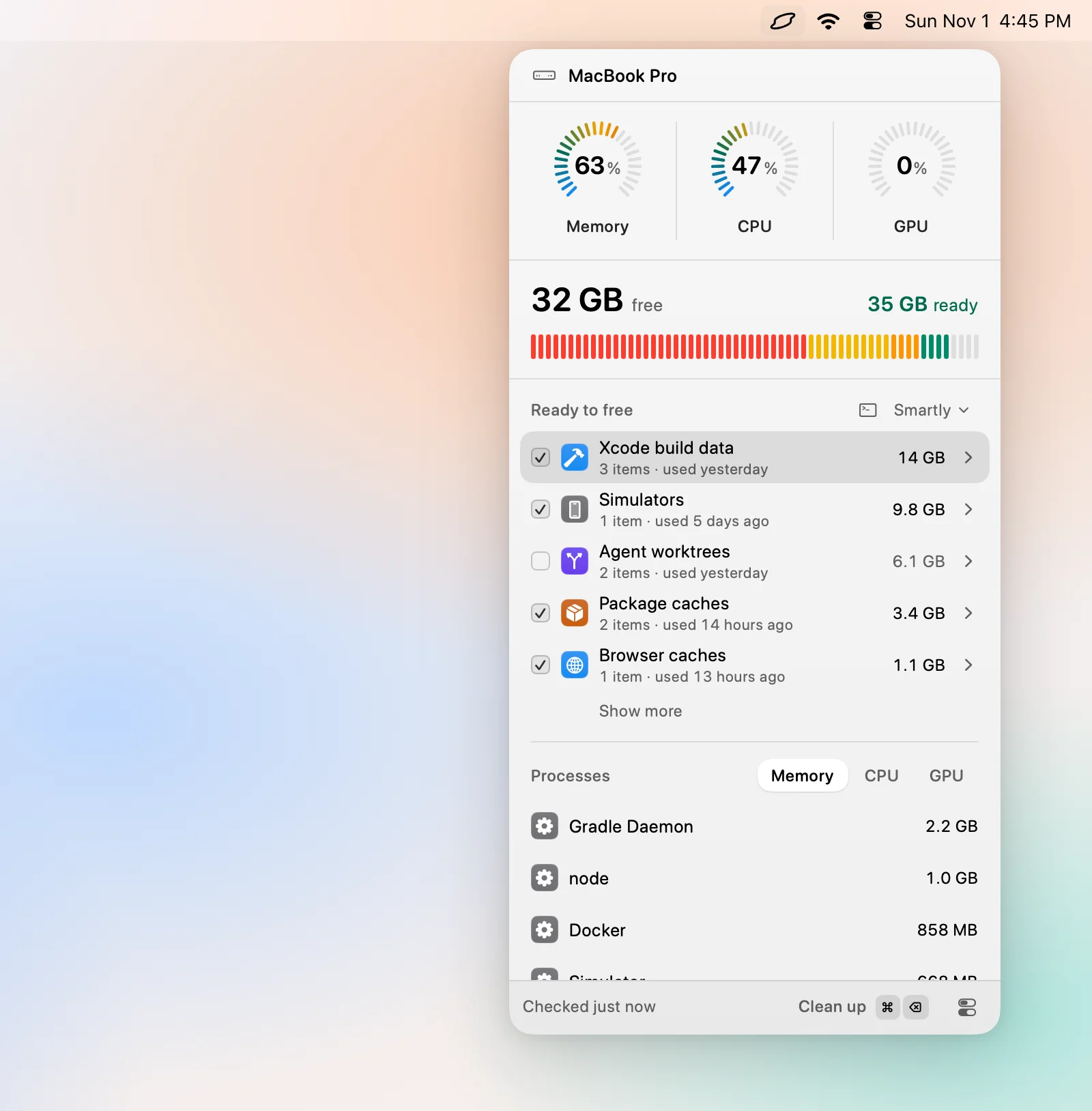
Levo’s live index covers ~/Library/Application Support and your dotfolders, so VS Code’s and Cursor’s caches, old extension versions and workspace storage show up in Ready to free with their sizes and last-used dates.
Your agent judges each item. A cache or a log comes back on its own, so it’s fine. Workspace storage and the settings folder are your state, so Levo doesn’t tick them for you, and anything the editor is using right now is left alone. You tick what goes, and Levo does the deleting. See how Levo decides what’s safe and Levo for web developers.
FAQ
Is it safe to delete VS Code’s Cache and CachedData folders?
Yes. VS Code rebuilds them on launch. Quit the editor first, and expect a slightly slower first start.
What is workspaceStorage in VS Code?
A folder per project you’ve opened, holding that project’s editor state such as open tabs and search history. It’s safe to delete for projects that no longer exist. For live projects, deleting it resets that state.
Why are there several versions of the same extension?
Updates install the new version in a new folder and leave the old one. You can delete the older folders, especially any listed in the .obsolete file in the extensions folder.
Is Cursor different from VS Code for this?
The layout is the same. Cursor uses ~/Library/Application Support/Cursor and ~/.cursor, and the same cache, logs, extensions and workspaceStorage rules apply.