
Levo guides · Memory, CPU and GPU
Swap used on a Mac: what it means and when to worry
Swap used means macOS has moved some memory contents to a file on your SSD to make room in RAM. A few hundred megabytes is normal and harmless. Worry only when Swap Used keeps growing into several gigabytes while the Memory Pressure graph is yellow or red.
| Swap used | Pressure graph | Verdict |
|---|---|---|
| 0 to 1 GB | Green | Normal. Ignore it. |
| A few GB | Green or brief yellow | Fine after heavy work. Check after a restart. |
| Several GB, growing | Yellow or red | You are short of RAM. Quit idle apps. |
| Large, with nothing heavy open | Any | An app is leaking. Find it and restart it. |
What swap is, and where it lives
RAM is fast and limited. When it fills, macOS first compresses memory nobody has used for a while. If that is not enough, it writes the coldest pages to swap files in /private/var/vm and reads them back when needed. The files appear and grow in steps and are cleared by macOS, often on a restart. You do not manage them, and deleting them by hand is both blocked by System Integrity Protection and a bad idea.
Swap shows up in the System Data category in Storage settings. If System Data is large because of swap, the cure is to need less of it, not to delete files.
Does swap wear out the SSD?
This worry is much bigger than the reality. Modern SSDs are rated for hundreds of terabytes of writes, and normal swap traffic is a small fraction of that. A Mac that swaps a little every day will outlive its useful life before the drive wears out. The real cost of heavy swap is speed: reading from SSD is far slower than RAM, so everything feels sluggish.
How to check and reduce swap
- Open Activity Monitor › Memory and read Swap Used at the bottom, next to the pressure graph.
- Sort by Memory and look for the largest apps. Browsers with many tabs, Electron apps, virtual machines and dev tools lead the list.
- Quit idle apps with ⌘Q. Close tabs you will not read again.
- Restart the Mac. Swap is released and the leaks reset. Check Swap Used again a day later.
- If swap climbs every day with the same workload, you need more RAM next time you buy, or a lighter workflow.
sysctl vm.swapusage
ls -lh /private/var/vm
Swap does not shrink the moment you quit apps. macOS keeps what it wrote until it needs the room or you restart, so a high number right after you close things does not mean you failed.
Find out why you are swapping
Swap is a result, so the useful question is what is holding the memory. Three Terminal commands answer it quickly:
vm_stat | grep -E "Pageouts|Swapouts|compressor"
top -o mem -l 2 -n 8 | tail -n 12
ps -Ao pid,rss,etime,comm -m | head -n 10
"Swapouts" counts what has been written to swap since boot. Run vm_stat twice a minute apart while you work: if the number rises quickly, you are swapping right now, and if it stays put, the swap you see is old and harmless.
Common reasons for a lot of swap
- An app that never restarts: browsers, Slack and IDEs can grow over weeks. Quitting and reopening resets them.
- Virtual machines and Docker: they reserve a fixed block of memory whether or not they use it.
- Local AI models: a model stays in memory while it is loaded, even idle.
- Too many background helpers: language servers, dev servers and build daemons left behind by a finished task.
- A nearly full disk: swap has less room to grow, which makes every other problem worse.
Do not turn swap off. On macOS that needs disabling System Integrity Protection and makes the Mac less stable, not faster.
How Levo does it
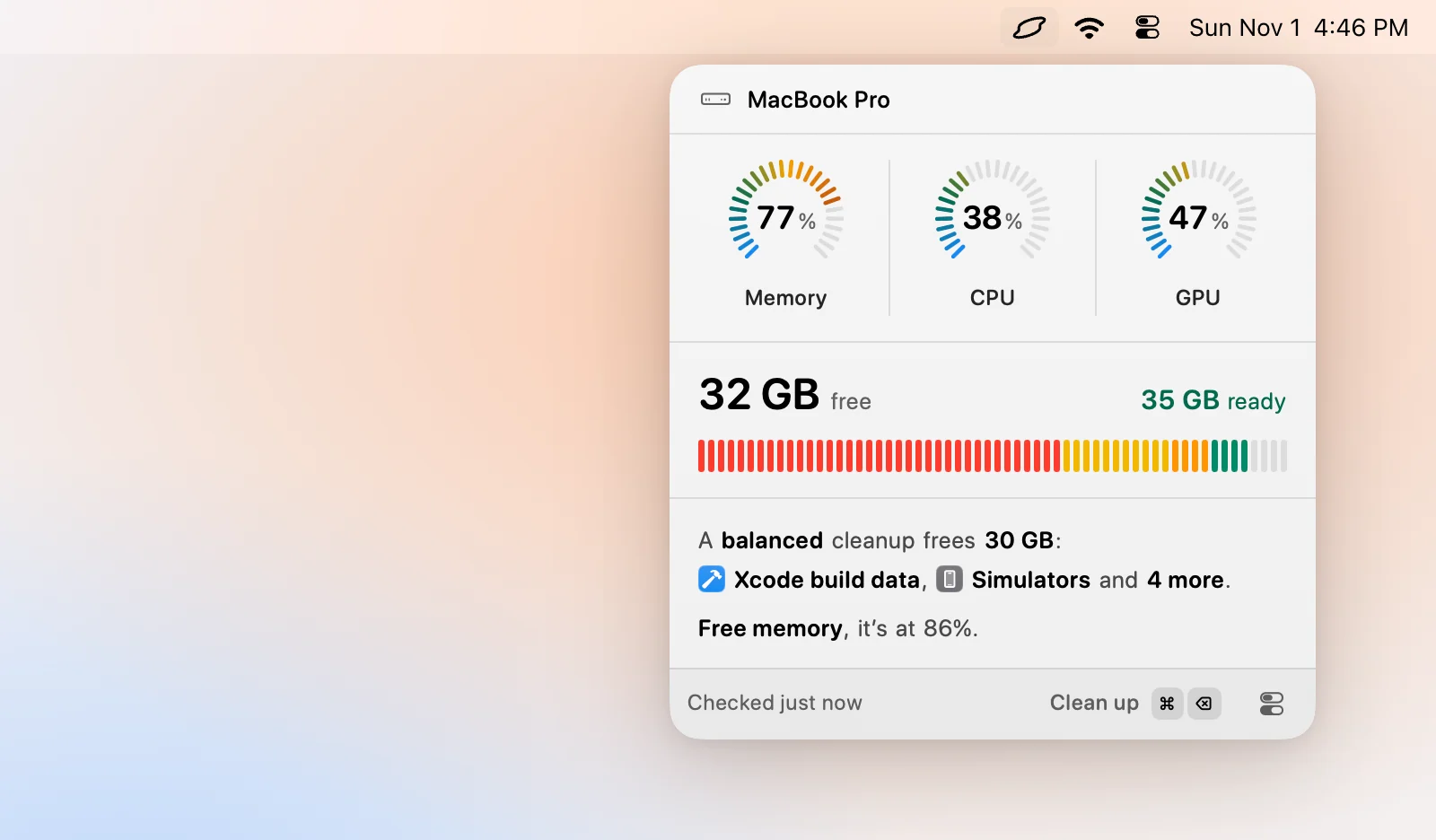
Levo does not touch swap. It leaves swap files, Time Machine snapshots and macOS's own files to macOS, because deleting them by hand risks the system. What it does is tackle the cause: when memory pressure stays high, it shows the processes holding the memory, each with your agent's verdict, so you can quit the idle ones.
Less memory held means less pressure, and macOS releases swap on its own after that. Set the memory limit and its duration in Settings › Memory, CPU and GPU so you hear about it before the Mac slows down. More in the help article.
FAQ
Is swap used bad on a Mac?
No, a little is normal. Heavy and growing swap with a yellow or red memory pressure graph means you are short of RAM.
Can I delete swap files on a Mac?
You should not. They live in /private/var/vm, are protected by the system and are cleared by macOS itself, usually at restart. Reduce the memory demand and let macOS release them.
Does swap damage an SSD?
Not in practice. Modern SSDs handle far more writes than normal swap produces. The real effect of heavy swap is slower performance, not a dead drive.
Why is my swap high with plenty of RAM free?
macOS does not hand swap back until it needs the space or you restart. Old swap from an earlier busy period can sit there while pressure is green. A restart clears it.
How much swap is too much on a Mac?
There is no fixed number. A few gigabytes after heavy work is fine. Worry when swap keeps growing while pressure is yellow or red, or when the Mac feels slow with light work.
Can I turn swap off on a Mac?
No, and you should not try. macOS relies on it to stay stable under load, and switching it off needs system protections disabled.